Best AI Free Tools in 2026 (That Actually Don't Suck)
The free AI tools worth actually using in 2026 are ChatGPT, Perplexity, Canva AI, CapCut, and Gemini — picked specifically because their free tiers are genuinely usable day to day, not a seven-day trial with "free" in the marketing copy. A lot of "free AI tool" lists are just paid tools with a limited trial; this one filters for tools you can keep using at $0 indefinitely.
This guide treats the five as a shortlist across different jobs, not a ranking — they don't compete with each other, since each does something the others don't.
The shortlist
ChatGPT
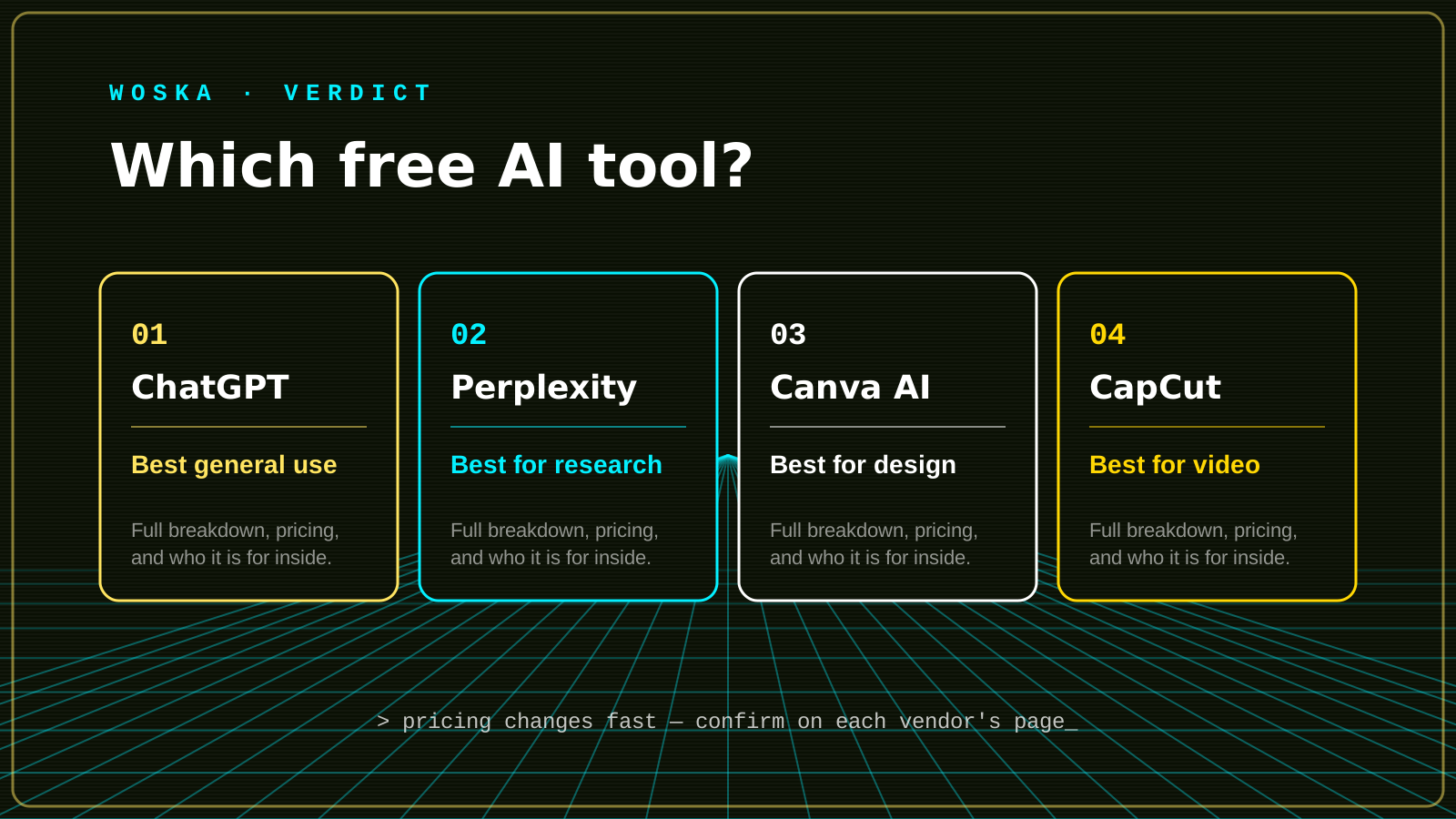
ChatGPT's free tier covers general writing, research, brainstorming, and basic coding help with no time limit — the main constraint is rate limits and access to the newest model versions, not a countdown to a paywall.
Perplexity
Perplexity answers questions with cited sources instead of a flat wall of text, which makes it the better free pick specifically for research where you need to check where an answer came from.
Canva AI
Canva's AI features — background removal, image generation, text-to-design — sit inside an editor most people already know, so there's no new tool to learn just to get free design help.
CapCut
CapCut's free tier includes AI captions, effects, and a full template library, and remains the most widely used video editor for short-form content specifically because so little is locked behind a paywall.
Gemini
Gemini's free tier is tightly integrated into Docs, Gmail, and the rest of Google Workspace, which makes it the practical free pick if your work already lives inside that ecosystem.
Quick comparison
| Tool | Free tier covers | Core job | Best fit |
|---|---|---|---|
| ChatGPT | General use, rate-limited | Writing, research, brainstorming | Everyday general-purpose assistant |
| Perplexity | Full search, rate-limited | Cited web research | Research where sources matter |
| Canva AI | Most design AI features | Image generation & editing | Design inside a familiar editor |
| CapCut | Full editor, most effects | Short-form video editing | Social content creators |
| Gemini | General use, rate-limited | Writing & research in Workspace | Teams already on Google Workspace |
Which one should you use?
Start with ChatGPT or Gemini for general writing and research, depending on which ecosystem you're already in. Add Perplexity the moment you need citations, not just an answer. Reach for Canva AI for design work and CapCut for video — both stay genuinely free for most individual use.
FAQ
Are these free tiers actually sustainable, or will they get cut later? No guarantees, but all five have kept a real free tier for years while monetizing through paid upgrades (higher limits, newer models, team features) rather than by shutting off the free tier entirely — that's a healthier sign than a tool that's free only during a launch promotion.
What's the catch with free AI tools? Usually rate limits, older or slower models, and a nudge toward the paid tier once you use the tool daily. None of these five hide core functionality behind a hard paywall, which is the actual bar for a "good" free tool.
Should I ever pay for one of these instead of staying free? Once a tool becomes part of your daily workflow rather than occasional use, the paid tier's higher limits and better models usually pay for themselves in saved time — that's the point at which it's worth reconsidering.
Related guides
- Cheapest AI Tools That Still Deliver Results in 2026
- How to Choose the Right AI Tool for Your Workflow
- All woska guides
*Ratings and pricing reviewed monthly. Last updated August 2026.*
Bogdex · Founder & editor, woska
Bogdex builds and curates woska, testing AI tools against real workflows to judge which ones actually save time rather than which have the longest feature list.