A wedding invitation needs to feel personal and well-designed, not like a generic template with names swapped in — and that's exactly the gap AI closes, either by picking a strong template and customizing it in minutes, or generating something fully bespoke from scratch. Kittl wins for speed and polish: its vintage-inspired template library is built for exactly this kind of stationery, from $15/month. Adobe Firefly wins for couples who want a genuinely custom illustrated motif — their venue, a shared pet, specific florals — that no template library carries, free to start. Both skip the cost and lead time of hiring a stationer for a first draft.
The two, in one line each
Kittl is a design tool with a strong vintage-inspired template library, well suited to wedding stationery, invitations, and save-the-dates, from $15/month.
Adobe Firefly adds commercially safer image generation and editing for a fully custom illustrated design, free to start.
Where each one actually wins
Kittl wins for the couple who wants something beautiful without designing from a blank page — pick a template that matches the wedding's aesthetic, swap in names, date, and venue details, and export a print-ready invitation in well under an hour, with enough style variety to avoid the generic look of a basic template site. Adobe Firefly wins when nothing in a template library matches what the couple actually wants — a custom illustrated version of their venue, a specific floral arrangement, or an illustration built around a shared detail of their relationship — generating that motif from a text description and then dropping it into a layout tool for the final invitation text and formatting.
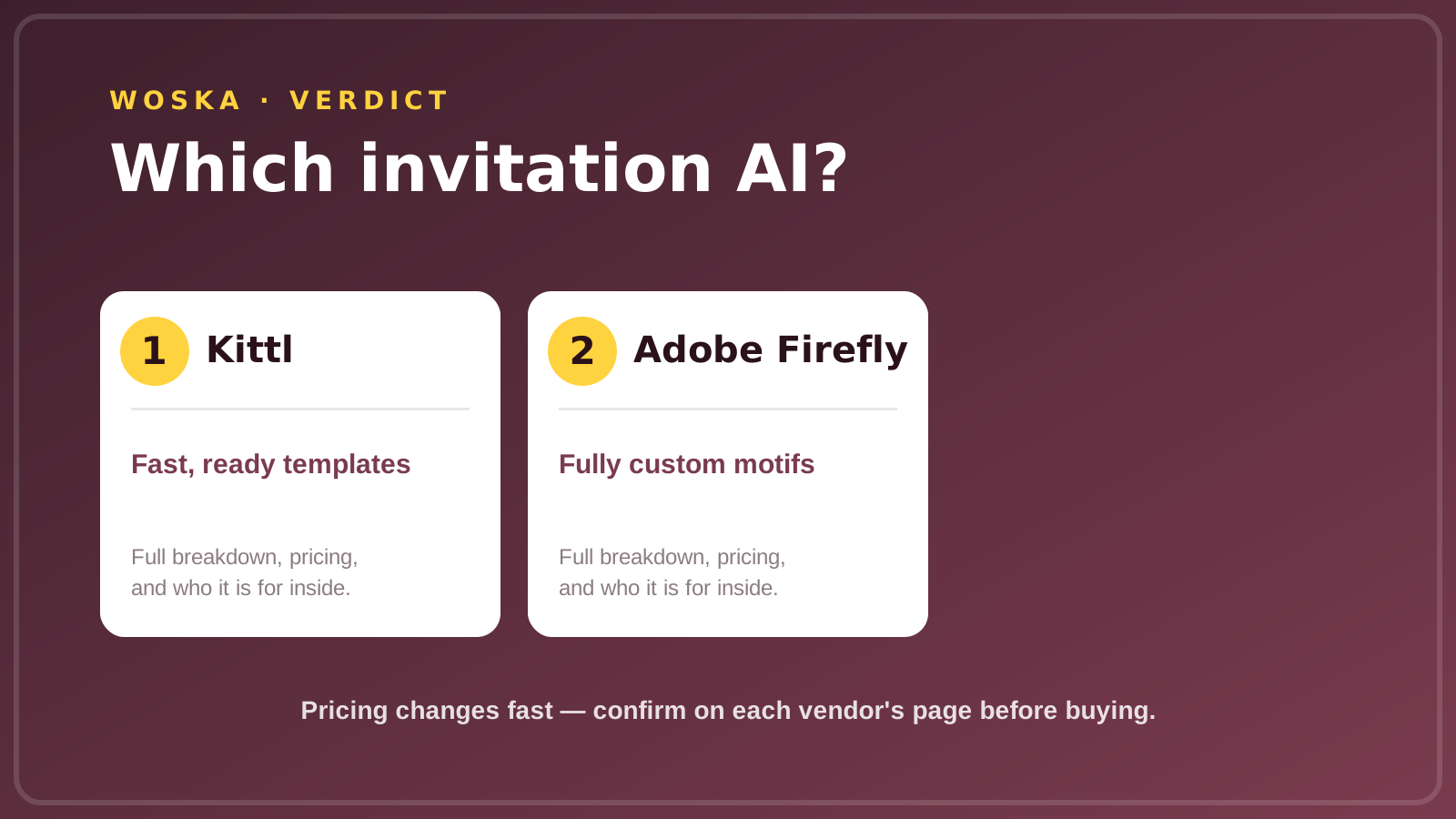
Quick comparison
| Tool | Core strength | Starting price | Best fit |
|---|---|---|---|
| Kittl | Ready-made, editable templates | $15/mo | Fast, polished invitations |
| Adobe Firefly | Fully custom illustrated motifs | Free | A bespoke, one-of-a-kind design |
Which one should you use?
Choose Kittl if you want a beautiful invitation finished quickly from a strong template. Choose Adobe Firefly if you have a specific custom illustration in mind that no template will match, and don't mind combining it with a separate layout step for the final text.
FAQ
Can I match my invitation to my wedding's overall color scheme and theme? Yes — both tools let you adjust colors, fonts, and layout after generating or selecting a base design, so you can align the invitation with your broader wedding palette and stationery suite.
Do these tools also create matching save-the-dates and thank-you cards? Kittl's template library covers most wedding stationery pieces (save-the-dates, programs, thank-you cards) in matching styles; with Adobe Firefly's custom illustration, you'd generate a consistent motif once and reapply it across each piece in a layout tool.
Is it obvious that an invitation was made with AI? Not if you take a normal amount of care with fonts, spacing, and wording — the AI is doing the template or illustration work, but a well-edited final invitation reads as professionally designed rather than AI-generated.
How much does a full invitation suite typically cost with these tools? Kittl's paid tier at $15/month covers unlimited designs during that period, which is dramatically cheaper than a custom stationer for a full suite; Adobe Firefly's free tier covers illustration generation, with layout and printing costs separate.
Related guides
- Best AI Wedding Video Editing Tool in 2026
- Best AI Tool for a Wedding Speech or Toast in 2026
- AI Image Tools Guide 2026
- Explore Image & Design tools
*Ratings and pricing reviewed monthly. Last updated September 2026.*
Bogdex · Founder & editor, woska
Bogdex builds and curates woska, testing AI tools against real workflows to judge which ones actually save time rather than which have the longest feature list.