A wedding videographer's actual editing workload splits into two different jobs — a fast, social-ready highlight reel the couple wants same-day or within a week, and the full ceremony-and-speeches film that takes real editing time. CapCut wins for the first job: fast, free, mobile-friendly editing built for quick-turnaround highlight content. Descript wins for the second: editing hours of raw ceremony and reception footage by deleting words from a transcript instead of scrubbing a timeline manually, which matters enormously once you're cutting down long-form speeches and vows. Most working wedding videographers benefit from both, not one instead of the other.
The two, in one line each
CapCut is free, fast, and mobile-capable editing built for short-form, social-ready output — trending templates, quick transitions, and auto-captioning suited to a same-day highlight reel.
Descript edits video by editing a text transcript — cut a rambling toast down to its best 30 seconds by deleting the surrounding text, with filler-word removal handling the "um"s and "uh"s automatically.
Where each one actually wins
CapCut wins for the highlight reel a couple wants to see and share fast — a 60-90 second cut hitting the best visual moments, edited quickly on the templates and effects built for exactly this kind of short-form delivery, at no cost for most of what a highlight reel needs. Descript wins once you're working with the actual long-form footage — hours of ceremony, toasts, and speeches that need to become a coherent film, where transcript-based editing turns "find and cut the best 2 minutes of a 15-minute toast" into a text-editing task rather than hours of timeline scrubbing, and its filler-word removal cleans up speech patterns that read poorly in a wedding film specifically.
Quick comparison
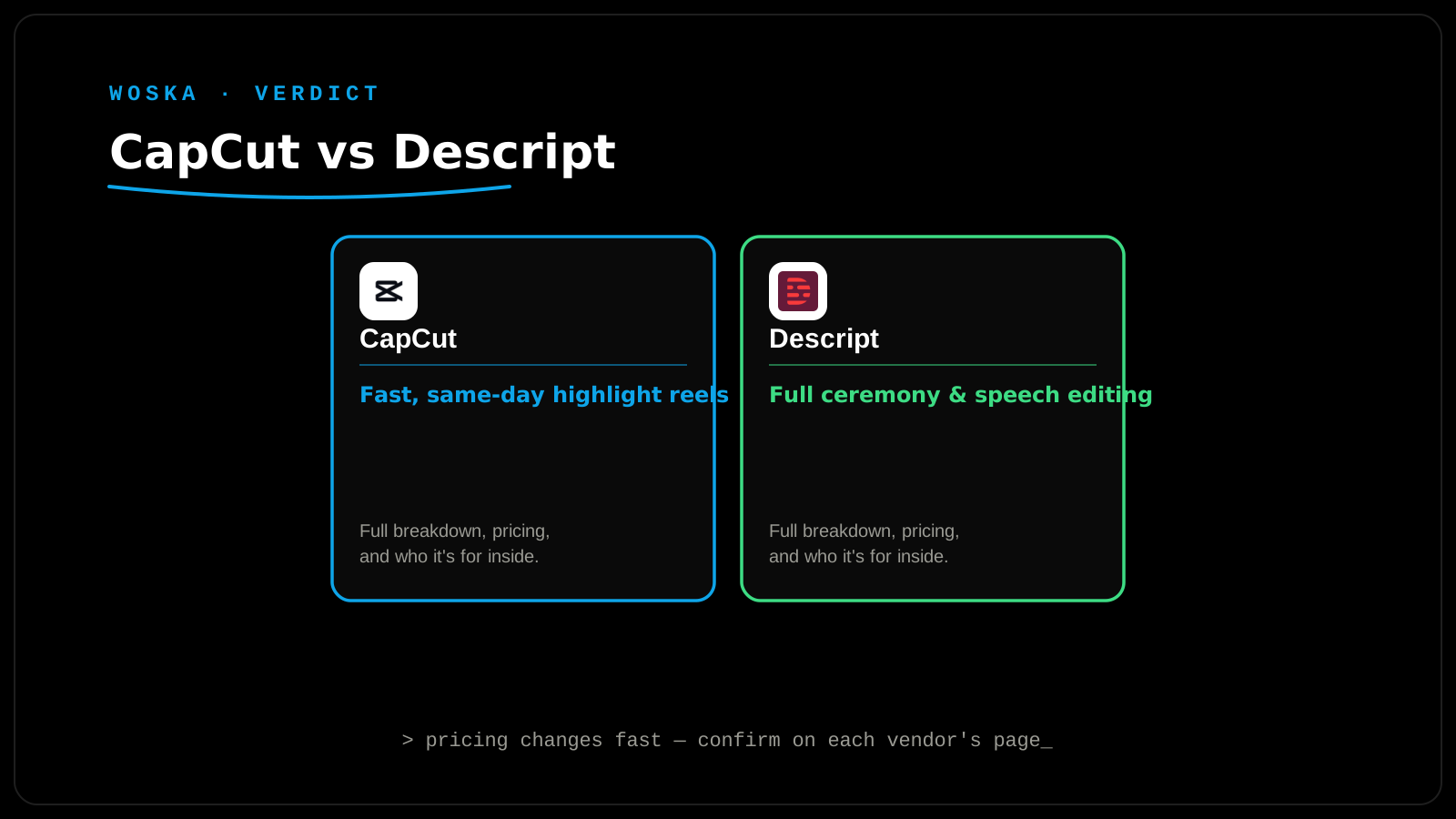
| Tool | Best for | Starting price | Job |
|---|---|---|---|
| CapCut | Fast, social-ready highlight reels | Free (Pro adds more) | Same-day or quick-turnaround content |
| Descript | Full ceremony/speech film editing | $24/mo | Cutting long-form footage by editing text |
Which one should you use?
Use CapCut for the quick highlight reel a couple wants to post and share right away — it's built for exactly this turnaround speed. Use Descript for the full wedding film, where hours of speeches and ceremony footage need real editing, and text-based cutting saves genuine hours versus manual timeline work.
FAQ
Can CapCut handle a full-length wedding film, not just a highlight reel? It can technically handle longer footage, but its strengths (templates, quick effects, mobile editing) are built around short-form content — a full ceremony film benefits more from Descript's transcript-based approach to long-form cutting.
Does Descript's filler-word removal work well on real wedding audio (background noise, outdoor ceremonies)? Accuracy depends on audio quality — cleaner audio (lapel mics, indoor venues) gets more reliable filler-word detection than a noisy outdoor ceremony with ambient wind and chatter; pair it with a noise-reduction pass first for the best results.
Is it worth paying for CapCut Pro for wedding work specifically? If you're delivering client work regularly, Pro's expanded export options and effects are usually worth it; for occasional personal editing, the free tier covers most highlight-reel needs.
How long should a wedding highlight reel actually be? Most successful highlight reels run 60-90 seconds for social sharing — long enough to capture the day's arc, short enough that it gets watched all the way through and shared rather than skipped.
Related guides
*Ratings and pricing reviewed monthly. Last updated September 2026.*
Bogdex · Founder & editor, woska
Bogdex builds and curates woska, testing AI tools against real workflows to judge which ones actually save time rather than which have the longest feature list.