Writing tests is the maintenance work every developer agrees matters and few actually enjoy doing, which is exactly why so much production code ships with thin or missing coverage. Cursor wins for tests informed by real repo-aware context — since it already understands how a function is called elsewhere in the codebase, its generated tests are more likely to reflect actual usage rather than a generic guess, from $20/month. GitHub Copilot wins for teams who want test generation without changing editors, working directly inside VS Code or JetBrains IDEs many teams already standardize on, from $10/month. Both turn "I'll add tests later" into something that actually happens.
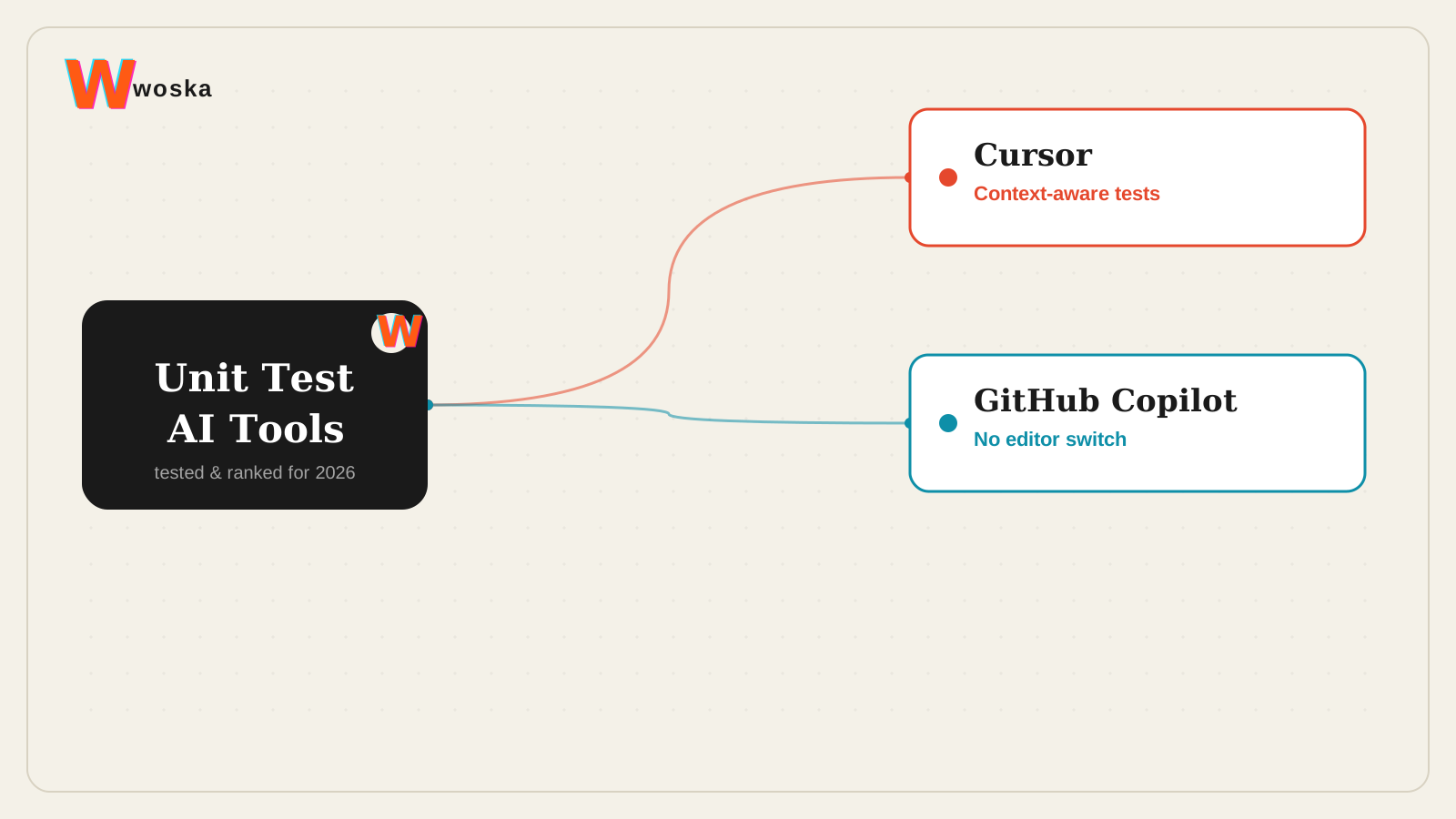
The two, in one line each
Cursor is a code editor built around repo-aware chat, inline edits, and fast refactors, from $20/month.
GitHub Copilot adds autocomplete, chat, and code suggestions directly inside the IDEs many engineering teams already use, from $10/month.
Where each one actually wins
Cursor wins for test quality on non-trivial code — because it holds broader context about how a function is called and what depends on it, the tests it generates tend to cover realistic edge cases pulled from actual usage patterns rather than only the happy path a narrower tool would infer from the function signature alone. GitHub Copilot wins for adoption — if a team is already standardized on VS Code or a JetBrains IDE, generating tests with Copilot means zero workflow change, no new editor to learn, and test generation sitting right next to the autocomplete and chat features the team already uses daily.
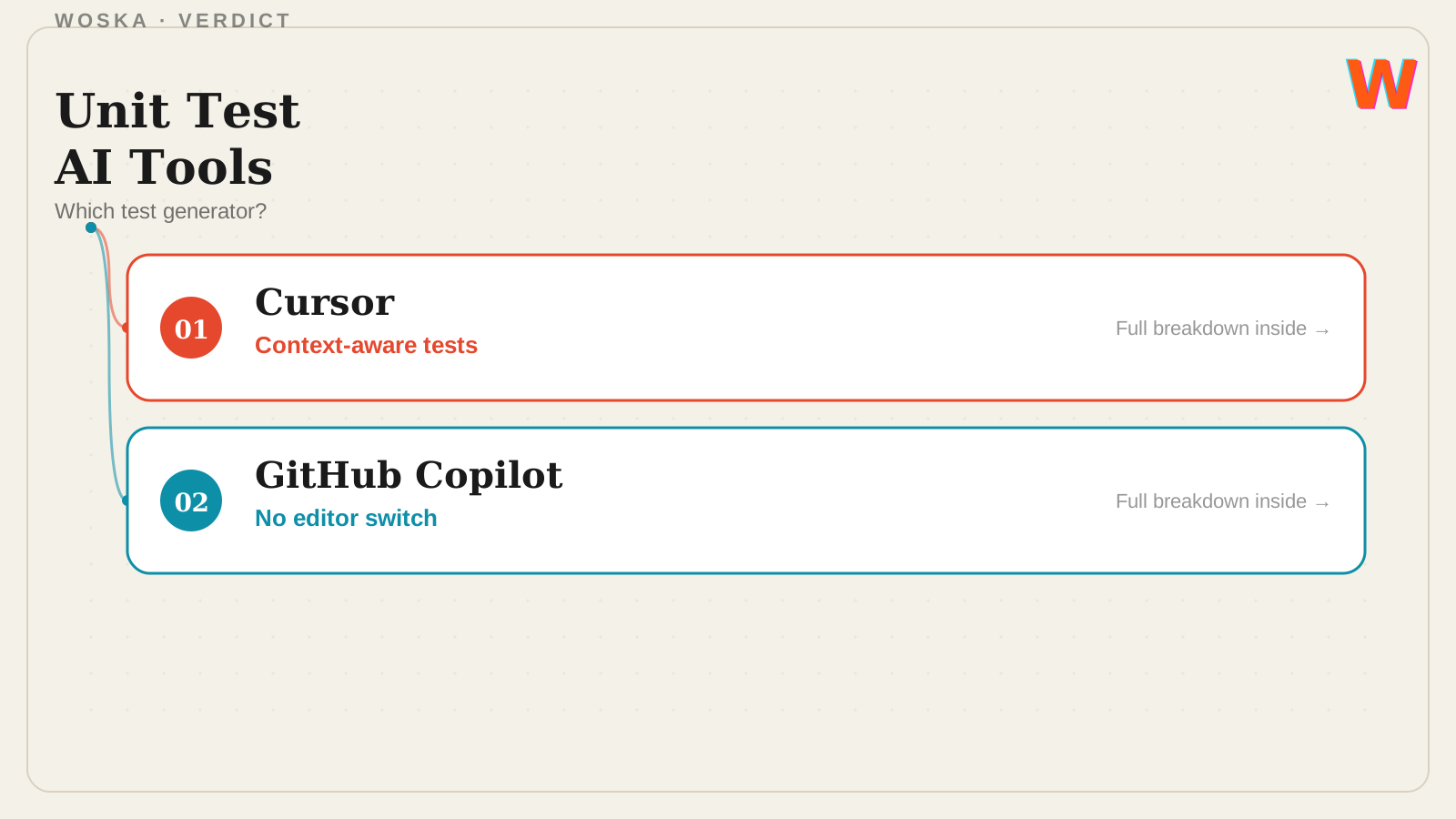
Quick comparison
| Tool | Core strength | Starting price | Best fit |
|---|---|---|---|
| Cursor | Context-aware tests covering real usage | $20/mo | Testing non-trivial, interconnected code |
| GitHub Copilot | No editor switch required | $10/mo | Teams standardized on VS Code/JetBrains |
Which one should you use?
Choose Cursor if test quality on complex, interconnected code matters more than staying in your current editor. Choose GitHub Copilot if your team is already standardized on an IDE it supports and you want test generation without switching.
FAQ
Do AI-generated tests actually catch real bugs, or just pad coverage numbers? Well-generated tests based on real usage patterns can catch genuine regressions, but any AI-generated test still needs a human to verify it's testing the right behavior — a test that passes because it asserts the wrong expected value is worse than no test at all.
Can these tools generate tests for an entire existing codebase at once, or only new code? Both can be pointed at existing untested functions, not just new code, though generating tests for a large legacy codebase in one pass usually needs to be done function-by-function or module-by-module to keep the output reviewable.
What testing frameworks do these tools support? Both generate tests in whatever framework is already set up in your project (Jest, pytest, JUnit, and others) by detecting your existing test setup and conventions rather than imposing a specific framework.
Should generated tests replace a human writing tests entirely? No — they remove the blank-page problem and cover routine cases fast, but a human should still review generated tests for correctness and add tests for tricky business logic the AI might not fully understand from the code alone.
Related guides
- Best AI Code Review Tool in 2026
- Cursor vs GitHub Copilot
- Best AI Coding Assistant in 2026
- Explore Coding & Dev tools
*Ratings and pricing reviewed monthly. Last updated September 2026.*
Bogdex · Founder & editor, woska
Bogdex builds and curates woska, testing AI tools against real workflows to judge which ones actually save time rather than which have the longest feature list.