Careerflow is the best AI tool for LinkedIn profile optimization in 2026 because it scores your profile section by section for free and tells you exactly what is missing. ChatGPT is the better tool for the actual rewriting, and Jobscan helps when you want your profile to match the roles recruiters are searching for.
Worth separating two things that get conflated: optimizing your profile is about being found and being credible when someone lands on it. Posting content is a different activity with different tools, covered in the LinkedIn content guide.
Why Careerflow is the strongest starting point
Diagnosis before treatment. Most people rewrite their headline when the actual problem is an empty About section or a job entry with no description.
Careerflow's browser extension scores your profile against a checklist — headline, About, experience detail, skills, keyword coverage — and shows you which sections are dragging. It is free for the core review, which makes it a sensible first step regardless of what you use afterward.
The value is that it is specific. "Your profile is weak" is useless; "your last two roles have titles but no accomplishment lines, and your skills section is missing the three terms in your target job postings" is actionable.
Pricing: Freemium. Always confirm the live vendor page before buying because AI products often change credits, limits, and plan names.
When ChatGPT is the better choice
Scoring tools tell you what is missing. They are much weaker at writing the replacement, because good profile copy needs your actual accomplishments.
Give ChatGPT your resume and three target job postings, and ask it to draft a headline and About section in first person, plain language, with no adjectives that cannot be evidenced. That last instruction matters — the default output is full of "results-driven professional" phrasing that makes every profile identical.
Then cut it. Profile copy fails from being too long far more often than too short.
When Jobscan belongs on the shortlist
Recruiters find candidates through keyword search inside LinkedIn Recruiter. If your profile uses your company's internal job title and the market uses a different one, you are invisible to that search.
Jobscan's LinkedIn optimization compares your profile against target job descriptions and flags the terminology gap. Use it when you suspect the problem is discoverability rather than persuasion — for example, you get few recruiter messages despite relevant experience.
What to fix, in order
Tools will hand you a long list. This is the order that matters.
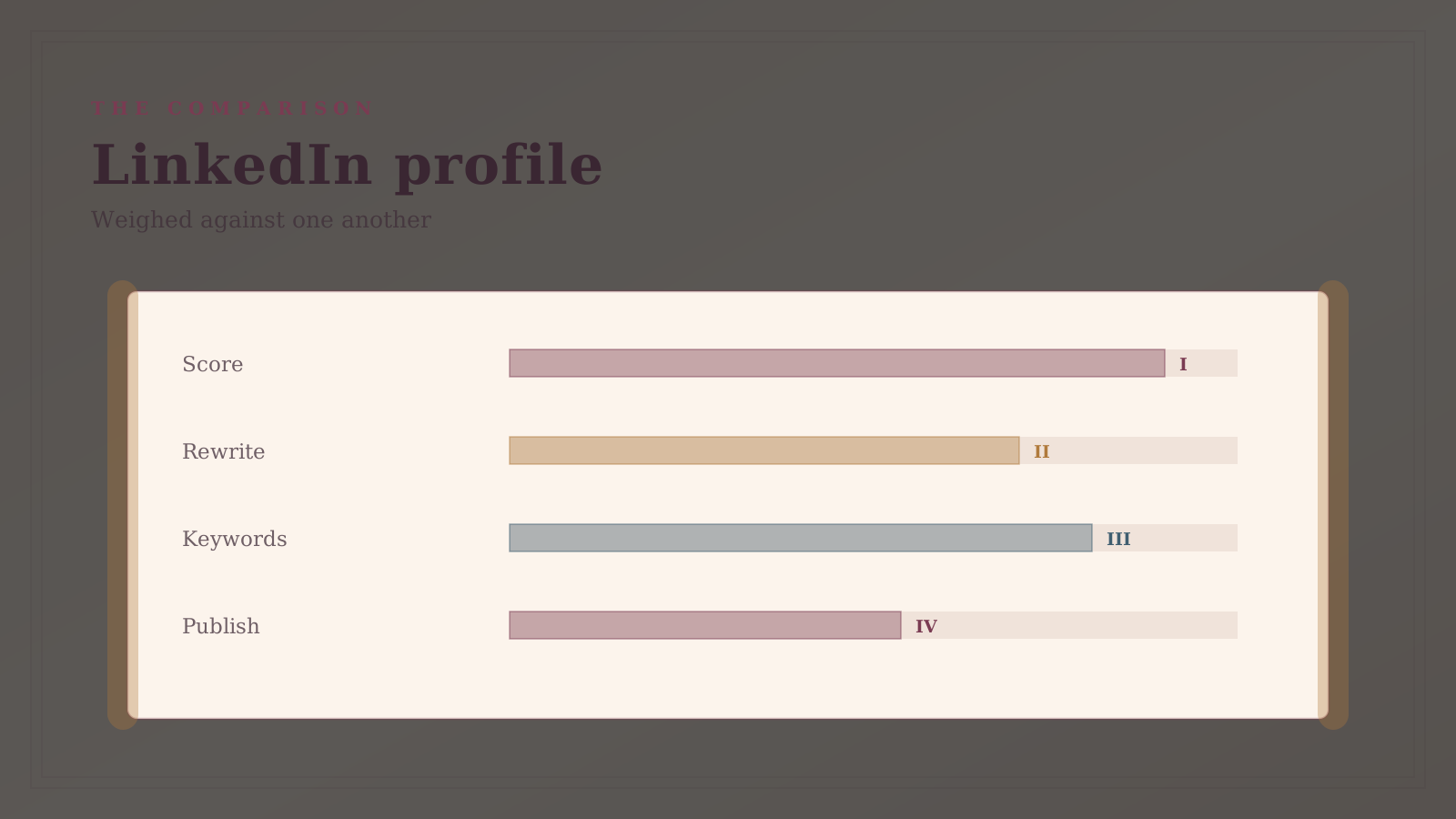
- Headline. The single highest-leverage field. It appears in search results and every comment you leave. Say what you do and for whom, not "Senior Manager at Company."
- About section. Write it in first person. Three short paragraphs: what you do, evidence you are good at it, what you want next.
- Experience detail. Empty job entries are the most common gap. Each role needs two or three lines with a concrete outcome.
- Skills. Match the vocabulary of the jobs you want, not your internal job architecture.
- Photo and banner. Low effort, disproportionate credibility effect.
Note that claims about specific percentage gains in profile views — a common marketing line in this category — come from vendors and are not independently verified. Treat them as advertising.
Quick comparison
| Tool | Starting price | Core job | Use it when |
|---|---|---|---|
| Careerflow | Freemium | profile scoring and gap analysis | You need to know what to fix |
| ChatGPT | Freemium | rewriting headline and About copy | You know the gaps and need words |
| Jobscan | Freemium, ~$50/mo | recruiter keyword matching | You are not appearing in searches |
| Taplio | From ~$39/mo | LinkedIn content and audience growth | You are posting, not just job hunting |
How to choose
Run Careerflow's free scan, rewrite the two weakest sections with ChatGPT, and stop. That covers the large majority of the available gain and costs nothing.
Add Jobscan only if recruiter outreach stays flat after the profile is genuinely complete. Add Taplio only if your goal is building an audience, which is a different project with a much longer time horizon.
FAQ
Does an optimized LinkedIn profile actually get more recruiter messages? A complete, keyword-appropriate profile is findable in recruiter search where an incomplete one is not, so it plausibly helps. Be skeptical of the specific multipliers vendors advertise — those figures come from the companies selling the tools and are not independently verified.
Should I let an AI tool rewrite my whole profile? No. AI is good at structure and at cutting weak sentences, and bad at knowing what you actually accomplished. Profiles that are fully AI-written read as interchangeable, which defeats the purpose.
Is LinkedIn Premium needed for any of this? Not for profile optimization. Premium mainly adds visibility into who viewed you and InMail credits. The profile changes that matter are all available on a free account.
How often should I update my profile? Substantially when your role or target changes; lightly every few months. Constant small edits are not rewarded by anything except your own sense of progress.
Related guides
- Part of our complete guide: AI Tools for Marketing Teams
- Best AI tools for job search
- Best AI tool for LinkedIn content
- Explore Marketing tools
- All woska guides
*Ratings and pricing reviewed monthly. Last updated July 2026.*
Bogdex · Founder & editor, woska
Bogdex builds and curates woska, testing AI tools against real workflows to judge which ones actually save time rather than which have the longest feature list.