Jobscan is the best AI tool for ATS resume optimization in 2026 because it is the one that checks your resume against specific applicant tracking systems rather than a generic keyword list. Teal is the better everyday choice if you are tailoring many applications on a budget, and Rezi is worth it when your formatting is the actual problem.
Before anything else, a correction that saves people a lot of wasted effort: applicant tracking systems are mostly search and filing software, not gatekeepers that auto-reject you. A recruiter searches for terms and reviews what surfaces. Optimizing for ATS means making sure you surface in that search and parse cleanly — not defeating a robot.
Why Jobscan is the strongest starting point
Most tools that claim ATS optimization do the same thing: compare your resume to a job description and list missing words. That is useful, but it is generic.
Jobscan's differentiator is that it maintains guidance for named systems — Workday, Greenhouse, Taleo, iCIMS — and adjusts recommendations based on which one the employer actually uses. Different systems parse dates, columns, and section headers differently, and a resume that reads fine in one can lose half its work history in another. That is the part generic keyword checkers cannot tell you.
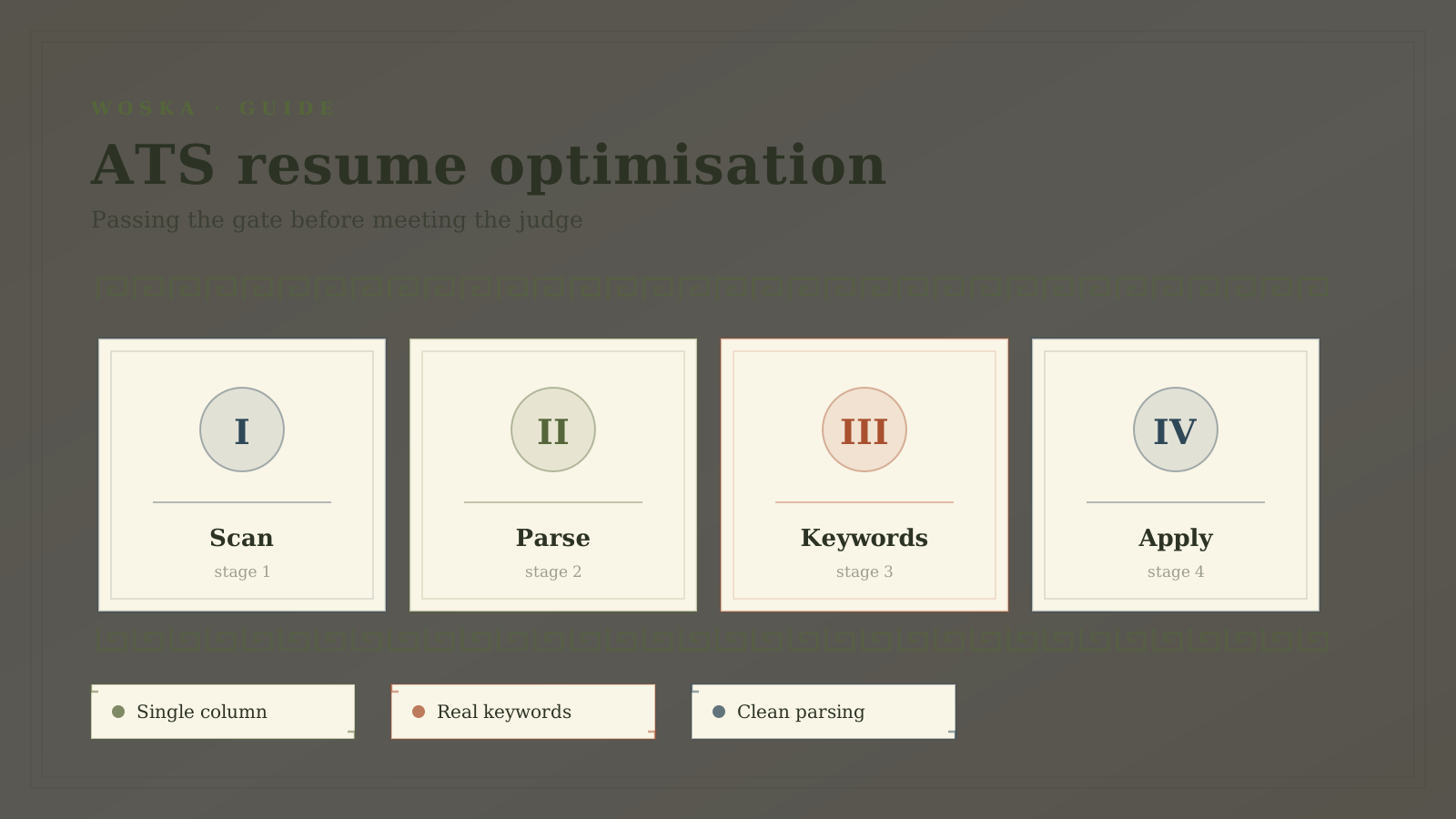
The practical workflow: run a scan against the exact job posting, fix parsing problems first, then close genuine keyword gaps.
Pricing: Freemium with a limited number of free scans per month, then roughly $50/mo. Always confirm the live vendor page before buying because AI products often change credits, limits, and plan names.
When Teal is the better choice
Jobscan is expensive for what most job seekers need month to month. Teal covers the core loop — paste a job description, see keyword overlap, tailor a version, track the application — with a free tier that stays genuinely usable rather than expiring after a week.
Choose Teal when you are applying steadily and the bottleneck is organization rather than diagnosis. Having every tailored resume version attached to the application it belongs to is worth more over a long search than a deeper scan you run three times.
When Rezi belongs on the shortlist
Rezi is a builder with ATS-safe formatting enforced by default: single column, standard section headers, no text boxes or graphics that parsers mangle.
This matters when your problem is structural rather than lexical. If you built your resume in a design tool with columns, icons, or a sidebar, no amount of keyword tuning fixes it — the parser is already reading your work history out of order. Rebuilding in a constrained builder solves that in one pass.
The formatting rules that actually matter
Most ATS problems come from a short list of fixable issues.
- Use one column. Multi-column layouts are the most common cause of scrambled parsing.
- Use standard section headers. "Work Experience" parses; "Where I've Made an Impact" may not.
- Put dates in a consistent, plain format. Ranges like "Mar 2023 – Present" are safe.
- Keep text as text. Anything inside an image, icon, or text box may be invisible to the parser.
- Submit the format the employer asks for. When there is a choice, .docx parses more predictably than PDF across older systems.
- Never use white or hidden keyword text. It is detected, and it reads as deliberate deception when a human sees it.
Quick comparison
| Tool | Starting price | Core job | Use it when |
|---|---|---|---|
| Jobscan | Freemium, ~$50/mo | ATS-specific scanning | You want system-aware diagnosis |
| Teal | Freemium | tailoring plus application tracking | You apply steadily and need organization |
| Rezi | Freemium, ~$29/mo | ATS-safe resume building | Your formatting is the problem |
| Careerflow | Freemium | profile and resume scoring | You want a quick free check first |
How to choose
Run a free scan first — Jobscan's monthly free allowance or Careerflow's checker will tell you whether your problem is parsing or keywords. If it is parsing, rebuild in Rezi and stop paying for scans. If it is keywords and you are applying often, Teal is the sustainable choice. Pay for Jobscan when you are targeting a small number of high-value roles and want the system-specific detail.
Do not optimize past the point of readability. A resume stuffed with keywords passes the search and then loses the human who reads it thirty seconds later.
FAQ
Do applicant tracking systems automatically reject resumes? Rarely. The common claim that ATS software silently rejects most applicants is overstated. These systems primarily store, search, and rank applications for a human recruiter. The realistic risk is not being surfaced in a search, or having your history parsed incorrectly.
How many keywords should I add from the job description? Only the ones that are genuinely true of your experience. Match the employer's phrasing when you have the skill — if they write "project management" and you wrote "programme delivery," use theirs. Adding skills you do not have fails at the interview.
Is a PDF or Word file better for ATS? Follow the employer's instruction first. When both are allowed, .docx parses more reliably across older systems, though most current systems handle text-based PDFs fine. A PDF exported as an image is the one format to avoid entirely.
Should I pay for an ATS tool at all? Not necessarily. Free tiers cover diagnosis, and the fixes are mostly formatting and phrasing you can apply yourself. Paying makes sense when you are applying at volume and want the time back.
Related guides
- Best AI tool for resume writing
- Best AI tools for job search
- Explore Productivity tools
- All woska guides
*Ratings and pricing reviewed monthly. Last updated July 2026.*
Bogdex · Founder & editor, woska
Bogdex builds and curates woska, testing AI tools against real workflows to judge which ones actually save time rather than which have the longest feature list.