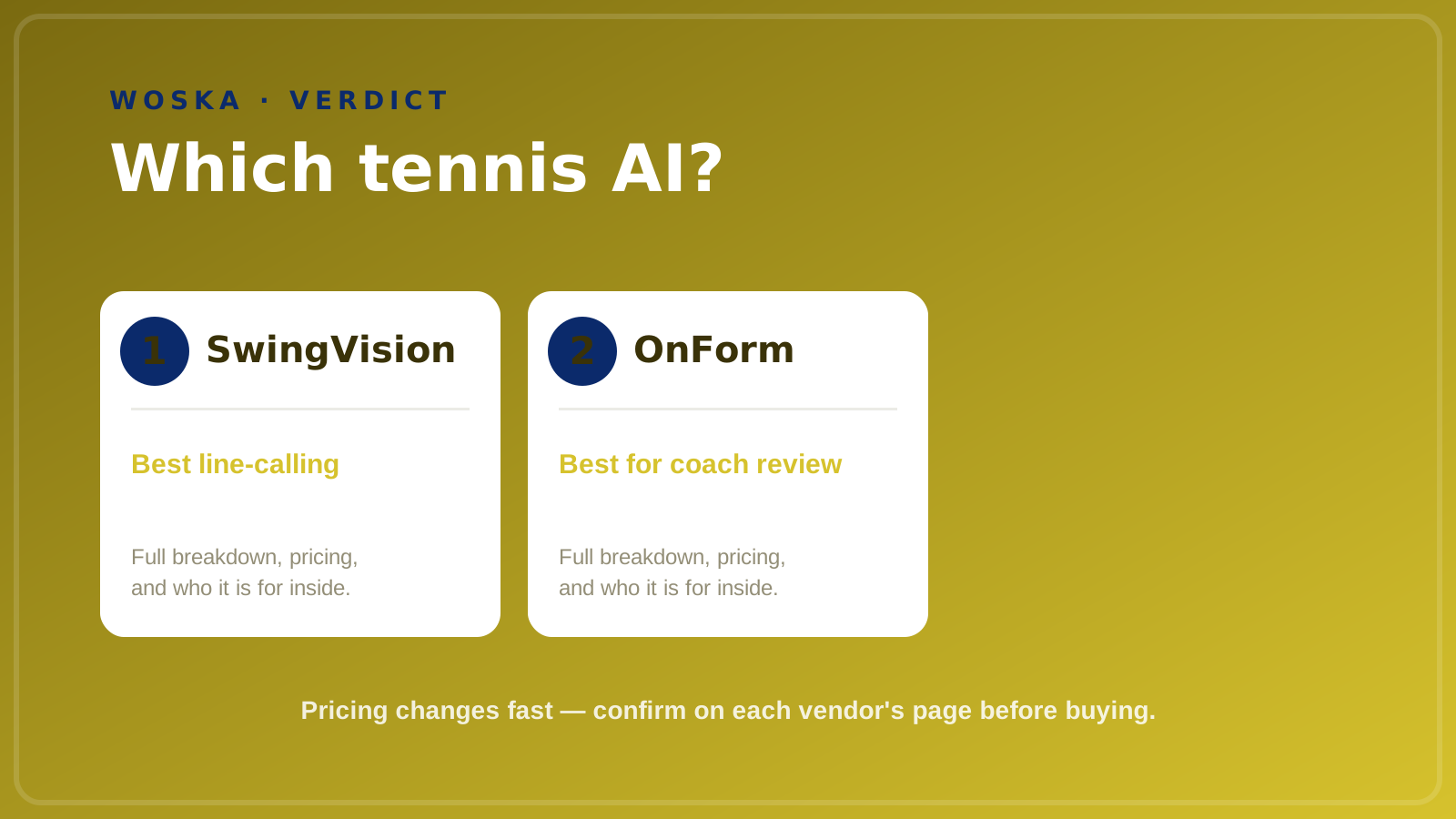
SwingVision is the best pick for tennis specifically — its patented AI turns a single iPhone camera into automated match stats, highlights, and live line-calling, and it's the official player and ball-tracking app for Tennis Australia and the LTA. OnForm is the best pick for coaches who want side-by-side video review across many sports, tennis included, rather than a tennis-only tool. Both replace guesswork about what actually happened during a point with real video-backed data.

The two, in one line each
SwingVision uses a single iPhone camera and patented AI, built by engineers from Tesla and Apple, to deliver automated stats, shot-by-shot highlights, and live line-calling — no extra hardware beyond the phone and, for live calling, an Apple Watch.
OnForm is a general-purpose video analysis tool coaches use to review technique frame by frame, with side-by-side comparison features that work across many sports rather than being built exclusively for tennis.
Where each one actually wins
SwingVision wins decisively for tennis-specific use — its AI is trained specifically for tennis and pickleball, producing detailed automated stats and officially recognized line-calling that a general-purpose video tool simply isn't built to replicate. OnForm wins for coaches whose work spans multiple sports or who specifically want frame-by-frame, side-by-side comparison (like reviewing a student's serve next to a reference video) rather than automated match statistics.
If you're a player or club wanting the most tennis-specific automated insight — stats, highlights, line-calling — SwingVision is purpose-built for exactly that. If you're a coach who needs flexible video review tools across different sports and students, OnForm's more general-purpose comparison features fit that broader coaching workflow better.
Quick comparison
| Tool | Starting price | Core job | Best fit |
|---|---|---|---|
| SwingVision | $14.99/mo ($179.99/yr, free tier available) | Automated tennis stats + live line-calling | Tennis and pickleball players and clubs |
| OnForm | From $9.99/mo (free tier available) | Frame-by-frame, side-by-side video review | Coaches working across multiple sports |
Which one should you use?
Choose SwingVision if you're a tennis or pickleball player who wants automated match stats and officially recognized line-calling without extra hardware. Choose OnForm if you're a coach who needs flexible, side-by-side technique review across different sports and students rather than tennis-specific automated statistics.
FAQ
Does SwingVision work on Android? As of 2026, SwingVision is iOS-only, and its live line-calling feature specifically requires an Apple Watch — Android users looking for a similar tennis-specific tool will need to consider alternatives.
Do I need a tripod or special mount for SwingVision to work? A stable camera position (tripod or fixed mount) at the side of the court is recommended for the most accurate tracking, though it can function with a less stable setup at reduced accuracy.
Can OnForm do automated stats like SwingVision? No — OnForm is built around manual side-by-side and frame-by-frame video comparison rather than automated AI stat generation, which is the core trade-off between the two tools.
Is SwingVision's free tier good enough to actually use? The free tier is functional but watermarked and limited compared to the paid plan — most regular players who want clean, shareable highlights and full stats end up on a paid tier.
Which tool is better for junior or academy-level coaching? OnForm's cross-sport, side-by-side review format tends to fit structured academy coaching workflows well, while SwingVision is more suited to individual players and clubs wanting automated match-level insight — though many academies use both for different purposes.
Related guides
- Best AI Golf Swing Analyzer in 2026
- Best AI Basketball Training App in 2026
- Best AI Physical Therapy App in 2026
- Explore Productivity tools
*Ratings and pricing reviewed monthly. Last updated September 2026.*
Bogdex · Founder & editor, woska
Bogdex builds and curates woska, testing AI tools against real workflows to judge which ones actually save time rather than which have the longest feature list.