Canva wins for speed and ease — describe what you want in one sentence and Magic Design generates several complete, editable poster templates to choose from, no design skill required. Ideogram wins specifically when the poster needs text rendered accurately inside the generated image itself, which is a real weak spot for most AI image generators. Adobe Firefly wins for teams that need to stay on brand guidelines with a commercially safer, more predictable license, since it's trained on licensed content rather than scraped web images. A poster has one job most general image generators handle badly: readable, well-placed text. That's the real dividing line between these three.
Where each one actually wins
Canva's Magic Design turns a one-sentence description into 4-8 complete poster template options, which you then edit like any normal Canva design — swap images, adjust text, change colors. It's the fastest path from idea to a finished, print-ready or shareable poster for anyone without design training.
Ideogram specifically handles text rendering well inside a generated image — event names, dates, taglines — where most general-purpose image generators produce garbled or misspelled text. If the poster's headline text needs to look intentional rather than awkwardly overlaid afterward, this is the stronger starting point.
Adobe Firefly is trained on licensed Adobe Stock content and openly licensed material rather than broadly scraped web images, giving it a commercially safer licensing story that matters for brand or client work. It also integrates directly into Adobe's design tools if your workflow already lives there.
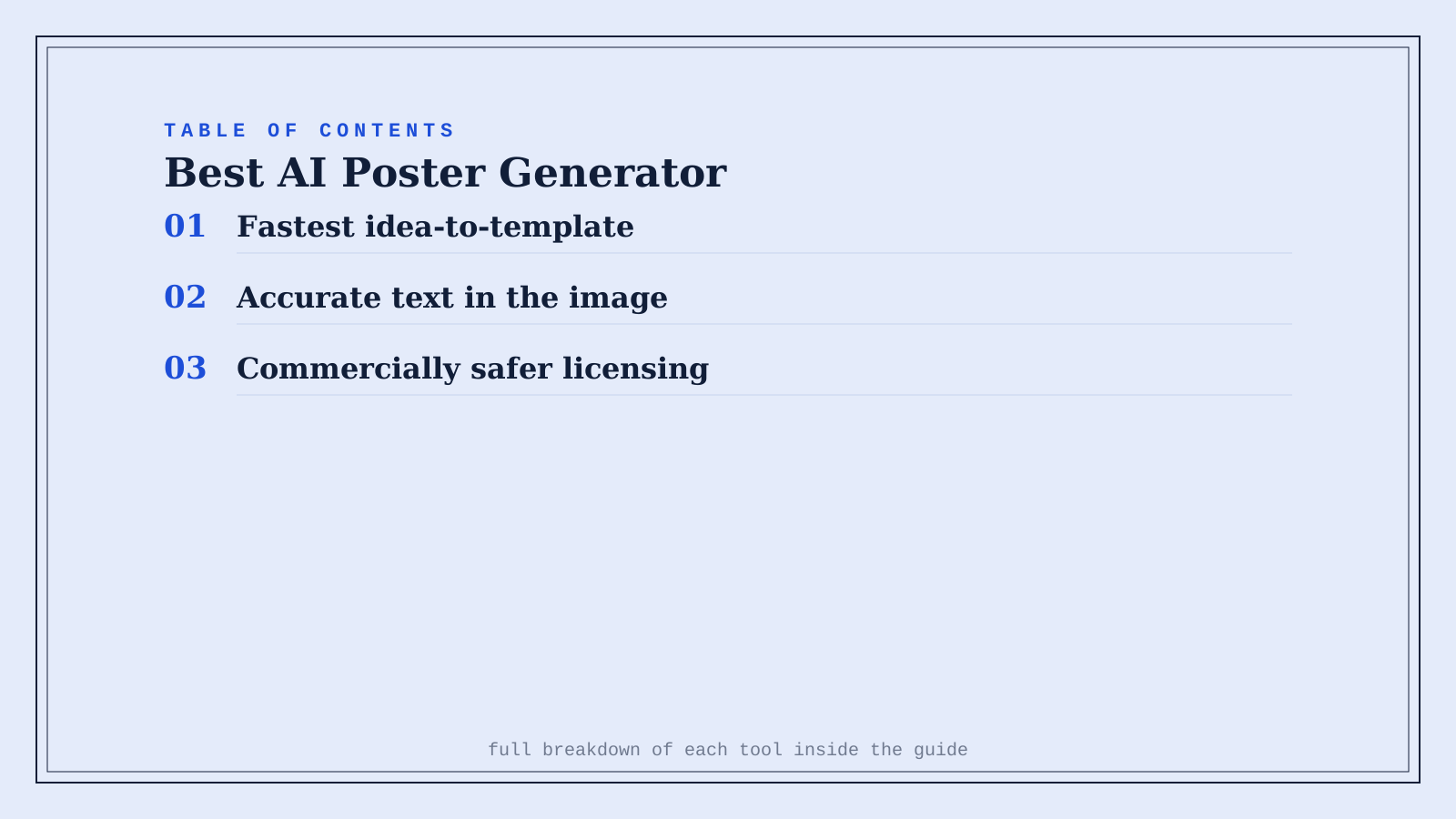
Quick comparison
| Tool | Core strength | Starting price | Best fit |
|---|---|---|---|
| Canva | Fastest idea-to-template poster | Freemium, ~$15/mo Pro | No design experience, need it fast |
| Ideogram | Accurate, readable text in the image | Freemium, ~$8/mo | Text-heavy posters (events, taglines) |
| Adobe Firefly | Commercially safer licensing | Freemium | Brand or client work needing licensing clarity |
Which one should you actually use?
Start with Canva if you want the fastest path to a finished, editable poster and don't need pixel-perfect AI-generated text. Move to Ideogram specifically when the headline or event text needs to look natively designed into the image rather than pasted on top. Use Adobe Firefly for brand or client work where licensing clarity matters more than raw creative range.
FAQ
Can I actually trust AI-generated text on a poster to be spelled correctly? Always double-check — even Ideogram, the strongest of the three at text rendering, isn't perfect, and a misspelled event name or date on a printed poster is an expensive mistake to catch after the fact.
Is it cheaper to use Canva's free tier, or do I need Pro for posters specifically? Canva's free tier covers basic poster creation and templates; Magic Design and higher-resolution or premium content access require Pro, which is worth it if you're making posters regularly rather than as a one-off.
Which tool is best for a scientific or academic conference poster specifically? None of these three are purpose-built for that narrower academic format — a dedicated scientific poster tool handles the specific layout conventions (abstract, methodology sections, QR codes) that a general poster generator isn't optimized for.
Do I need special printing considerations for an AI-generated poster? Yes — export at high resolution (300 DPI minimum for print) and check your specific printer's bleed and color-profile requirements, since a poster that looks fine on screen can print differently depending on paper stock and printer calibration.
Related guides
*Ratings and pricing reviewed monthly. Last updated September 2026.*
Bogdex · Founder & editor, woska
Bogdex builds and curates woska, testing AI tools against real workflows to judge which ones actually save time rather than which have the longest feature list.