A podcast cover has one job most other AI-generated images don't: the show's name has to actually be legible inside the artwork, not warped into something almost-readable. Ideogram wins here specifically — it renders text inside generated images at roughly 90% accuracy, well ahead of most competing image generators, so "put my show's title on this cover" mostly works as asked. Canva AI wins for speed and platform compliance — template-driven covers that already match Apple Podcasts' and Spotify's exact size and format requirements, without needing to check those specs yourself. Both are legitimate choices; the deciding factor is whether the artwork needs custom, on-theme text rendering or just a clean, compliant template fast.
The two, in one line each
Ideogram generates images with genuinely legible in-image text at roughly 90% accuracy, making it one of the only AI image generators where "put the show title directly on the cover" reliably works.
Canva AI (Magic Studio) provides podcast-cover templates already sized to platform specifications, with AI-assisted generation and editing inside a tool most creators already use for other graphics.
Where each one actually wins
Ideogram wins when the cover art itself needs custom, integrated typography — the show's title rendered in a specific style as part of the artwork's composition, not a text box layered on top afterward. This matters more than it sounds: most image generators either garble text entirely or produce something close enough to require manual correction, while Ideogram's text rendering is accurate often enough to use directly. Canva AI wins when speed and platform compliance matter more than fully custom artwork — a template already sized correctly for Apple Podcasts (3000x3000px) and Spotify, with text added as an editable layer rather than baked into the generation, meaning it's trivially easy to update later.
Quick comparison
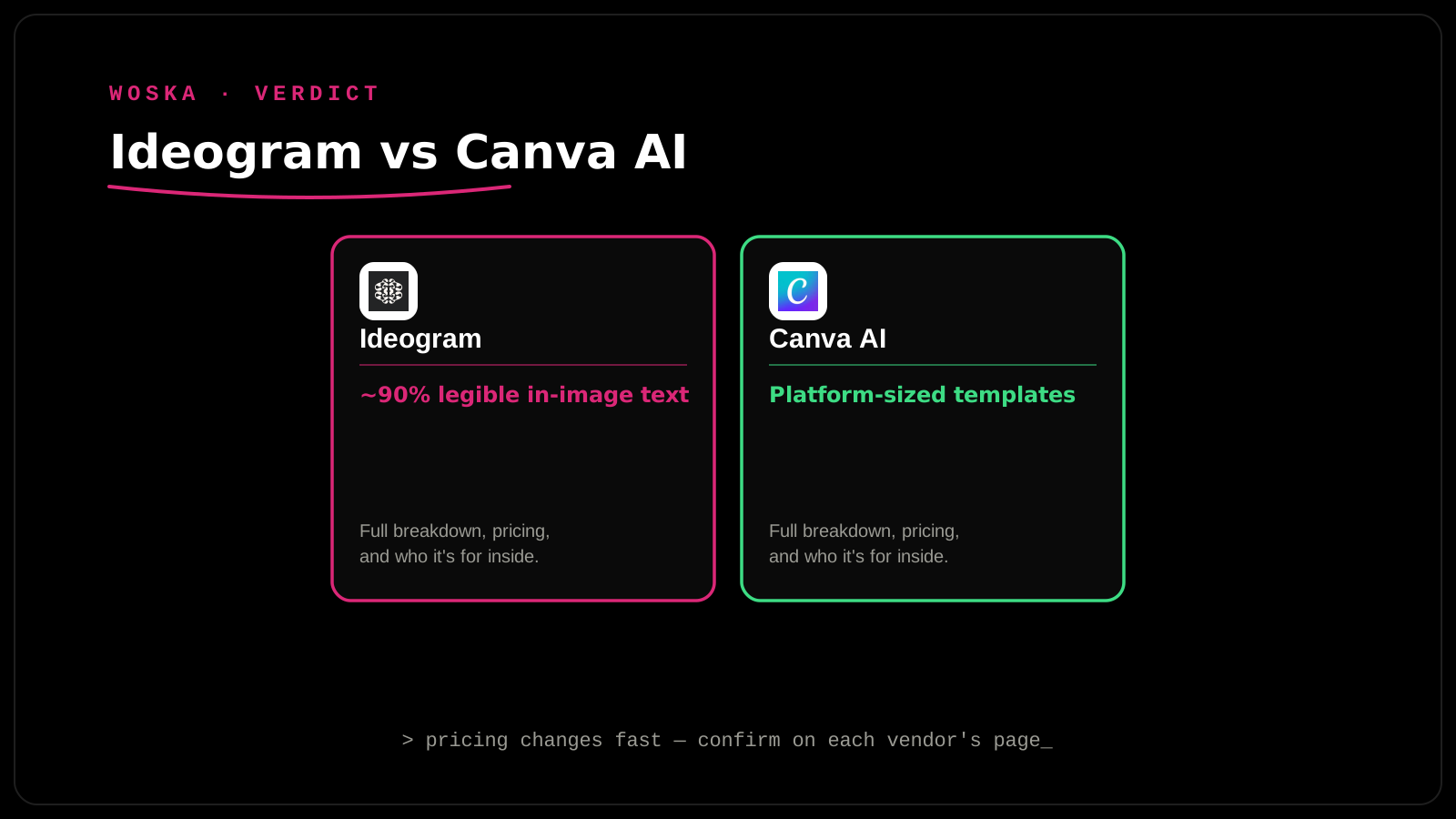
| Tool | Text-in-image accuracy | Platform-size templates | Best fit |
|---|---|---|---|
| Ideogram | ~90%, genuinely legible | No, manual sizing | Custom artwork with integrated typography |
| Canva AI | Editable text layer, not generated-in | Yes, built-in | Fast, compliant covers with easy future edits |
Which one should you use?
Choose Ideogram if you want the show's branding to feel like custom, illustrated artwork with the title woven into the design itself. Choose Canva AI if you want to move fast, stay platform-compliant without checking spec sheets, and be able to swap the episode number or a season refresh without regenerating the whole image.
FAQ
What size does podcast cover art actually need to be? Apple Podcasts requires a minimum of 1400x1400px and recommends 3000x3000px, square, in JPEG or PNG — confirm current requirements directly since platforms occasionally adjust specs.
Can Ideogram's generated text be edited afterward without regenerating the whole image? Not natively — the text is part of the generated image itself, so a change means regenerating or manually editing the output in a separate tool, unlike Canva's editable text layers.
Does cover art actually affect podcast discovery and downloads? Yes, meaningfully — cover art is one of the first things a potential listener sees browsing a podcast directory, and a clear, legible, professional-looking cover measurably affects click-through in most creator reporting.
Is it worth hiring a human designer instead of using either tool? For an established show with real production budget, a dedicated designer can still outperform both on brand cohesion and originality — these AI tools are strongest for new or resource-constrained shows getting professional-looking art without that budget.
Related guides
- Best AI Podcast Hosting Platform in 2026
- Best AI Album Cover Generator in 2026
- Ideogram Review 2026
- Explore Image tools
*Ratings and pricing reviewed monthly. Last updated September 2026.*
Bogdex · Founder & editor, woska
Bogdex builds and curates woska, testing AI tools against real workflows to judge which ones actually save time rather than which have the longest feature list.