Luma Dream Machine wins for turning a single still image into naturally moving video — camera pans, subtle motion, atmospheric effects — without the result looking obviously synthetic. Kling AI wins specifically for portraits and people: it keeps a face and body moving consistently and naturally, which is the harder problem most image-to-video tools still get visibly wrong. Pika wins for beginners, since its interface and effects are built to produce a usable result even if you've never written a motion prompt before. All three take one photo and generate a short video clip from it — the real differences show up in what kind of image you're animating and how much prompting skill the tool assumes you already have.

Where each one actually wins
Luma Dream Machine animates a still photo into motion with a strong sense of camera movement and atmosphere — clouds drifting, light shifting, a camera slowly pushing in — that reads as cinematic rather than glitchy. It's the strongest general-purpose pick when the source image is a landscape, product shot, or scene rather than a close-up portrait.
Kling AI specifically wins on turning a portrait into natural character motion, keeping consistency across the clip in a way that's widely considered the category's strongest for people specifically. If the image you're animating has a face that needs to move believably — a talking head, a subtle expression change — this is the safer choice.
Pika is the easiest of the three to get a usable result from without deep prompting experience, with built-in effects and a simpler interface than the more technically capable alternatives. It's the right starting point if you're new to image-to-video generation and want to see what's possible before investing time in more advanced prompting.
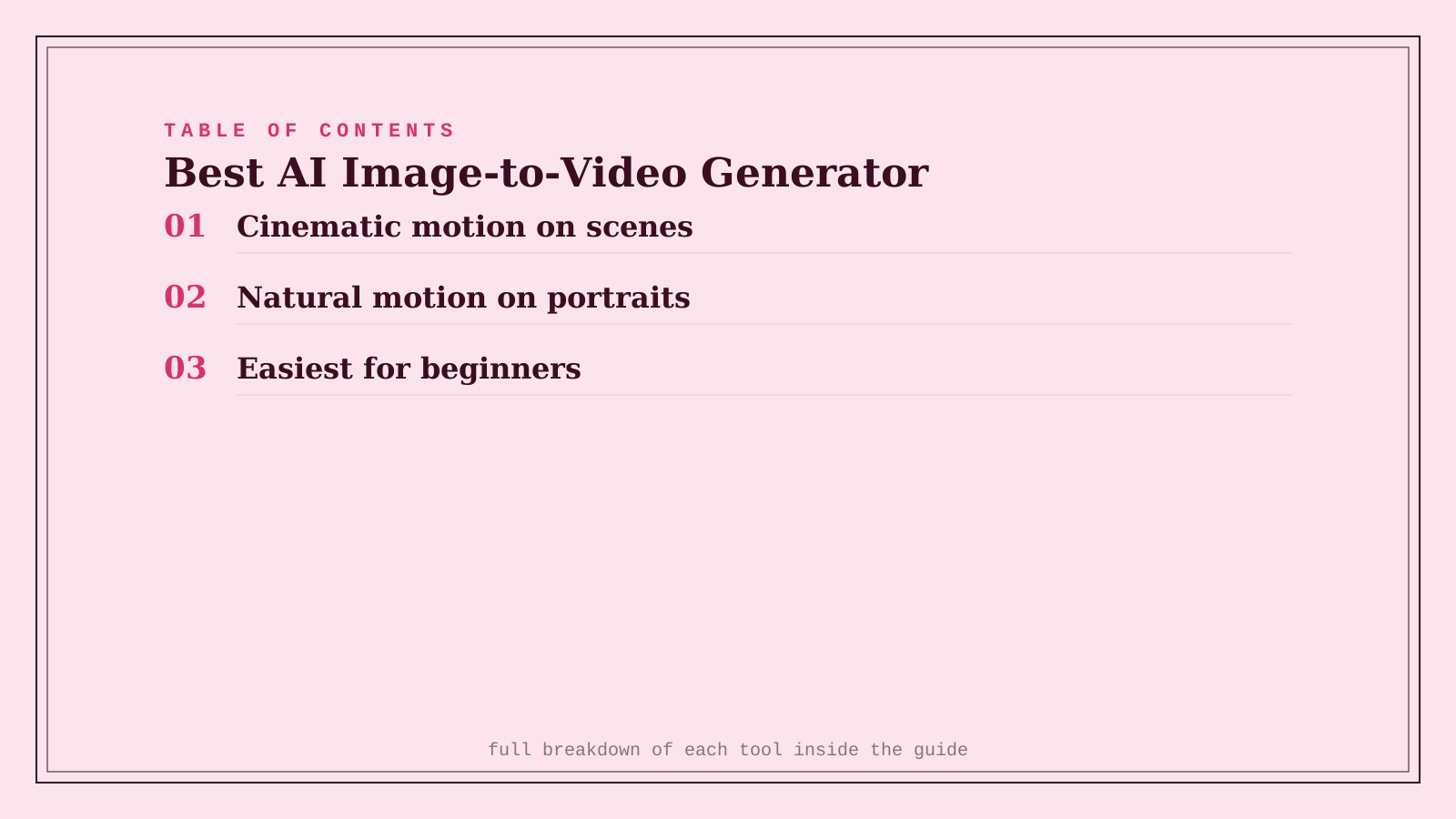
Quick comparison
| Tool | Core strength | Starting price | Best fit |
|---|---|---|---|
| Luma Dream Machine | Cinematic motion on scenes and objects | Freemium, from ~$30/mo | Landscapes, products, atmospheric shots |
| Kling AI | Consistent, natural motion on portraits | Freemium | Animating a face or person specifically |
| Pika | Easiest for beginners, built-in effects | Freemium, from ~$8/mo | First time trying image-to-video |
Which one should you actually use?
Start with Pika if you're new to this and want a fast, low-friction first result. Move to Luma Dream Machine for scenes, products, or landscapes where cinematic camera movement matters most. Use Kling AI specifically when the image is a person and the motion needs to look natural rather than uncanny.
FAQ
How long can a generated clip actually be from a single image? Most tools produce clips in the 4-10 second range per generation, though some allow extending or chaining clips together for a longer sequence — check each tool's specific limits before planning a longer piece around a single generation.
Can I control exactly how the image moves, or is it random? All three support text prompts describing the desired motion (camera direction, subject action, mood), though results vary in how precisely the tool follows a specific instruction versus interpreting it loosely — expect to regenerate a few times to get the exact motion you want.
Do I need the original high-resolution image, or does a low-quality photo work too? Higher-resolution, well-lit source images produce noticeably better results across all three — a blurry or heavily compressed source image tends to produce more visible artifacts in the generated motion.
Is this technology being used for anything concerning, like deepfakes? Yes, the same portrait-animation capability that makes Kling AI good at natural human motion is also the underlying risk for non-consensual synthetic video — never animate a real person's photo without their consent, and be aware these tools' output could be misused by others in ways worth watching for.
Related guides
- Best AI Anime-Style Video Generator in 2026
- Best AI Talking Avatar Video Generator in 2026
- Explore Video tools
*Ratings and pricing reviewed monthly. Last updated September 2026.*
Bogdex · Founder & editor, woska
Bogdex builds and curates woska, testing AI tools against real workflows to judge which ones actually save time rather than which have the longest feature list.