A multi-hour stream VOD has maybe five minutes of genuinely shareable moments buried in it, and manually scrubbing through footage to find and clip them is the single biggest reason most streamers never post highlight clips at all. Submagic wins for that end-to-end job — turning long footage into short, auto-captioned clips built specifically for social feeds, from $12/month. CapCut wins for the streamer who already knows which moment they want and just needs to punch it up fast with zoom, freeze-frames, and sound effects, free to start. Both skip hours of manual timeline scrubbing and captioning.
The two, in one line each
Submagic adds animated, auto-synced captions and B-roll to short-form video, built specifically for creators publishing to social feeds, from $12/month.
CapCut is a free-to-start video editor with AI captions, effects, and a template library, widely used for short-form social content.
Where each one actually wins
Submagic wins for turning raw, unedited gameplay footage into something worth posting on its own — its animated caption style is built to hold attention in a crowded TikTok or Shorts feed, and it's specifically positioned for creators who need a repeatable pipeline from long recordings to short clips rather than one-off manual edits. CapCut wins once you already have the clip identified — a clutch play, a funny death, a big win — and just need fast, free access to zoom punch-ins, freeze-frame reveals, whooshes, and impact sound effects from its large built-in template and effects library, which is exactly the style most gaming clips use.
Quick comparison
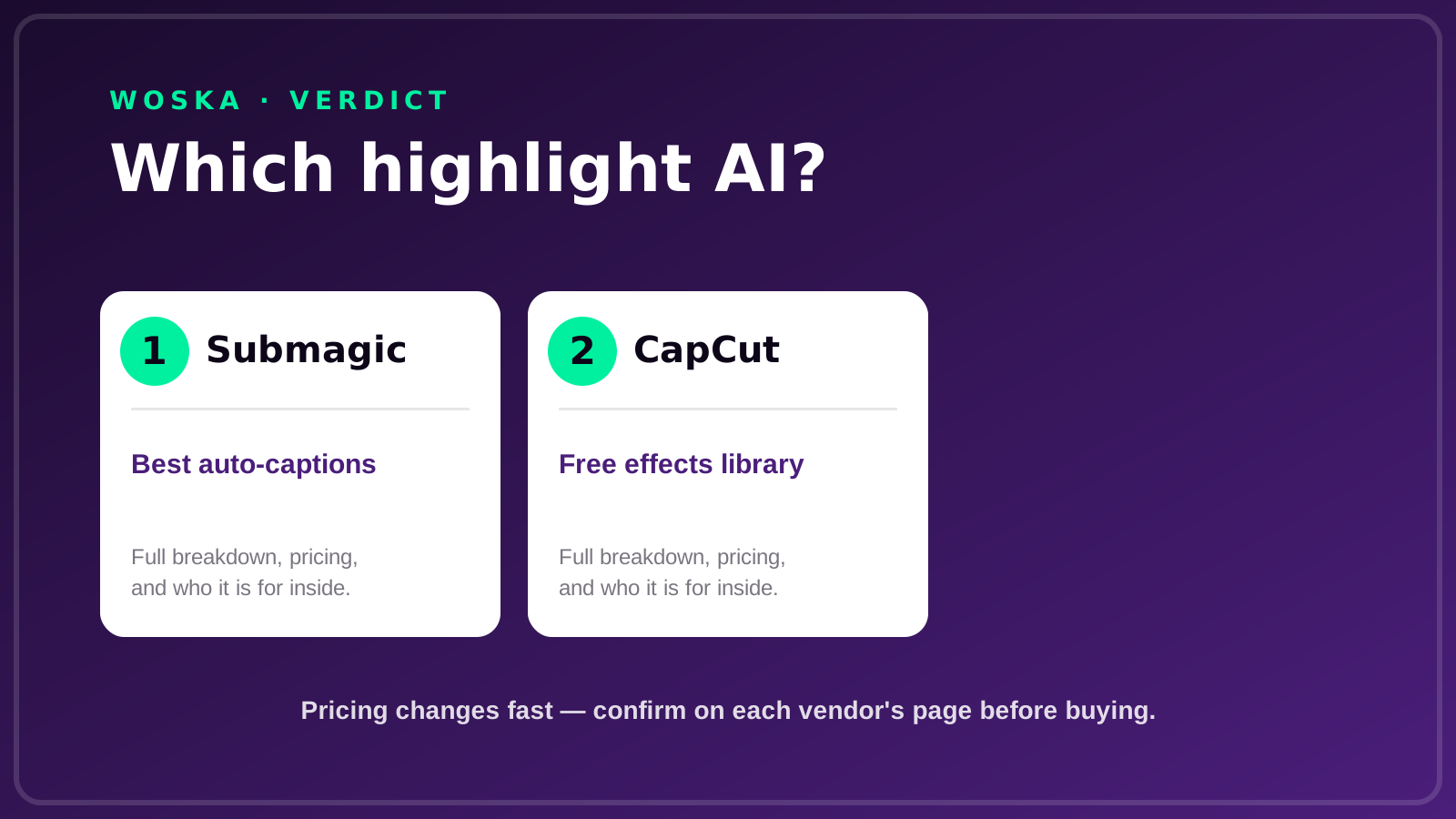
| Tool | Core strength | Starting price | Best fit |
|---|---|---|---|
| Submagic | Long-footage-to-clip pipeline, captions | $12/mo | Streamers clipping full VODs regularly |
| CapCut | Free effects and template library | Free | Punching up a clip you've already found |
Which one should you use?
Choose Submagic if you're regularly sitting on hours of VOD footage and need help finding and captioning the highlight-worthy moments. Choose CapCut if you already know which moment you want and just need fast, free effects to make it feel punchy.
FAQ
Can these tools automatically detect exciting gaming moments like kills or wins? Submagic's core strength is turning long-form footage into short clips efficiently, though neither tool has a gaming-specific "detect the kill" feature the way some dedicated streaming-clip products do — most creators still mark or roughly trim the moment first, then let the tool handle captions, pacing, and polish.
Do I need to be live-streaming to use these, or does recorded footage work too? Recorded footage works fine with both — you don't need to be live; export or download your VOD or recording and feed it into either tool the same way you would any other video file.
Which platforms are gaming highlight clips typically posted to? TikTok, YouTube Shorts, Instagram Reels, and Discord clips are the most common destinations — both tools export in the vertical and square formats those platforms expect.
Is CapCut really free, or are there hidden limits? CapCut's core editing and export is free; some premium effects, stock assets, and cloud storage sit behind a paid tier, but the free tier is genuinely usable for most gaming highlight edits.
Related guides
- Best AI Tool to Repurpose Long Video Into Shorts in 2026
- Best AI Meeting Highlight Reel Tool in 2026
- AI Video Tools Guide 2026
- Explore Video tools
*Ratings and pricing reviewed monthly. Last updated September 2026.*
Bogdex · Founder & editor, woska
Bogdex builds and curates woska, testing AI tools against real workflows to judge which ones actually save time rather than which have the longest feature list.