Most AI image generators still mangle text inside an image — which is a real problem for a comic strip, where a garbled speech bubble ruins the panel. Ideogram wins here specifically because accurately rendering readable text inside generated images is its signature feature, starting at $8/month. Adobe Firefly wins for anyone planning to actually publish or sell their comic, since it's trained to be commercially safer to use for resale, and it's free to start. Neither tool has a dedicated "comic strip mode" — both are general image generators, so panel-to-panel consistency still takes deliberate prompting either way.
The two, in one line each
Ideogram is an AI image generator specifically known for accurately rendering readable text inside images, alongside standard prompt-to-image generation, from $8/month.
Adobe Firefly adds commercially safer image generation and editing features aimed at designers already working in Adobe's ecosystem, free to start.
Where each one actually wins
Ideogram wins the moment a panel needs actual words in it — a speech bubble, a sound effect like "BOOM," a sign in the background — because most generators produce distorted or nonsensical text where Ideogram produces something legible on a meaningful share of attempts. Adobe Firefly wins when the comic is headed toward actual publication or sale: its training data is positioned as commercially safer than many competitors, which matters if you're printing a book, selling prints, or publishing somewhere with content-provenance requirements, and it integrates directly into Photoshop or Illustrator if you're doing panel layout and lettering by hand afterward.
Quick comparison
| Tool | Core strength | Starting price | Best fit |
|---|---|---|---|
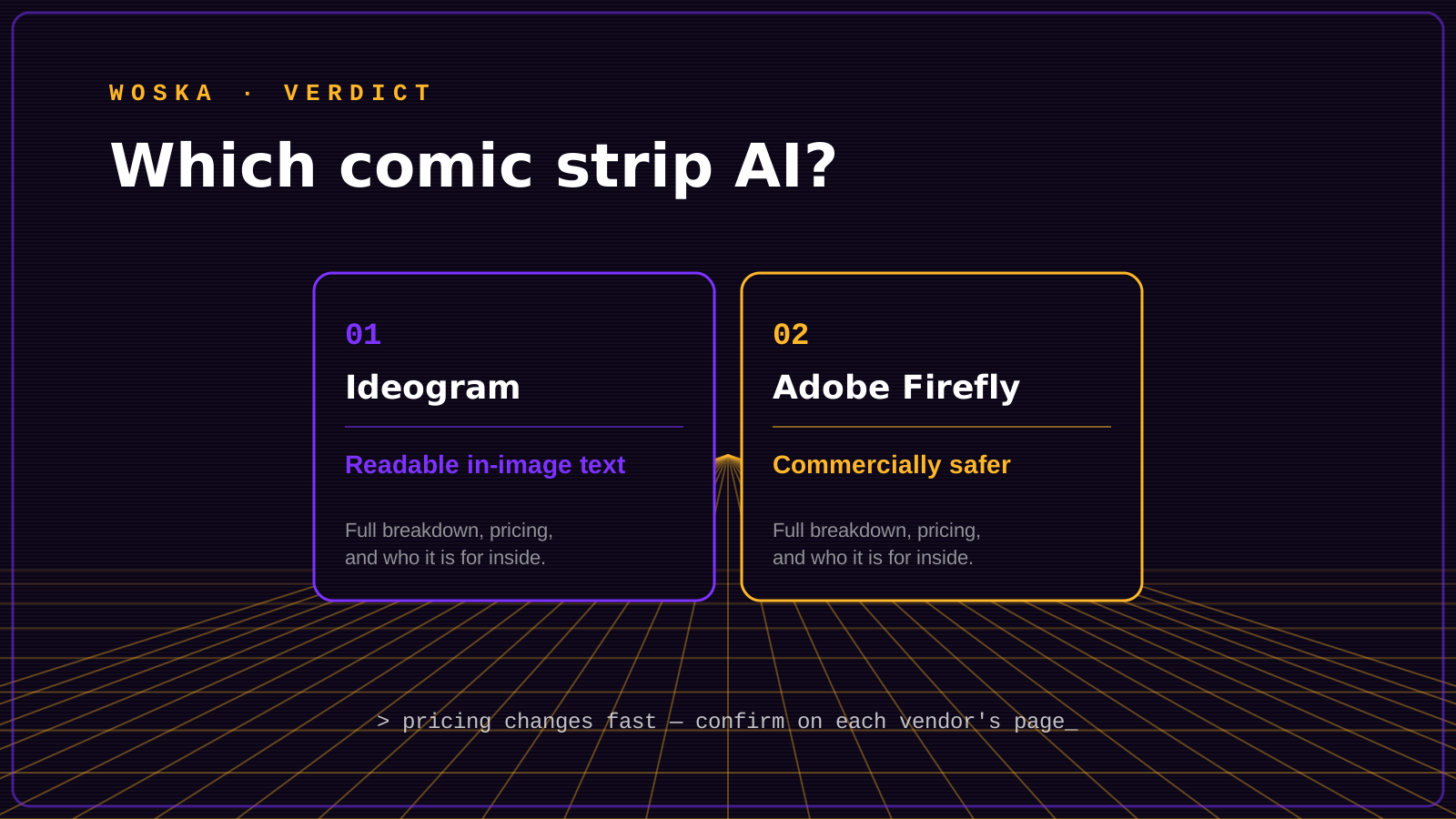
| Ideogram | Readable in-image text | $8/mo | Panels with dialogue or sound effects |
| Adobe Firefly | Commercially safer output | Free | Publishing or selling a comic |
Which one should you use?
Choose Ideogram if your panels need actual readable dialogue, captions, or sound effects baked into the image itself. Choose Adobe Firefly if you're planning to publish, print, or sell the finished comic and want image generation you can pair with a documented, commercially-oriented licensing story.
FAQ
Can AI actually keep a character looking the same across multiple comic panels? Not perfectly with either tool out of the box — both are general image generators without a dedicated multi-panel consistency mode, so most creators still generate panels individually and rely on consistent, detailed prompts (or manual touch-ups) to keep characters recognizable across a strip.
Is it safe to sell a comic made with AI-generated art? Policies vary by platform and are evolving — Adobe Firefly's training data is positioned as more commercially oriented than many competitors, but always confirm current terms of use and disclosure requirements on whatever platform or print service you plan to publish through.
Why does text inside AI images usually look garbled? Most image generators were trained primarily to render realistic scenes, not precise character shapes, so letters often come out as text-like squiggles rather than actual words — Ideogram was specifically built and trained to solve this exact problem.
Do I still need to draw or letter anything by hand? Most creators still handle final panel layout, gutters, and precise lettering placement in a tool like Photoshop or a comic-specific layout app — the AI generator handles the artwork inside each panel, not the full page assembly.
Related guides
- Best AI Image Generator With Text in 2026
- Best AI Image Generators in 2026
- AI Image Tools Guide 2026
- Explore Image & Design tools
*Ratings and pricing reviewed monthly. Last updated September 2026.*
Bogdex · Founder & editor, woska
Bogdex builds and curates woska, testing AI tools against real workflows to judge which ones actually save time rather than which have the longest feature list.