Wistia is the best pick for marketing-led teams that want video to generate leads — AI-generated highlight reels, engagement heatmaps, and embedded calls-to-action built into the player, free to start. Vimeo is the best pick for teams that need live streaming, webinars, or higher-resolution creative output — it supports up to 8K video and OTT monetization options that Wistia doesn't match natively. Both replace dumping marketing video onto YouTube, where you don't control the player, the recommendations, or who sees your competitor's ad next to your demo.
The two, in one line each
Wistia is business video hosting built for marketing teams, with AI-generated highlight reels, engagement heatmaps, and lead-capture built into the player.
Vimeo is a video hosting platform for creators and small teams with live streaming, AI captions and chapters, and OTT monetization options Wistia lacks.
Where each one actually wins
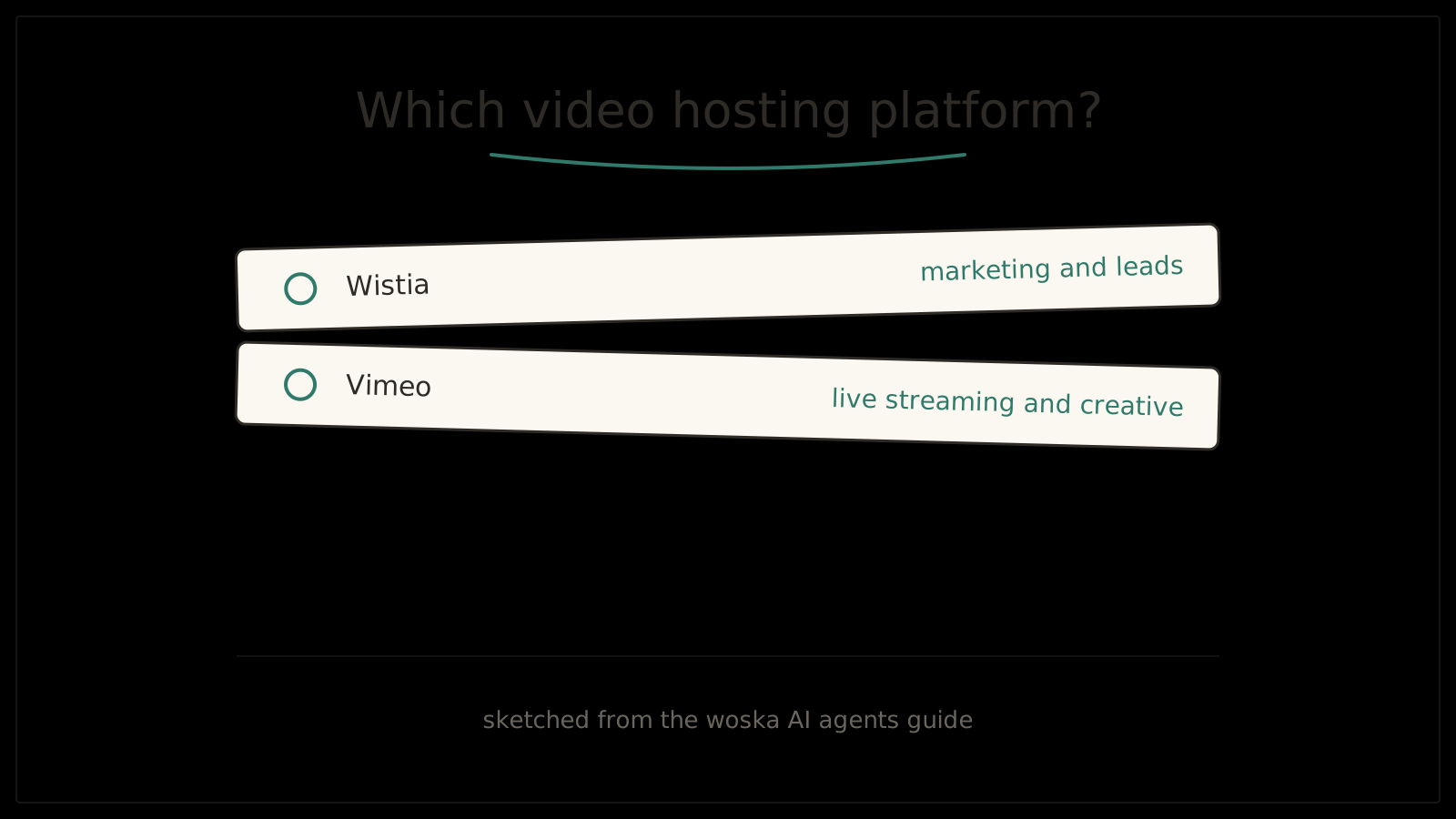
Wistia wins when the goal is turning a video view into a lead or a tracked engagement signal — its heatmaps show exactly where viewers drop off or rewatch, and CTAs and email-gating are built directly into the player rather than bolted on. Vimeo wins when you need capabilities Wistia simply doesn't offer natively, particularly live streaming and webinars, or when video quality above 4K actually matters for how the content will be viewed.
If your main job is turning video into a measurable part of your marketing funnel — leads, engagement data, CRM integration — Wistia's purpose-built analytics and lead capture are the more direct fit. If you need to run a live stream, host a webinar, or want higher resolution and monetization options, Vimeo covers ground Wistia doesn't.
Quick comparison
| Tool | Starting price | Core job | Best fit |
|---|---|---|---|
| Wistia | Free, paid plans available | Video hosting + lead capture + heatmaps | Marketing teams turning video into leads |
| Vimeo | Free, paid from $12/mo | Video hosting + live streaming + high resolution | Live events, webinars, creative work |
Which one should you use?
Choose Wistia if your priority is turning video views into leads with heatmaps, CTAs, and marketing integrations. Choose Vimeo if you need live streaming, webinars, or video quality beyond what Wistia supports.
FAQ
Can I embed either platform's player on my own website? Yes — both Wistia and Vimeo are built around an embeddable, ad-free player for your own site, which is the main reason businesses choose them over hosting directly on YouTube.
Does Wistia support live streaming at all? No — Wistia does not offer native live streaming, so if that's a requirement, Vimeo or a dedicated streaming tool is necessary alongside or instead of Wistia.
How do Wistia's heatmaps actually help improve a video? They show exactly where viewers rewatch, skip, or drop off within a video's timeline, which lets you identify which sections are losing attention and re-edit or re-script that specific part rather than guessing.
Is Vimeo's higher resolution support actually noticeable for typical marketing video? For most webpage-embedded marketing video, the practical difference between Wistia's 4K cap and Vimeo's higher resolution support is minimal — it matters more for creative portfolios or content meant to be viewed at full screen on large displays.
Can I migrate my video library from YouTube to either platform? Both platforms support importing existing video files, though you'd need to re-upload the source files rather than transfer directly from YouTube, since YouTube doesn't provide an export path for hosted video to third-party platforms.
Related guides
- Best AI Podcast Hosting Platform in 2026
- Best AI Video Analytics & Engagement Tool in 2026
- Best AI Screen Recording Tool in 2026
- Explore Marketing tools
*Ratings and pricing reviewed monthly. Last updated October 2026.*
Bogdex · Founder & editor, woska
Bogdex builds and curates woska, testing AI tools against real workflows to judge which ones actually save time rather than which have the longest feature list.