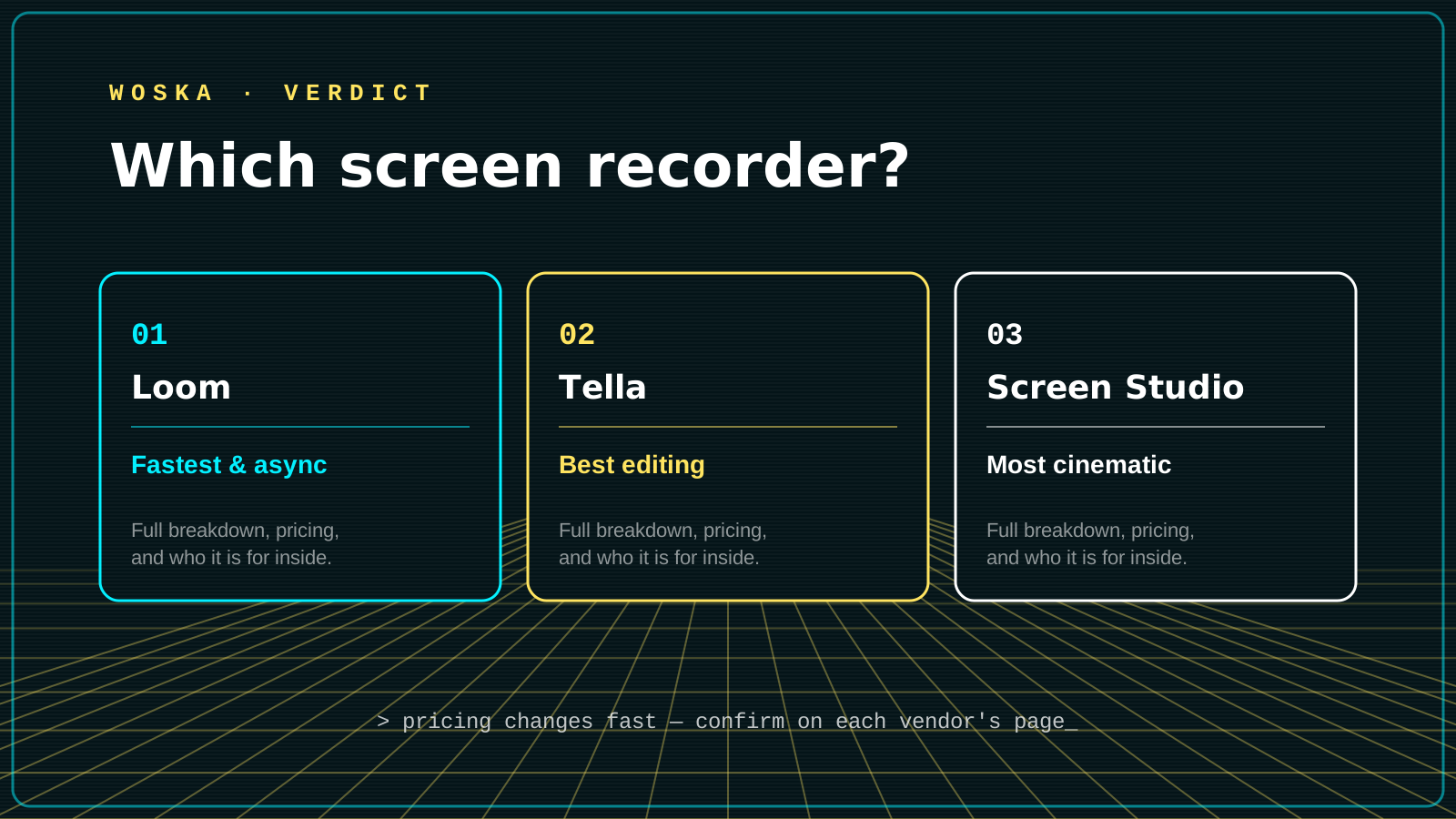
Loom is the best pick for fast, async communication — record and send a link without thinking about it, Tella is the best pick for polished tutorials with AI auto-zoom, layouts, and clip-based editing, and Screen Studio is the best pick for cinematic Mac-native recordings sold as a one-time purchase instead of a subscription. All three record your screen; the differences show up entirely in what happens after you stop recording.
Where Loom wins
Loom is the specialist for speed: record, get a shareable link, and move on, with AI-generated titles and summaries added automatically. It runs in the browser, as a Chrome extension, and on desktop and mobile, giving it the broadest platform reach of the three. Choose this when the goal is quick async communication, not a polished final video.
Where Tella wins
Tella adds a real editing layer on top of recording: AI auto-zoom, auto-cut, custom layouts and backgrounds, and a fuller post-recording editor built for content that needs to look intentional. It's the stronger fit for tutorials and course content where presentation matters more than raw speed.
Where Screen Studio wins
Screen Studio is Mac-only and leans fully into automatic cinematic polish — smart zooms and cursor highlights applied without manual editing — sold as an $89 one-time purchase rather than a monthly subscription. Choose this if you're on a Mac, record occasionally rather than constantly, and want the most polished output with the least editing effort.
Quick comparison
| Tool | Starting price | Core job | Best fit |
|---|---|---|---|
| Loom | From $15/mo | Fast async recording | Quick communication, broad platform support |
| Tella | From $13/mo | Polished, editable tutorials | Course creators, structured content |
| Screen Studio | $89 one-time | Automatic cinematic polish | Occasional Mac users wanting zero editing |
Which one should you use?
Choose Loom if speed and reach matter more than polish and you need it across browser, desktop, and mobile. Choose Tella if you're making tutorials or course content that benefits from real editing control. Choose Screen Studio if you're on a Mac, record occasionally, and want a one-time purchase instead of another subscription.
FAQ
Do I need editing skills to use any of these well? No — all three are built around automatic polish (AI zoom, cursor highlighting, auto-cut) rather than requiring manual video editing skills.
Which is best for a non-Mac user? Loom and Tella both work on Windows; Screen Studio is Mac-only, which rules it out immediately if your team isn't on Apple hardware.
Is a one-time purchase actually cheaper than a subscription long-term? For occasional use, yes — Screen Studio's $89 one-time cost is cheaper than a year of Loom or Tella if you're not recording often enough to need the extra platform reach or team features those subscriptions include.
Related guides
*Ratings and pricing reviewed monthly. Last updated August 2026.*
Bogdex · Founder & editor, woska
Bogdex builds and curates woska, testing AI tools against real workflows to judge which ones actually save time rather than which have the longest feature list.