A good AI-made birthday card needs a real template to start from, not just a raw generated image with no layout, border, or message space — which is where a design editor beats a plain image generator. Canva AI wins for most people: a huge card template library plus AI image and text generation inside one familiar, free-to-start editor. Designs.ai wins for a small business or creator who wants a matching logo, voiceover, or short video alongside the card, bundled under one subscription. Both can produce a genuinely nice, personalized card in under ten minutes.
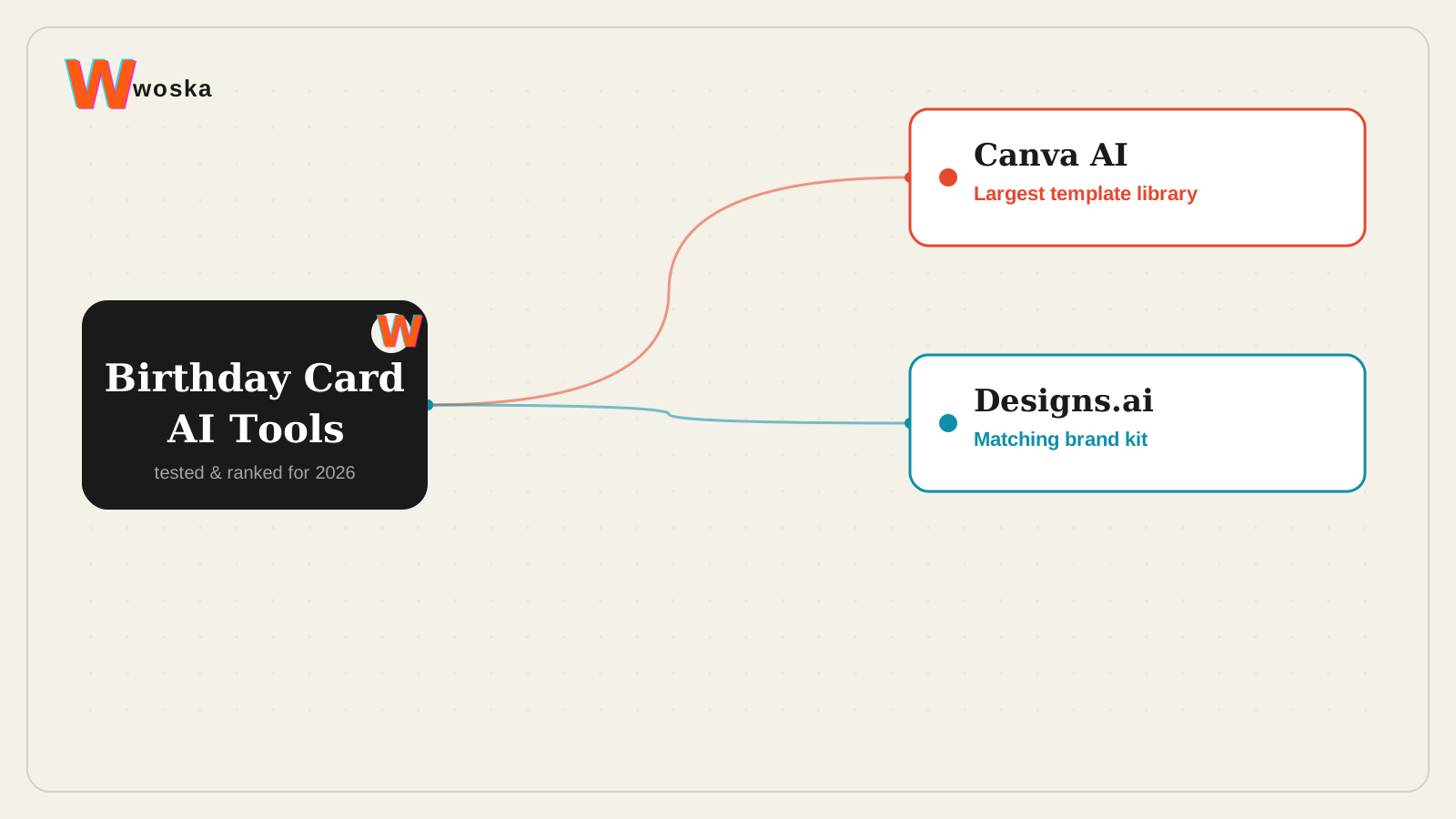
The two, in one line each
Canva AI brings AI-assisted writing, image, and design features into a familiar editor, with a large library of card templates, free to start.
Designs.ai bundles a logo maker with video, voiceover, and design generation tools under one subscription for small marketing teams, free to start.
Where each one actually wins
Canva AI wins for the individual making one great card — its card template library is deep enough to cover almost any occasion and style, and its AI image generator (Dream Lab) plus Magic Write can customize a photo or message inside the same template without leaving the editor. Designs.ai wins when the card is part of something bigger — a business sending branded birthday cards to clients or employees that should match a logo and tone already being used in video or social content elsewhere, since a single subscription covers the logo, the card design, and even a short accompanying video or voiceover message.
Quick comparison
| Tool | Core strength | Starting price | Best fit |
|---|---|---|---|
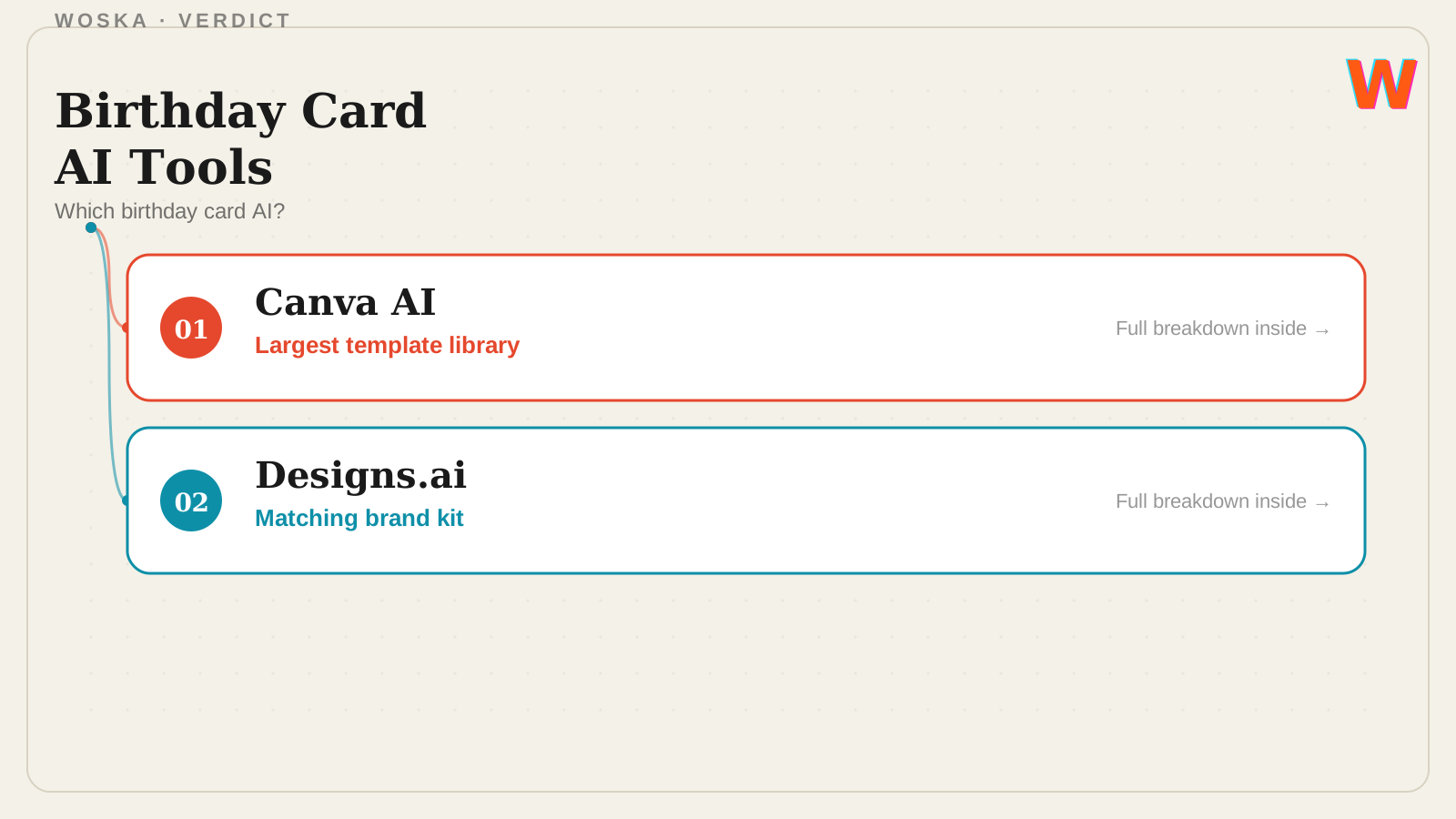
| Canva AI | Largest card template library | Free | One great personal card, fast |
| Designs.ai | Matching logo, video, and voiceover | Free to start | Branded cards for a business |
Which one should you use?
Choose Canva AI for a single personalized birthday card with the widest choice of ready-made templates. Choose Designs.ai if the card needs to match a business's existing logo and brand assets, or if you also want a short video or voiceover alongside it.
FAQ
Can I add a real photo to an AI-generated birthday card? Yes — both tools let you upload your own photo into a template alongside AI-generated elements like backgrounds, borders, or a personalized written message.
Do I need a paid plan to make a decent card? No — both Canva AI and Designs.ai offer usable free tiers for a single card; paid plans mainly unlock premium templates, higher-resolution exports, and additional AI generation credits.
Can these tools write the birthday message for me too? Yes — Canva's Magic Write and Designs.ai's text tools can draft a personalized message from a short prompt describing the recipient and tone you want, which you can then edit directly in the card.
Which is better for printing physical cards versus sending digitally? Both export print-ready files; Canva AI's larger template library gives more physical card format options out of the box, while Designs.ai is more geared toward digital and branded use across multiple formats at once.
Related guides
- Best AI Poster Generator in 2026
- Best AI Logo Generator in 2026
- AI Image Tools Guide 2026
- Explore Image & Design tools
*Ratings and pricing reviewed monthly. Last updated September 2026.*
Bogdex · Founder & editor, woska
Bogdex builds and curates woska, testing AI tools against real workflows to judge which ones actually save time rather than which have the longest feature list.