Amazon and most marketplaces have real, specific photo requirements — pure white backgrounds for the main image, product filling most of the frame, no watermarks or promotional text — and getting them wrong means a rejected listing or a suppressed one. Photoroom wins for sellers who need the full toolbox at volume: background removal, retouching, shadows, and batch export effectively unlimited on paid plans starting at $7.50/month. Pebblely wins for a solo seller who mainly needs a clean packshot-to-lifestyle-background conversion fast, at $9/month for 30 images with 40+ background themes to pick from. Both solve the compliance problem; the difference is volume and how much editing depth you actually need beyond the background.

The two, in one line each
Photoroom combines background removal, AI retouching, an AI product fixer, and shadow/fill/expand tools in one product, with background removal and retouch effectively unlimited on paid plans from $7.50/month.
Pebblely turns a product cutout into a realistic lifestyle or clean-background image from over 40 themes, with bulk generation on its Basic and Pro tiers, starting at $9/month for 30 images.
Where each one actually wins
Photoroom wins at real catalog volume — a seller with hundreds of SKUs needing the compliant pure-white main image plus supplementary lifestyle shots plus retouching for damage or imperfections in the source photo, all inside one workflow rather than juggling separate tools for each step. Its pricing model is genuinely complex (five consumer tiers, credits, a separate API price list), so budget time to understand your real usage before assuming the headline price. Pebblely wins for a smaller seller or a specific new-product launch who mainly needs the packshot-to-lifestyle-background conversion done well and fast, without needing Photoroom's deeper retouching toolbox — its per-image pricing at low volume ($9 for 30 images) is more transparent for someone who isn't shooting hundreds of new products a month.
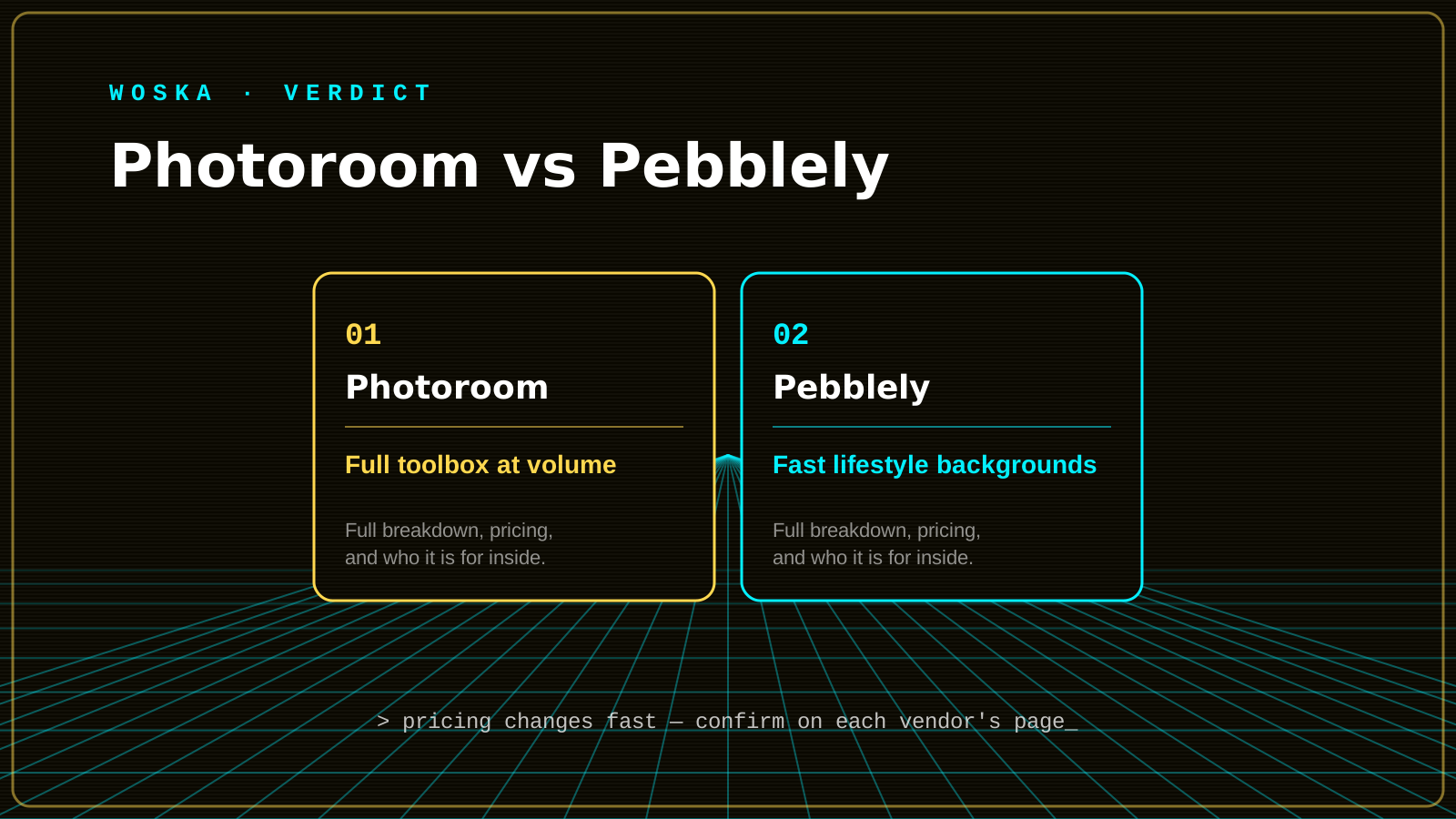
Quick comparison
| Tool | Core strength | Starting price | Best fit |
|---|---|---|---|
| Photoroom | Full toolbox at volume | $7.50/mo (Pro) | Large catalogs needing compliance + retouching |
| Pebblely | Fast lifestyle backgrounds | $9/mo (30 images) | Smaller sellers, specific launches |
Which one should you use?
Choose Photoroom if you're managing a real catalog and need background removal, retouching, and compliant main images at genuine volume in one workflow. Choose Pebblely if your immediate need is turning a handful of new product photos into clean, on-theme lifestyle backgrounds without a bigger toolbox you won't use.
FAQ
What are Amazon's actual main-image requirements? Pure white (RGB 255,255,255) background, the product filling at least 85% of the frame, no text, watermarks, or additional graphics — confirm current category-specific requirements directly on Seller Central since these are enforced and occasionally updated.
Can AI-generated lifestyle backgrounds get a listing flagged or rejected? The generated background itself isn't the issue — violations typically come from what's in the image (added text, misleading staging, prohibited claims), so keep secondary lifestyle images clean of anything that could read as a compliance violation.
Do I need both tools, or is one enough for most sellers? Most sellers only need one — Photoroom if you're managing real catalog volume with retouching needs, Pebblely if you mainly need fast lifestyle-background generation without deeper editing.
How much does image quality actually affect Amazon conversion rate? Significantly, based on widely reported seller data — main and secondary images are among the highest-leverage factors in listing conversion, second mainly to price and reviews, making this a genuinely high-ROI area to invest in rather than an afterthought.
Related guides
- Best AI Product Photography Tool in 2026
- Photoroom Review 2026
- AI Tools for Ecommerce Brands: The Complete 2026 Guide
- Explore Image tools
*Ratings and pricing reviewed monthly. Last updated September 2026.*
Bogdex · Founder & editor, woska
Bogdex builds and curates woska, testing AI tools against real workflows to judge which ones actually save time rather than which have the longest feature list.