The best tools for social media content in 2026 are Predis.ai, Canva AI, Taplio. They are not interchangeable: each one solves a different part of the workflow, so the right choice depends on the job you need finished first.
This guide treats the tools as a shortlist, not a ranking where one product replaces all the others. If you are choosing quickly, decide whether your pain is creation, editing, automation, research, or delivery, then test the matching tool with one real task.
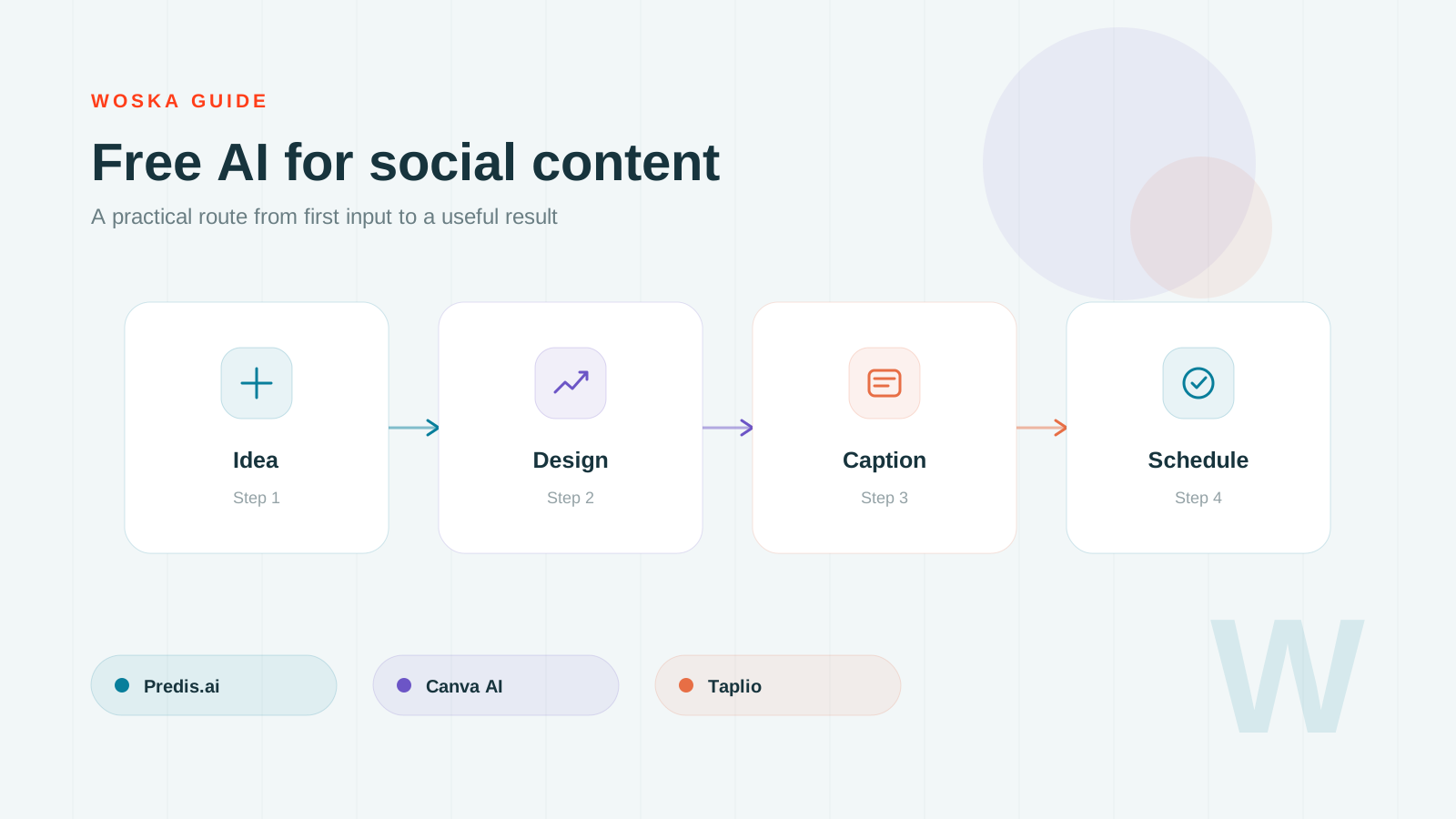
The shortlist
Predis.ai
Predis.ai is useful when the blank page is the main problem. It can generate post ideas, captions, and creative directions for social formats.
Canva AI
Canva AI is the visual production pick. It helps turn raw ideas into designed posts, carousels, thumbnails, and presentation-style social assets.
Taplio
Taplio is the LinkedIn-specific option. It is stronger for personal brand and founder-led content where consistency, scheduling, and audience patterns matter.
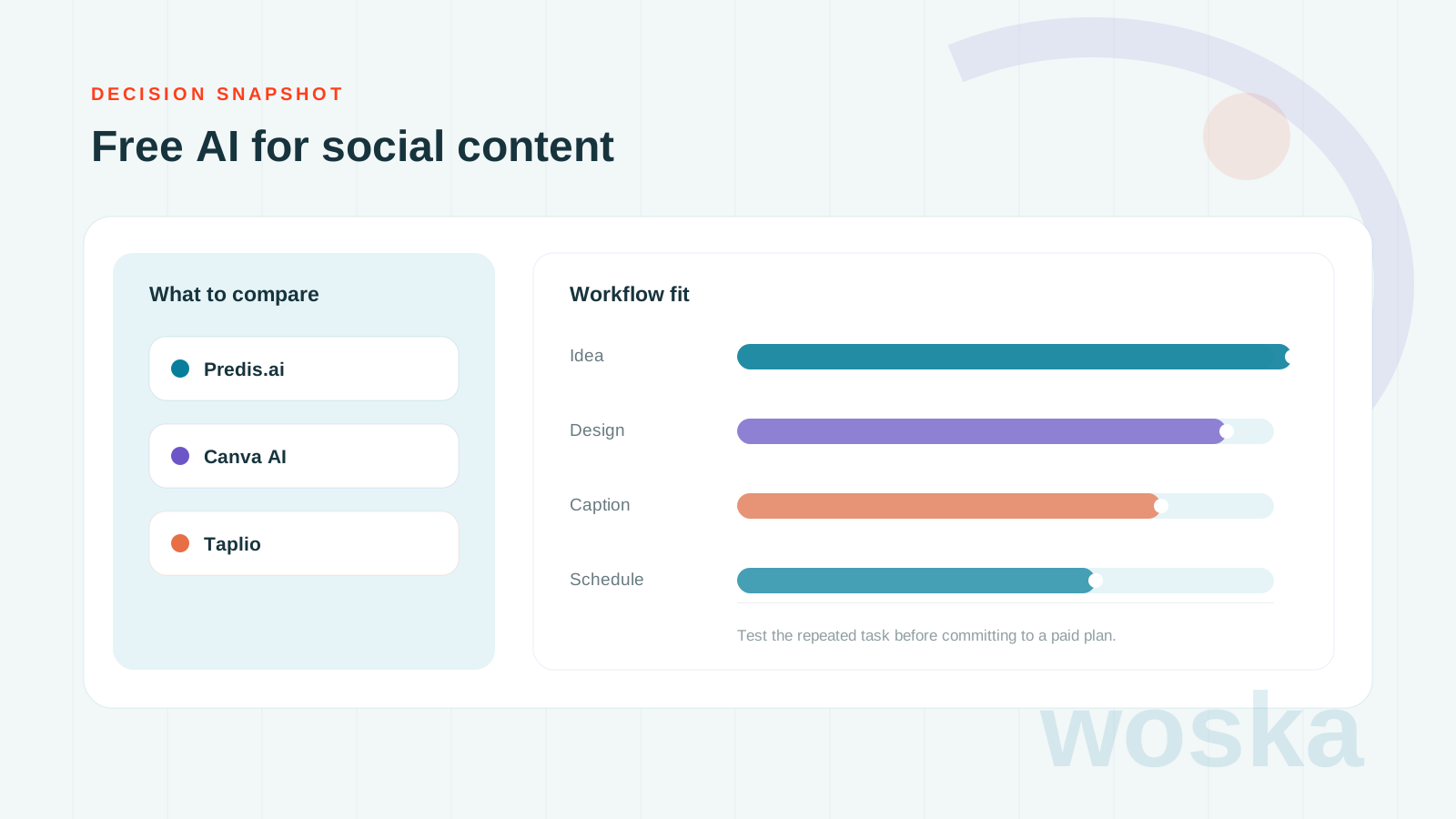
Quick comparison
| Tool | Starting price | Core job | Best fit |
|---|---|---|---|
| Predis.ai | From $29/mo | social post generation | Post ideas and captions |
| Canva AI | Freemium | design production | Designed social assets |
| Taplio | From $49/mo | LinkedIn content | LinkedIn content systems |
Which one should you use?
Use Predis.ai for ideation, Canva AI for visual polish, and Taplio if LinkedIn is the channel that actually drives business outcomes.
The safest approach is to avoid testing every tool at once. Pick the one that matches today's workflow, run one realistic task, then add a second tool only if the first one fails on a clear requirement.
FAQ
Do I need all 3 tools? No. Most people should start with one. The value of this list is knowing which tool to test for each workflow, not building a bloated stack.
Are free plans enough for serious work? Sometimes. Free plans are good for testing output quality, but paid plans usually matter when you need exports, higher limits, team access, or commercial usage.
How should I compare results fairly? Use the same input, the same deadline, and the same success criteria. The winner is the tool that needs the least manual fixing after the first useful output.
Related guides
- Part of our complete guide: AI Tools for Marketing Teams
- Explore Marketing tools
- Compare AI tools
- All woska guides
*Ratings and pricing reviewed monthly. Last updated June 2026.*
Bogdex · Founder & editor, woska
Bogdex builds and curates woska, testing AI tools against real workflows to judge which ones actually save time rather than which have the longest feature list.