Magic Patterns wins for the screenshot-to-code workflow — paste any screenshot, image, or design mockup, and it generates a matching React + Tailwind implementation, built to feel like a design tool rather than a dev tool. v0.dev wins for teams already building in Next.js who want production-ready components optimized for shadcn/ui, generated fast and ready to drop into a real codebase. Both turn prompts or images into working UI code, but Magic Patterns leans toward product and design exploration while v0 leans toward shipping inside an existing Next.js stack.
The two, in one line each
Magic Patterns is an AI design and UI generation tool for turning product ideas — including pasted screenshots or mockups — into production-ready interface concepts, with a workflow built to feel like a design tool for product teams.
v0.dev turns product prompts into React UI drafts optimized for shadcn/ui and Next.js, making it a fast starting point for teams that want components ready to integrate into a real, production Next.js app.
Where each one actually wins
Magic Patterns wins for product and design-led exploration — its screenshot workflow (paste a competitor's UI, a Figma mockup, or a hand-drawn sketch and get a working React + Tailwind implementation) makes it feel like a design tool that happens to output code, which suits teams iterating on look and feel before committing to a specific stack. v0.dev wins once you already know you're building in Next.js and want components that fit that ecosystem specifically — its shadcn/ui-optimized output and Figma import mean less translation work between what v0 generates and what actually ships in a Next.js codebase.
Quick comparison
| Tool | Starting price | Core job | Best fit |
|---|---|---|---|
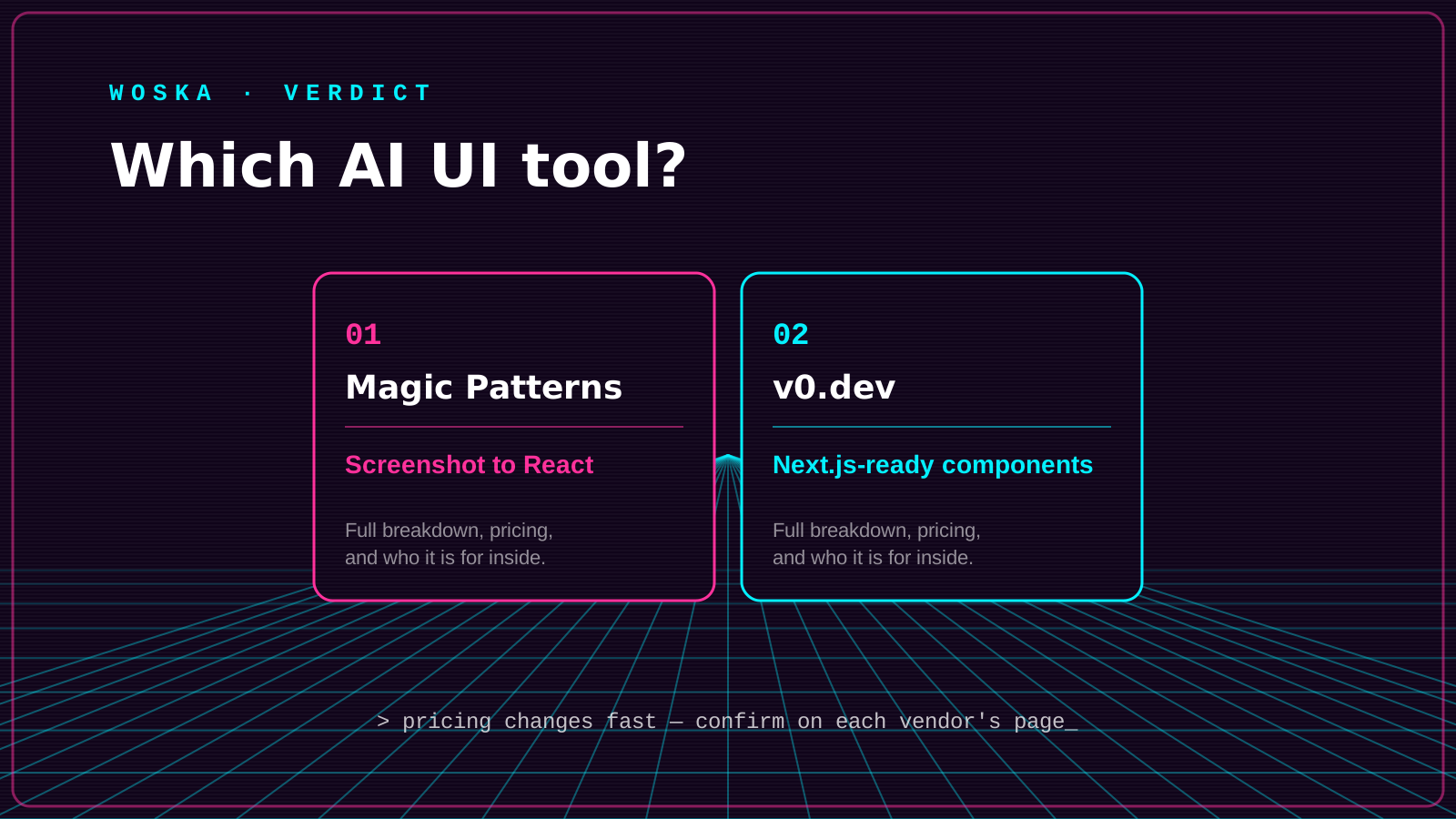
| Magic Patterns | Free tier; Starter $20/mo (1K credits) | Screenshot/prompt-to-React design tool | Product teams exploring UI before committing to a stack |
| v0.dev | Free tier ($5 credits/mo); Premium $20/mo | Prompt-to-React optimized for Next.js/shadcn | Teams already building in Next.js wanting fast, shippable components |
Which one should you use?
Choose Magic Patterns if you want to explore UI direction from screenshots or mockups before locking into an implementation, and value a workflow that feels closer to a design tool. Choose v0.dev if you're already building in Next.js and want components generated specifically for shadcn/ui that require the least translation work to actually ship.
FAQ
Can either tool's output be dropped directly into a production codebase? Both generate real React code rather than a static mockup, but v0.dev's output is more specifically tuned for a Next.js + shadcn/ui stack, so it typically needs less adaptation if that's your existing setup — Magic Patterns' output may need more integration work depending on your stack.
Does Magic Patterns require a Figma file to start, or can I use any image? Any screenshot, image, or mockup works — you don't need a structured Figma file, which is part of what makes it useful for reverse-engineering an existing UI or working from a rough sketch.
Are these tools meant for designers or developers? Magic Patterns is explicitly positioned toward product teams and designers who want a design-tool-like experience; v0.dev leans more toward developers who want fast, framework-specific component generation — though both are usable by either role.
Is the free tier on either tool enough for real evaluation? Both offer a genuine free tier to test the core workflow, but serious ongoing use on either will need a paid plan once you exceed the free credit allowance, which happens quickly with regular use.
Related guides
*Ratings and pricing reviewed monthly. Last updated September 2026.*
Bogdex · Founder & editor, woska
Bogdex builds and curates woska, testing AI tools against real workflows to judge which ones actually save time rather than which have the longest feature list.