accessiBe is the best pick for automated remediation backed by manual audits, UserWay is the best pick for the fastest widget install when you need to show progress on accessibility quickly, and Evinced is the best pick for engineering teams that need issue-level technical detail rather than a front-end widget. All three aim at the same pressure point — WCAG compliance and lawsuit risk — but they sit at very different points on the "quick fix vs. real engineering fix" spectrum.
The three, in one line each
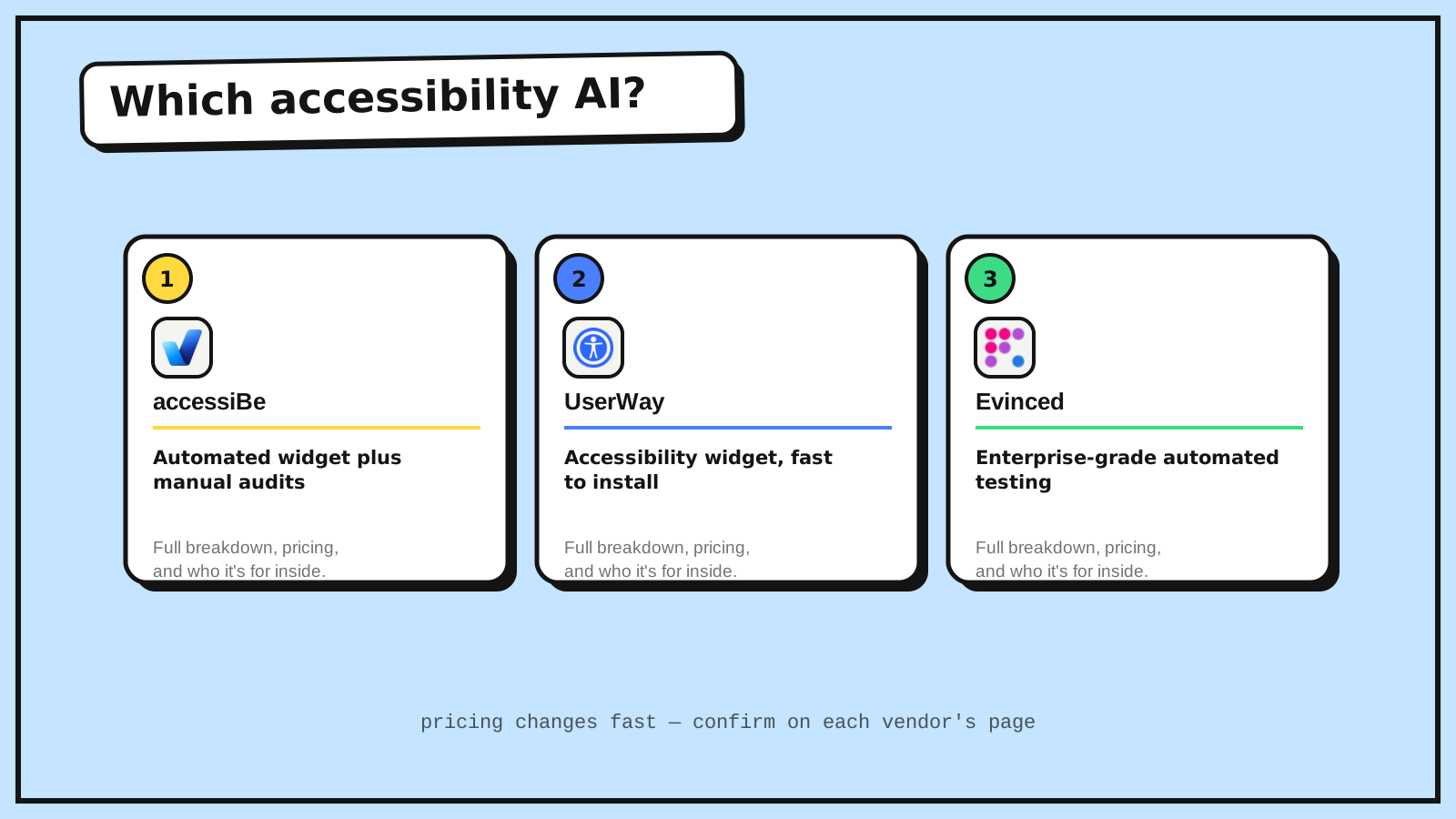
accessiBe combines an automated accessibility widget with manual audits, aimed at getting a site toward WCAG compliance without a full development rebuild.
UserWay is an accessibility widget that's fast to install and scans for WCAG issues, often the first step a site takes when facing compliance pressure.
Evinced is enterprise-grade automated accessibility testing built for engineering teams that need issue-level detail to actually fix problems in code, not just mask them with an overlay.
Where each one actually wins
accessiBe wins as a middle ground — automated coverage plus a manual audit layer gives more assurance than a pure widget alone, without requiring a full accessibility engineering effort. UserWay wins purely on speed: when legal or compliance pressure is immediate, a fast widget install that demonstrably improves baseline accessibility is often the realistic first move, even though it isn't a complete fix. Evinced wins for organizations that have accepted that real accessibility requires code-level fixes, not an overlay — it's built to hand engineers precise, actionable issues rather than a black-box widget sitting in front of unfixed underlying problems.
Widget-based tools like accessiBe and UserWay have real, documented limitations for genuinely complex interactive elements — they're a meaningful improvement over nothing, not a guaranteed shield against every accessibility claim. Teams with the engineering capacity to actually fix issues at the source should treat Evinced's detailed findings as the more durable long-term investment, using a widget as a stopgap in the meantime rather than a permanent solution.
Quick comparison
| Tool | Starting price | Core job | Best fit |
|---|---|---|---|
| accessiBe | $59/mo | Automated widget + manual audits | Broader coverage without a full rebuild |
| UserWay | $49/mo | Fast-install accessibility widget | Immediate compliance pressure, quick baseline |
| Evinced | Custom pricing | Enterprise automated testing, issue-level detail | Engineering teams fixing issues at the source |
Which one should you use?
Choose accessiBe if you want automated coverage backed by a manual audit layer for more assurance. Choose UserWay if you need the fastest possible improvement to baseline accessibility right now. Choose Evinced if your team has the engineering capacity to fix issues at the code level and wants precise findings to work from, not a widget.
FAQ
Do accessibility widgets like accessiBe and UserWay fully solve compliance? No — widgets improve baseline accessibility but have documented limitations on complex custom components and don't replace code-level remediation for full compliance confidence. Treat them as a meaningful step, not a complete solution.
Is Evinced harder to implement than a widget? Yes — it requires engineering time to act on its findings, unlike a widget that installs with a script tag. The tradeoff is a more durable fix versus a faster but partial one.
Can I use a widget and Evinced together? Yes — using a widget for immediate baseline coverage while an engineering team works through Evinced's findings for a real fix is a reasonable transitional approach.
Related guides
- Part of our complete guide: AI Tools for Sales & Business Ops
- Explore Coding & Dev tools
- Explore all guides
*Ratings and pricing reviewed monthly. Last updated August 2026.*
Bogdex · Founder & editor, woska
Bogdex builds and curates woska, testing AI tools against real workflows to judge which ones actually save time rather than which have the longest feature list.