Formula Bot is the best pick for the fastest plain-English-to-formula conversion, Ajelix is the best pick when you also need VBA scripts and macros, and Numerous.ai is the best pick if you want AI formulas running natively inside Google Sheets or Excel rather than a separate tool you copy-paste from. All three solve the same core annoyance — not remembering the exact `INDEX/MATCH` or nested `IF` syntax — but they solve it in different places in your workflow.
The three, in one line each
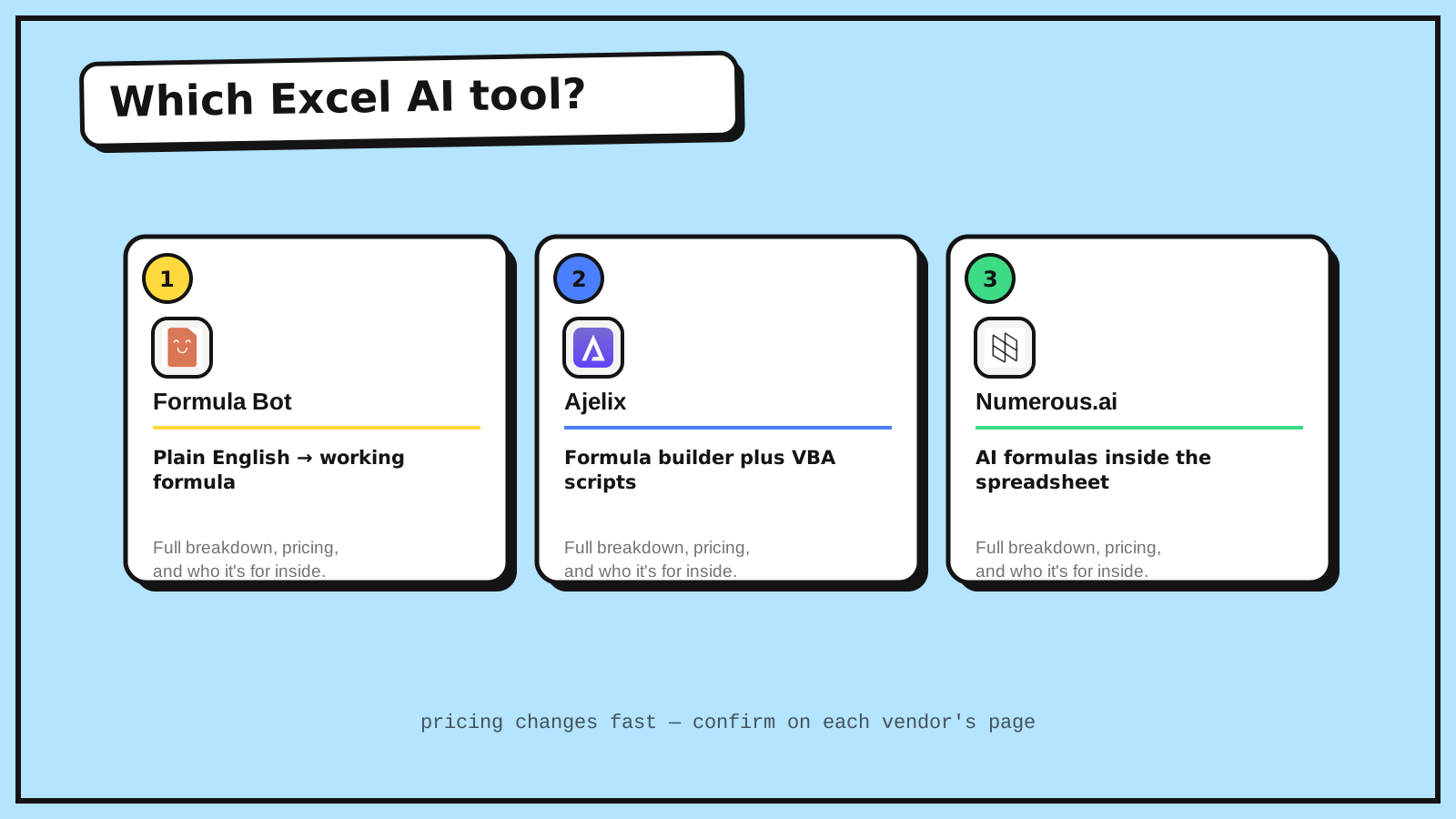
Formula Bot takes a plain-English description of what you want and generates the working formula, and can also explain what an unfamiliar existing formula actually does.
Ajelix builds both formulas and full VBA scripts from a text prompt, aimed at users who need more than a single-cell formula — think entire macros for repetitive spreadsheet tasks.
Numerous.ai adds AI-powered formulas directly inside Google Sheets and Excel as custom functions, so classification, extraction, and text generation run natively on your data without leaving the sheet.
Where each one actually wins
Formula Bot wins for the simplest, most common job: you know what result you want but not the exact formula syntax, and a quick plain-English request gets you there fastest. Ajelix wins once the task grows past a single formula — VBA automation for recurring reports or bulk data cleanup is a different scale of problem, and it's the one built for that. Numerous.ai wins on integration: instead of generating a formula elsewhere and pasting it in, it adds AI as a first-class function type inside the spreadsheet itself, which matters if your use case is closer to "run AI on every row" than "help me write this one formula."
If you're doing occasional formula lookups, Formula Bot is the lowest-friction option. If spreadsheet automation is a recurring part of your job, Ajelix's VBA generation earns its higher price. If you want AI woven into the sheet as an ongoing tool rather than a one-time formula generator, Numerous.ai is built specifically for that.
Quick comparison
| Tool | Starting price | Core job | Best fit |
|---|---|---|---|
| Formula Bot | $18/mo (free tier available) | Plain English → formula | Fast, one-off formula help |
| Ajelix | $39/mo (free tier available) | Formulas + VBA scripts | Spreadsheet automation at scale |
| Numerous.ai | $10/mo (free tier available) | AI functions inside the sheet | Running AI on data natively in-sheet |
Which one should you use?
Choose Formula Bot if you just need help writing or understanding a formula right now. Choose Ajelix if the real problem is repetitive manual work that VBA could automate. Choose Numerous.ai if you want AI-powered functions living permanently inside your spreadsheet rather than a separate tool you visit occasionally.
FAQ
Do these tools work in both Excel and Google Sheets? Numerous.ai is built around both. Formula Bot and Ajelix are primarily Excel-focused but generate formula syntax compatible with Google Sheets in most cases — check the specific function support before relying on it for advanced sheets.
Can I use a free plan to try these before paying? Yes — all three offer a free tier or trial, which is enough to test formula quality on your own data before committing to a paid plan.
Will these replace knowing basic spreadsheet skills? No — they're fastest when you already know roughly what result you want and just need the syntax. They're less reliable for verifying whether the underlying approach to a problem is the right one.
Related guides
- Part of our complete guide: AI Productivity & Personal Tools
- Explore Productivity tools
- Explore all guides
*Ratings and pricing reviewed monthly. Last updated August 2026.*
Bogdex · Founder & editor, woska
Bogdex builds and curates woska, testing AI tools against real workflows to judge which ones actually save time rather than which have the longest feature list.