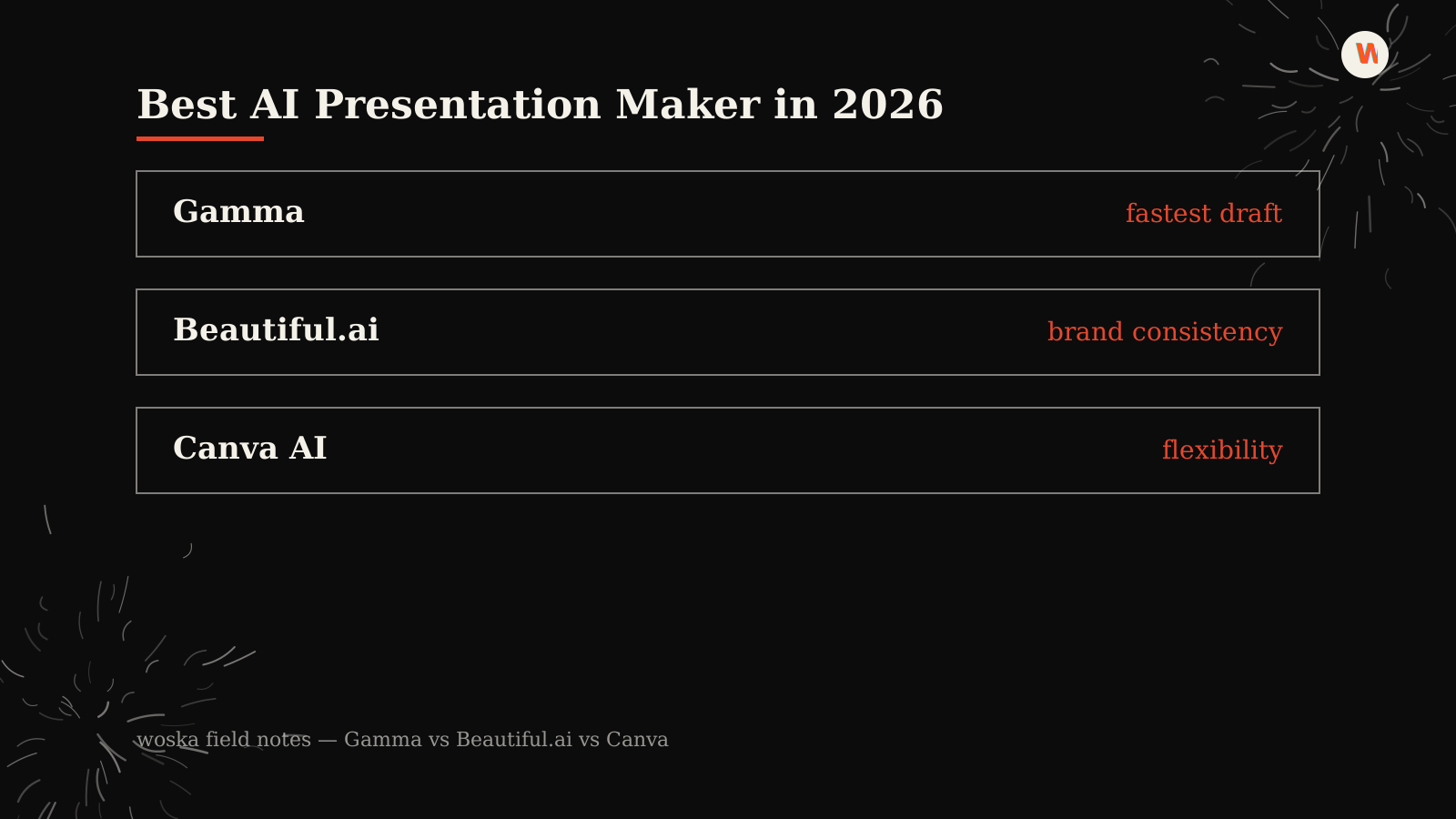
Gamma is the fastest way to go from a topic to a finished deck because it writes the content for you, Beautiful.ai is the strongest pick for enforced brand consistency across a team, and Canva wins when you need maximum creative flexibility across more than just slides. The real decision isn't which one makes prettier slides — it's how much of the thinking you want the AI to do versus how much control you want to keep.
Where Gamma wins
Gamma writes from scratch: give it a topic or a rough outline and it produces a designed, structured presentation — or document, or webpage — in one pass, which you then edit like a normal deck. It's the right choice for startups, consultants, and individual professionals who want to minimize manual design time and are comfortable editing AI-drafted content rather than starting from a blank slide.
Where Beautiful.ai wins
Beautiful.ai takes the opposite approach: you provide the content, and its smart templates automatically rebalance layout, spacing, and hierarchy as you edit, enforcing design consistency without you manually aligning anything. That makes it the strongest fit for corporate and marketing teams where brand consistency across many decks and many contributors matters more than speed of first draft.
Where Canva wins
Canva sits in the middle: AI assistance is available throughout, but you stay in the driver's seat on both content and design, backed by the largest asset library of the three. It's the pick if presentations are only part of what you need — social graphics, one-pagers, print — and you'd rather have one flexible tool than a presentation specialist.
Quick comparison
| Tool | Starting price | Core job | Best fit |
|---|---|---|---|
| Gamma | From $10/mo | writes + designs from a prompt | Speed, solo professionals |
| Beautiful.ai | From $12/mo | enforces design consistency | Teams, brand consistency |
| Canva AI | From $0/mo | flexible design across formats | Broader creative needs |
Which one should you use?
Start with Gamma if you want the fastest path from idea to a presentable deck. Choose Beautiful.ai if you're rolling this out across a team and brand consistency across dozens of decks matters more than speed on any single one. Pick Canva AI if presentations are one of several design jobs you need one tool to cover.
FAQ
Which one requires the least manual design work? Gamma, since it writes and structures the content itself rather than formatting content you provide.
Can I use these for client-facing pitch decks? Yes, all three are commonly used for external decks — Beautiful.ai's brand-consistency features are particularly useful when multiple people on a team are pitching with the same template.
Do I need a design background to use any of these well? No. All three are built for non-designers; the main tradeoff is how much of the design decision-making you want the tool to make for you versus keep for yourself.
Related guides
*Ratings and pricing reviewed monthly. Last updated July 2026.*
Bogdex · Founder & editor, woska
Bogdex builds and curates woska, testing AI tools against real workflows to judge which ones actually save time rather than which have the longest feature list.