Gusto is the best pick for US-only teams of roughly 1 to 25 people — published per-person pricing, month-to-month terms, and an AI assistant plus an official connector that lets you work with payroll data from Claude or ChatGPT. Rippling is the best pick when payroll is only one part of the job — it unifies HR, payroll, IT, and spend in one system, with an AI layer that answers questions and builds reports across all of it, though pricing is quote-based. Both replace the spreadsheet-and-accountant-email payroll routine with software that calculates, files, and pays.
The two, in one line each
Gusto is a US payroll, benefits, and HR platform for small businesses with month-to-month plans, per-person pricing, and an AI assistant.
Rippling is a modular platform that unifies HR, payroll, IT, and spend, priced by the modules you turn on.
Where each one actually wins
Gusto wins on simplicity and price transparency. Its Simple plan lists at $49 a month plus $6 per person, Plus at $80 plus $12 per person, and Premium at $180 plus $22 per person, all month-to-month, with unlimited payroll runs. For a 10-person team on Simple that works out to $109 a month. Its AI story is practical rather than flashy: a "Gus" assistant (labelled beta) that answers payroll and benefits questions, and an official MCP server and CLI that connect Gusto to Claude, ChatGPT, and other assistants. Gusto says approving a payroll run stays a human step.
Rippling wins on breadth. Its AI can answer questions across your HR data and connected tools, build charts and dashboards on request, and turn a dropped-in spreadsheet of bonuses into a payroll action that flags issues and asks for approval before it runs. That matters most for tech-heavy, multi-state, or global teams that also want device management and spend control in the same system. The trade-off is pricing: Rippling's small-business page says "starting at $8 per user per month plus a $40 per month base fee" with a custom quote, which would be about $120 a month for 10 people before any modules, and real totals depend on what you add.
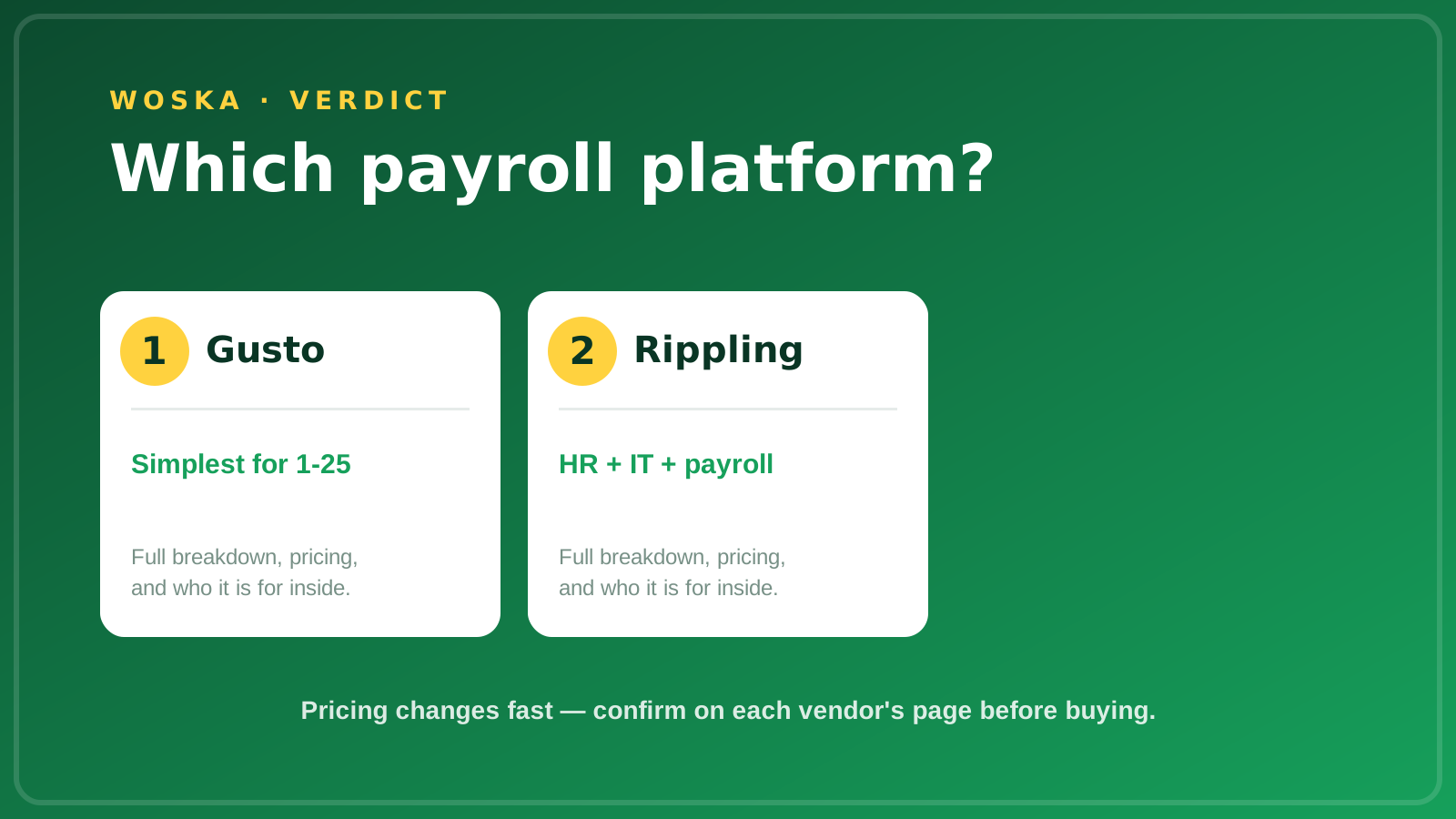
If you're a US-only team that wants predictable pricing and quick setup, Gusto is the more direct fit. If you expect to outgrow basic payroll and want HR, IT, and payroll under one roof, Rippling's modular platform is built for that.
Quick comparison
| Tool | Starting price | Core job | Best fit |
|---|---|---|---|
| Gusto | $49/mo + $6/person (Simple) | Payroll, benefits, basic HR | US teams of 1-25, simple needs |
| Rippling | From $8/user/mo + $40/mo base, quote required | HR + payroll + IT + spend in one | Growing, multi-state or tech-heavy teams |
*Prices as listed by each vendor in October 2026; check current rates before buying.*
Which one should you use?
Choose Gusto if you're a US-only team that wants published pricing, month-to-month terms, and fast setup. Choose Rippling if you also need IT and device management, spend control, or global payroll in the same system.
FAQ
Can AI actually run payroll for me without my approval? No — both vendors keep a human in the loop. Gusto says approving a payroll run remains a human step even when you prepare it through Claude or ChatGPT, and Rippling's AI asks for approval before it acts on something like a bonus spreadsheet.
Is Gusto month-to-month, and can I cancel anytime? Yes — Gusto states its plans are month-to-month. Upgrades take effect immediately, and downgrades take effect on the first of the following month.
How long does setup take with each? Rippling says implementation takes about one to three weeks with an implementation manager. Gusto doesn't state an exact setup time on its pricing page, but a migration needs your EIN, employee addresses and salaries, and year-to-date tax documents if you switch mid-year.
Does either tool handle contractors? Yes — Gusto has a Contractor Only plan at $35 a month plus $6 per person (a limited-time offer was showing the $35 base as $0), and bills contractors only in months you pay them.
Which is better if I might hire internationally later? Rippling is the stronger fit for global or multi-country needs. Gusto is built for US payroll, so a team planning international hires should confirm coverage before committing.
Related guides
- Best AI Tool for Employee Onboarding in 2026
- Best AI Tool for Hiring Your First Employee in 2026
- AI Tools for HR & People Ops in 2026
- Explore Business tools
*Ratings and pricing reviewed monthly. Last updated October 2026.*
Bogdex · Founder & editor, woska
Bogdex builds and curates woska, testing AI tools against real workflows to judge which ones actually save time rather than which have the longest feature list.