Passport and visa photos have strict, specific rules — usually a plain white or light-colored background with no shadows, objects, or texture behind you — and a rejected photo means resubmitting an application. Remove.bg wins for the actual background swap: upload a photo, remove the background, and drop in a compliant white or blue backdrop in one pass, free to start. Cleanup.pictures wins for the step before that — removing a stray object, a shadow, or a blemish from the frame — with a paid tier from $5/month for high-resolution output good enough for print or official submission. Most people only need one of the two; a small number of tricky photos benefit from both.
The two, in one line each
Remove.bg removes backgrounds from photos with almost no setup and lets you replace the background with a compliant solid color for passport and ID photos, free to start.
Cleanup.pictures is a free in-browser AI object, person, and text remover for quick one-off photo fixes, with a paid tier from $5/month for high-resolution processing.
Where each one actually wins
Remove.bg wins for the core passport-photo job almost everyone actually needs: swapping a busy or wrong-colored background for a compliant plain white or blue one in a single click, which covers the requirement in most countries' passport and visa guidelines without any editing skill required. Cleanup.pictures wins when the background is already fine but something else in the frame is a problem — a shadow falling across your shoulder, a stray strand of hair extending outside the frame, a visible doorway or object behind you that a simple background swap won't fully clean up — its object and shadow removal handles that cleanup pass before or after the background itself is addressed.
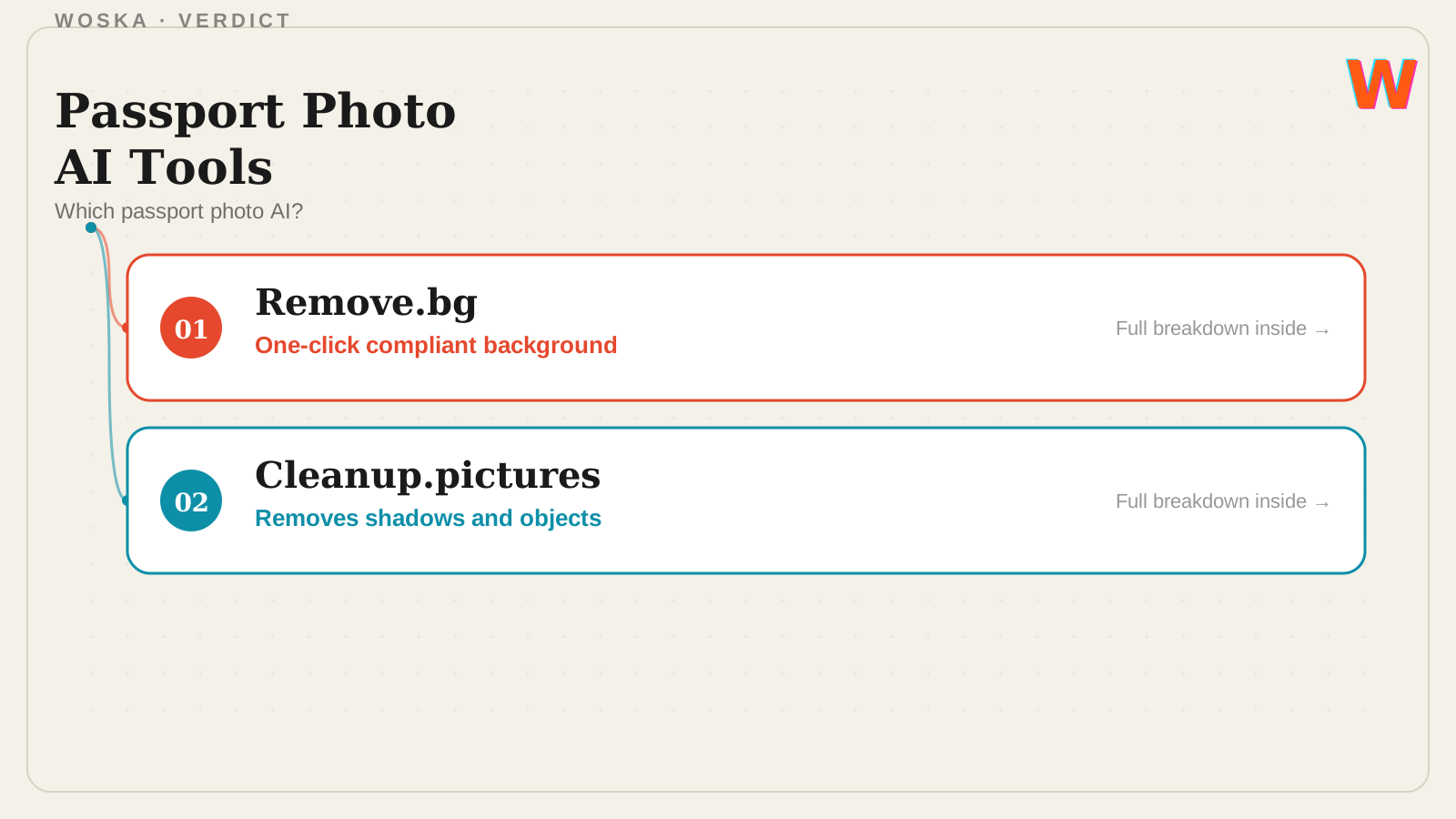
Quick comparison
| Tool | Core strength | Starting price | Best fit |
|---|---|---|---|
| Remove.bg | One-click compliant background swap | Free | Most standard passport/ID photos |
| Cleanup.pictures | Removing shadows, objects, blemishes | Free (paid from $5/mo for high-res) | Photos with distractions in frame |
Which one should you use?
Use Remove.bg first for almost any passport or visa photo — it handles the background-compliance requirement directly. Add Cleanup.pictures if the resulting photo still has a shadow, object, or blemish that needs cleaning up before you submit it.
FAQ
What background color do passport photos actually need? It depends on the country — many require pure white, some (like certain visa types) require light blue or grey — always confirm the exact current requirement for your specific document and country before finalizing the photo.
Can these tools fix photo size and dimensions too, not just the background? Remove.bg and Cleanup.pictures focus on background and object removal rather than official cropping to exact passport dimensions — you'll likely still need a separate crop-to-size step, either in the same tool's export options or a basic photo editor, matching your country's exact size requirement.
Will an AI-edited passport photo get rejected? The edit itself isn't the issue — the resulting photo still needs to meet the same rules as any passport photo (accurate likeness, no filters that alter your appearance, correct background and lighting), so use these tools to meet the requirement rather than to alter how you look.
Is Remove.bg completely free for passport photos? Free-tier exports typically come at a lower resolution suitable for casual use; if your passport agency requires a specific high-resolution print or digital file, check whether you need a paid export from Remove.bg or a similar high-resolution tool.
Related guides
- Best AI Tool for Background Removal in Photos
- Best AI Headshot Generator in 2026
- AI Image Tools Guide 2026
- Explore Image & Design tools
*Ratings and pricing reviewed monthly. Last updated September 2026.*
Bogdex · Founder & editor, woska
Bogdex builds and curates woska, testing AI tools against real workflows to judge which ones actually save time rather than which have the longest feature list.