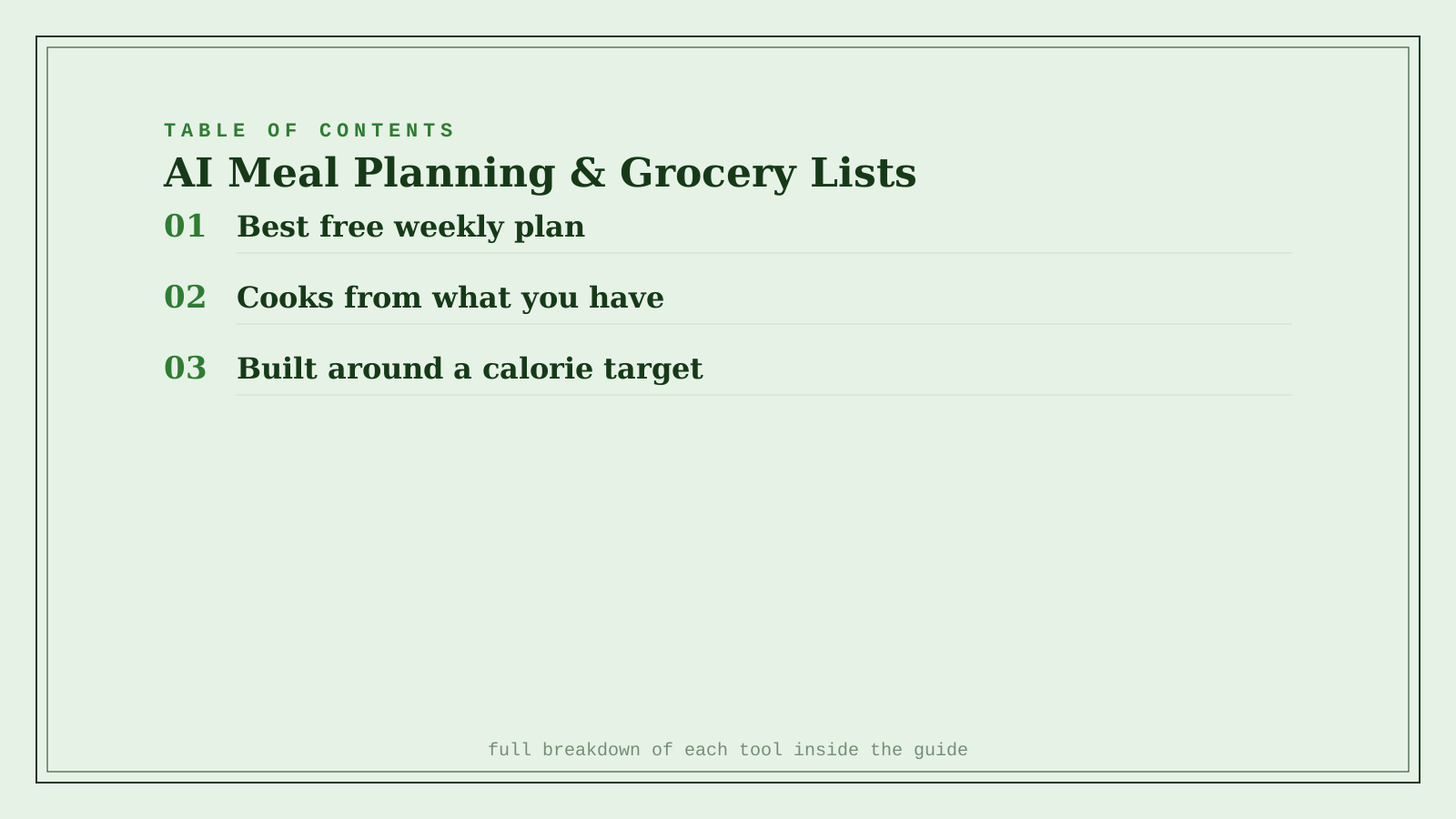
Mealime wins as the best fully free option — guided weekly plans, dietary filters, and an auto-generated grocery list with no payment required. Samsung Food wins for anyone who cooks from whatever's already in the fridge, since its Vision AI can suggest a recipe or estimate calories directly from a photo. Eat This Much wins when the actual goal is hitting a specific calorie or macro target, building the entire week's plan backward from that number rather than from a recipe you like. All three solve the same underlying problem — deciding what to cook and buying exactly what that requires, nothing more — but they start from a different piece of information: your dietary preferences, what's already in your kitchen, or a specific nutrition target.
Where each one actually wins
Mealime builds a weekly meal plan from your dietary preferences and household size, then generates a matching grocery list automatically — and its free tier covers all of this without requiring a subscription. It's the right default for most people who just want the planning and shopping-list busywork handled without paying for it.
Samsung Food (formerly Whisk) works across any phone, not just Samsung devices, but its Vision AI calorie-estimation-from-a-photo feature is Galaxy-exclusive. Its real strength is starting from what you already have — snap a photo of your fridge or pantry and get recipe suggestions built around those ingredients, reducing food waste along with the planning effort.
Eat This Much starts from a number instead of a recipe: tell it your calorie or macro target, and it builds a full day or week of meals that hit it, then generates the grocery list to match. It's the strongest fit for anyone meal-prepping around a specific fitness or health goal rather than general "what should we eat" planning.
Quick comparison
| Tool | Starting point | Starting price | Best fit |
|---|---|---|---|
| Mealime | Dietary preferences | Free | Most people, no payment required |
| Samsung Food | What's already in your kitchen | Freemium, ~$6.99/mo | Cooking from what you have, reducing waste |
| Eat This Much | A specific calorie or macro target | Freemium, ~$5/mo | Meal-prepping around a fitness goal |
Which one should you actually use?
Start with Mealime if you just want a simple weekly plan and grocery list without paying for anything. Move to Samsung Food if reducing food waste and cooking around what's already in your kitchen matters more than following a fixed plan. Use Eat This Much if you're working toward a specific calorie or macro number and want the entire week's meals and grocery list built backward from that target.
FAQ
Do I need a Samsung phone to use Samsung Food? No — Samsung Food works on any Android device, iOS, and the web. Only the Vision AI photo-to-calorie-estimate feature is limited to Galaxy devices specifically.
Can these apps handle specific allergies or intolerances, not just general diets (vegetarian, keto, etc.)? All three support filtering out specific ingredients and common allergens, but always double-check the generated grocery list and recipes yourself — an AI-generated meal plan can miss a less common allergen or substitute an ingredient that technically fits the filter but still isn't safe for a specific intolerance.
Will the grocery list actually match what's on sale or available at my local store? Not automatically — these tools generate what you need for the planned recipes, not what's cheapest or in stock nearby. Some integrate with specific retailers (Instacart, Walmart, Kroger) for direct list export, which is worth checking if store-specific accuracy matters to you.
Is a paid plan actually worth it over the free tier on these apps? Only if you need the specific features it adds — Mealime's free tier already covers full planning and grocery lists, while Samsung Food's and Eat This Much's paid tiers mainly add deeper nutrition tracking, more recipes, or fewer restrictions on plan customization.
Related guides
*Ratings and pricing reviewed monthly. Last updated September 2026.*
Bogdex · Founder & editor, woska
Bogdex builds and curates woska, testing AI tools against real workflows to judge which ones actually save time rather than which have the longest feature list.