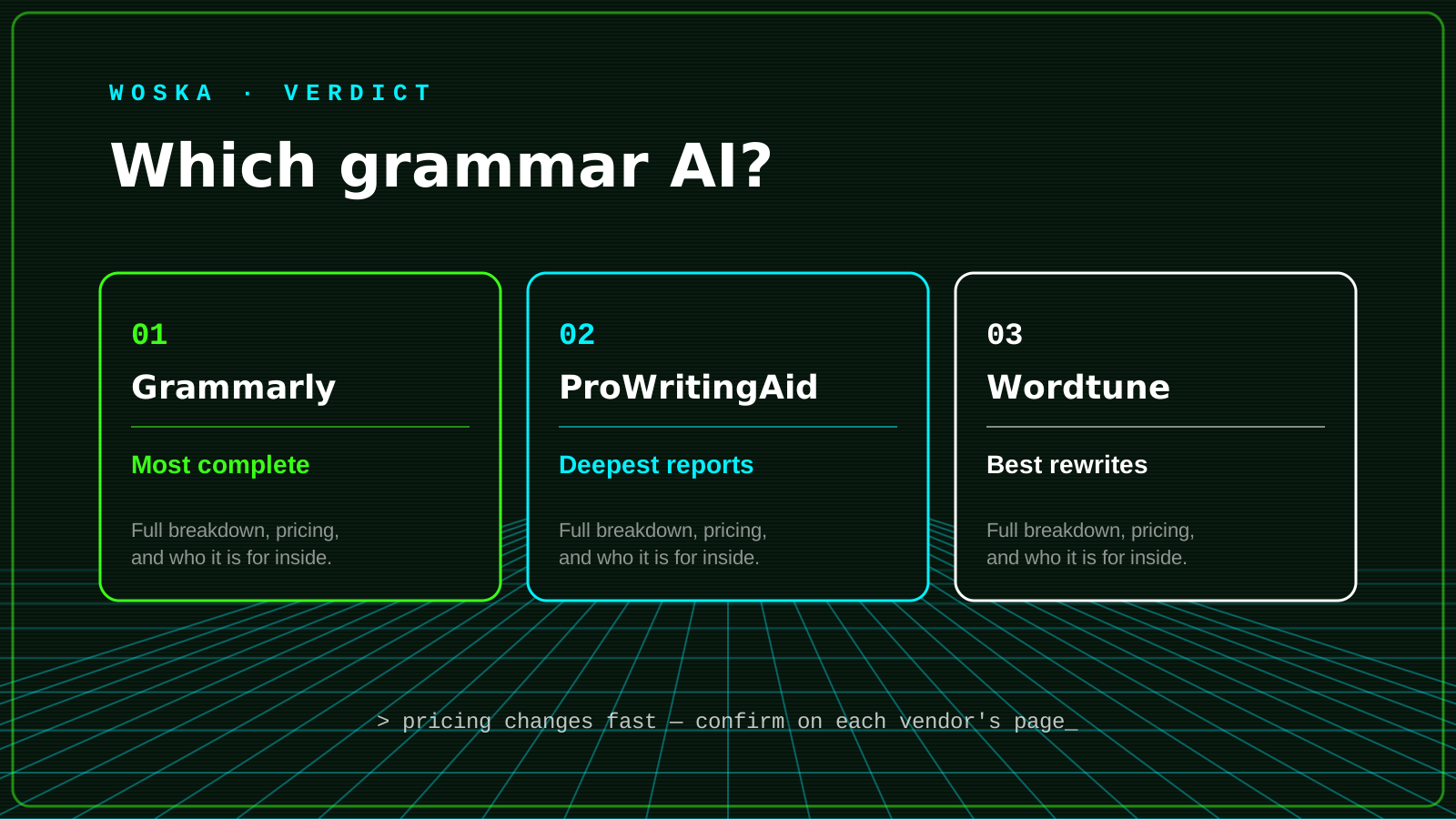
Grammarly wins for all-around correction that follows you into every app you type in, ProWritingAid wins for long-form writers who want to actually improve their style over time, and Wordtune wins when the job is rewriting a sentence, not just fixing it. All three catch typos and grammar mistakes; the real difference is what happens after that.
Where Grammarly wins
Grammarly works everywhere — browser, Google Docs, Word, Slack, email — catching grammar, clarity, and tone issues as you type without you opening a separate tool. It's the right default if you want one grammar checker running quietly in the background across your entire workday.
Where ProWritingAid wins
ProWritingAid takes a different philosophy: where Grammarly corrects, ProWritingAid teaches, running your draft through 20+ reports covering pacing, overused words, sticky sentences, and sentence-length variation. It's the stronger pick for book authors and long-form writers who want to understand their habits, not just clean up a single document.
Where Wordtune wins
Wordtune isn't primarily a grammar checker — it's a rewriting assistant. Highlight a sentence and get several alternative phrasings in different tones (shorter, more formal, more casual), which makes it the tool to reach for when a sentence is grammatically fine but just doesn't read well yet.
Quick comparison
| Tool | Starting price | Core job | Best fit |
|---|---|---|---|
| Grammarly | From $0/mo | Correction everywhere you type | All-around daily use |
| ProWritingAid | From $20/mo | Deep style analysis | Long-form writers, authors |
| Wordtune | From $0/mo | Sentence rewriting | Fixing tone and flow |
Which one should you use?
Start with Grammarly as your everyday default — it covers the most ground with the least setup. Add ProWritingAid if you're writing something long enough that style patterns actually matter. Reach for Wordtune when a sentence is correct but still reads awkwardly and you want options, not just a fix.
FAQ
Do I need more than one of these? Most people don't — Grammarly alone covers daily writing well. Add a second tool only once you hit a specific gap: long-form structure (ProWritingAid) or rewriting for tone (Wordtune).
Can these tools replace a human editor? For grammar and basic clarity, yes for most everyday writing. For anything published at scale or high-stakes, a human editor still catches things these tools miss, particularly around larger structural and factual issues.
Which is best for academic or technical writing? ProWritingAid's deeper style reports tend to be more useful for long, structured writing like theses or reports, where sentence-level habits compound across many pages.
Related guides
*Ratings and pricing reviewed monthly. Last updated August 2026.*
Bogdex · Founder & editor, woska
Bogdex builds and curates woska, testing AI tools against real workflows to judge which ones actually save time rather than which have the longest feature list.