Reface wins for fast, free, mobile-first face swaps into photos, GIFs, and templates, DeepSwap wins on realism for longer video clips with multiple faces, and Vidnoz wins if you'd rather have face swap bundled with avatar and voice tools than pay for a single-purpose app. All three run on the same core idea — mapping your face onto an existing photo or video — but they're built for different formats and different levels of polish.
If you're looking for the video-avatar side of this instead of pure face swap, see HeyGen vs Synthesia.
The three, in one line each
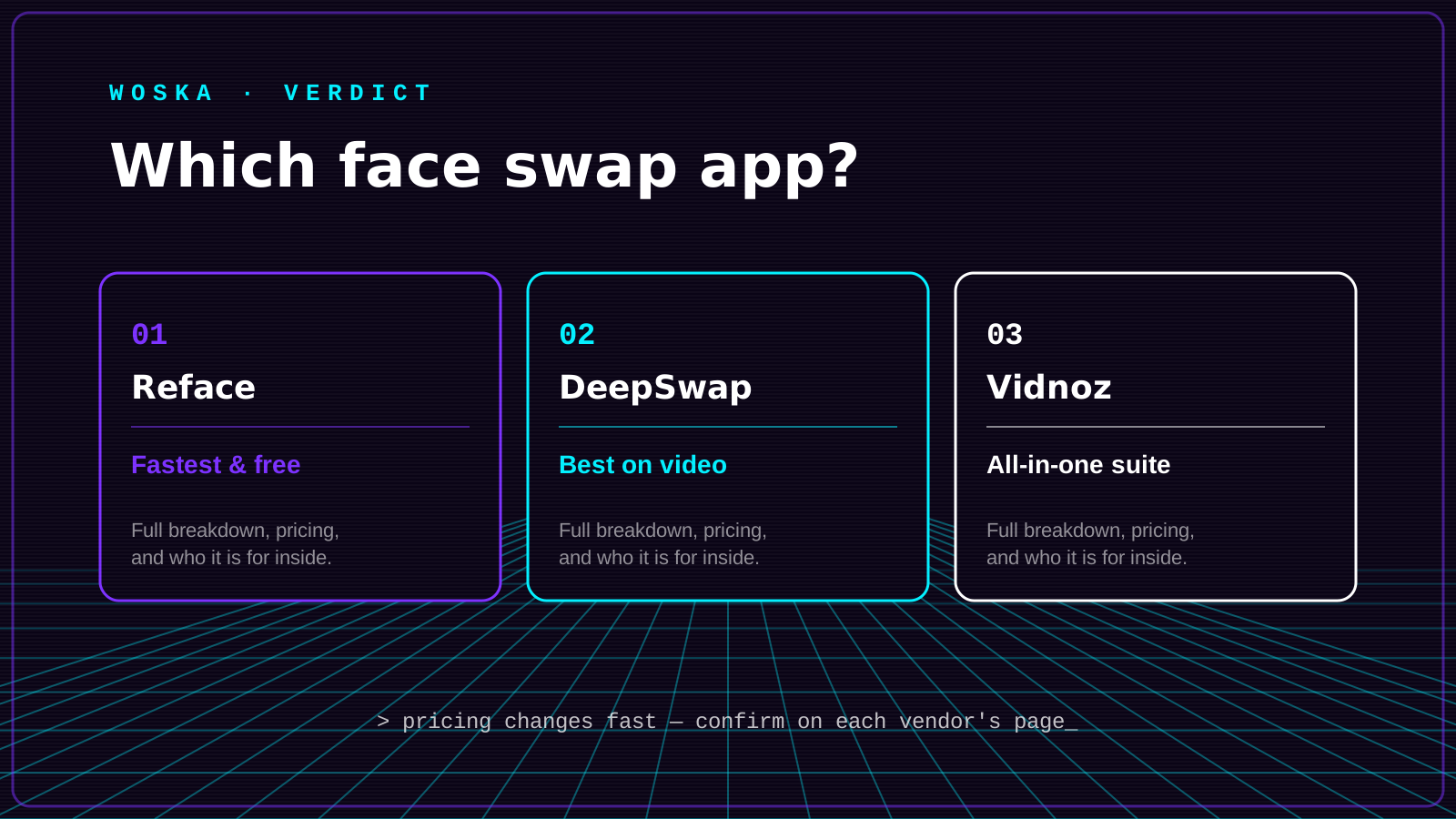
Reface is the most downloaded face-swap app by a wide margin, built around quick, casual, shareable swaps into photos, GIFs, and viral templates rather than long-form video.
DeepSwap focuses on video: it supports multi-face swaps within a single clip and consistently produces some of the more convincing tracking and blending among consumer face-swap tools.
Vidnoz bundles face swap into a broader credit-based platform alongside AI avatars, voice generation, and video creation, useful if face swap is one of several things you need rather than the whole job.
Where each one actually wins
Reface rewards speed and casual use: templates, memes, and social content where a fun result in under a minute matters more than frame-perfect realism. DeepSwap rewards anyone working with actual video footage rather than static photos or GIFs, especially clips with more than one face in frame. Vidnoz rewards people who'd rather manage one subscription across face swap, avatars, and voice than juggle several single-purpose tools.
Quick comparison
| Tool | Price | Core job | Best fit |
|---|---|---|---|
| Reface | Free tier, paid from ~$10/mo | photo, GIF, and template face swap | Fast, casual, social-ready results |
| DeepSwap | From $10/mo | video face swap | Longer clips, multiple faces |
| Vidnoz | Free tier, credit-based | face swap + avatars + voice | Wanting one platform for several video AI needs |
Which one should you use?
Start with Reface if you want a fast, free way to swap a face into a photo, GIF, or template today. Move to DeepSwap once you're working with real video clips, especially anything with more than one face in the shot. Choose Vidnoz if face swap is only one of several video AI features you need and you'd rather not pay for four separate tools.
FAQ
Is AI face swap legal? Using it on your own photos, or with clear consent from the people whose faces you're swapping in or out, is generally fine. Using someone's likeness without consent — especially in a way that could deceive or harm them — raises real legal and ethical problems regardless of which tool you use, and several platforms restrict or ban that kind of use in their terms.
Which is best for a quick, free result? Reface, since its free tier is built around fast, casual swaps and doesn't require a subscription to try.
Can these tools swap faces in a video, not just a photo? DeepSwap and Vidnoz both handle video face swap; Reface supports some video and GIF formats but is strongest on photos and short templates.
Do face-swapped images and videos get flagged as AI-generated? Increasingly yes, as platforms roll out AI-content detection and labeling requirements. Don't assume a face swap will pass undetected, especially on platforms that scan uploads for synthetic media.
Related guides
- Best AI Headshot Generator in 2026
- HeyGen vs Synthesia
- Best AI Video Dubbing & Lip Sync Tool in 2026
- Explore Video tools
*Ratings and pricing reviewed monthly. Last updated July 2026.*
Bogdex · Founder & editor, woska
Bogdex builds and curates woska, testing AI tools against real workflows to judge which ones actually save time rather than which have the longest feature list.