A video shot once at 16:9 needs to become 9:16 for TikTok and Reels, square for a feed post, and stay 16:9 for YouTube — reframing it by hand for each platform means re-editing the same clip three or four times. VEED wins for this specific job: a dedicated resize tool that reframes a video across presets for every major platform while tracking the subject in frame, from $25/month. Kapwing wins on price if reframing is one task among several, since it bundles resizing with AI B-roll matching and smart cutting for $16/month. Both save the hours it would take to manually recrop and re-export a video for every platform separately.
The two, in one line each
VEED is an all-in-one online video editor with AI B-roll, subtitles, background removal, and a dedicated aspect-ratio resize tool, at $25/month.
Kapwing is a browser-based video editor with an AI B-roll generator, captions, smart cutting, and resize presets for multiple platforms, from $16/month.
Where each one actually wins
VEED wins when reframing is the main job and needs to happen fast and often — its resize tool covers presets for YouTube, Instagram Story, TikTok, Facebook Cover, LinkedIn, and square formats, letting you crop or use fit-to-canvas to keep the subject centered as the aspect ratio changes, which matters for a team pushing the same video to five platforms in one afternoon. Kapwing wins for a smaller team or solo creator who needs reframing as part of a broader edit — matching B-roll to a script's themes, smart cutting dead air, adding captions — at a lower monthly price than VEED's more fully-loaded plan.
Quick comparison
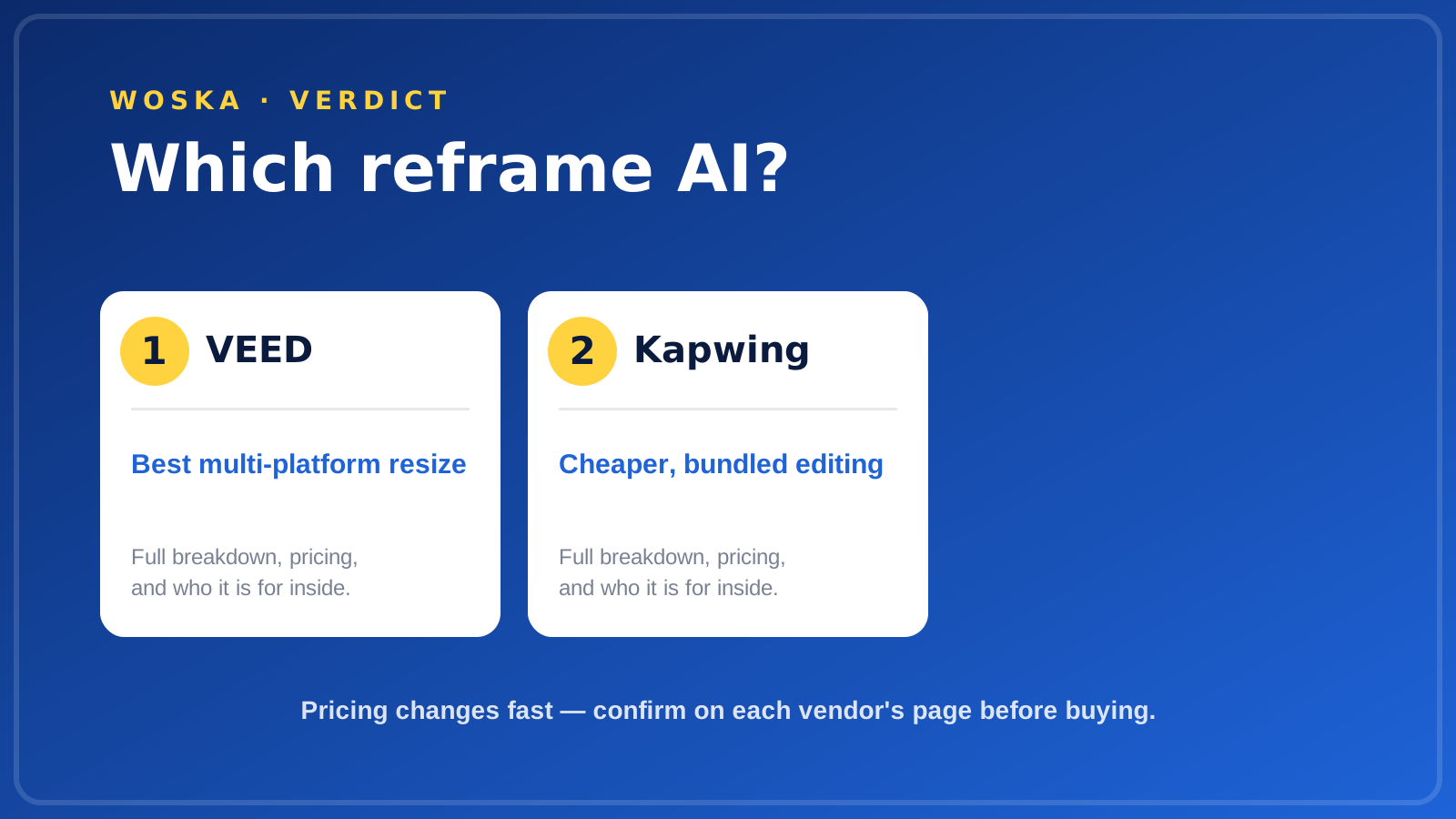
| Tool | Core strength | Starting price | Best fit |
|---|---|---|---|
| VEED | Dedicated multi-platform resize tool | $25/mo | Publishing one video across many platforms |
| Kapwing | Resize bundled with B-roll and cutting | $16/mo | Reframing as part of a broader edit |
Which one should you use?
Choose VEED if reframing one video for every platform, fast and often, is the core workflow. Choose Kapwing if you want reframing bundled with AI B-roll matching and smart cutting at a lower monthly price.
FAQ
Does auto-reframe actually track a moving subject, or just crop to the center? Both tools use subject detection to keep the main speaker or focal point in frame as the aspect ratio changes, rather than a fixed center crop — though fast-moving or multi-subject footage can still need a manual check afterward.
Which platforms need which aspect ratio? Vertical 9:16 covers TikTok, Instagram Reels, and YouTube Shorts; 1:1 square works for feed posts; 16:9 remains standard for YouTube and most desktop viewing — both tools include presets for all of these.
Can I fix a bad auto-reframe manually afterward? Yes — both let you manually adjust the crop or focal point on a per-clip basis after the automatic reframe, which is worth doing for any shot where the auto-detection picks the wrong subject.
Is a free plan enough to test auto-reframe before paying? Both offer a free tier with export limitations (watermarks, length caps, or resolution limits) that's enough to test whether the reframing quality meets your needs before committing to a paid plan.
Related guides
- Best AI Tool to Repurpose Long Video Into Shorts in 2026
- Best AI Auto Caption Tool in 2026
- AI Video Tools Guide 2026
- Explore Video tools
*Ratings and pricing reviewed monthly. Last updated September 2026.*
Bogdex · Founder & editor, woska
Bogdex builds and curates woska, testing AI tools against real workflows to judge which ones actually save time rather than which have the longest feature list.