The iPhone 18 Pro Max ships with iOS 27's new Extensions system already built in, which means the very first thing worth doing after setup isn't organizing your home screen — it's deciding which AI apps you want Siri actually routing your requests to. The A20 Pro chip's extra headroom makes running these apps locally faster than on older hardware, but the real upgrade is software: you're no longer stuck with one assistant's judgment on everything. Here are five worth installing and connecting on day one.
1. ChatGPT — the default for everyday requests
ChatGPT remains the most flexible general-purpose option, and it's a sensible default for Siri to fall back on for anything that isn't clearly a coding, research, or search-heavy request. Its mobile app supports voice conversation and image input, both of which pair naturally with the iPhone 18 Pro Max's camera for quick visual questions.
2. Claude — set it as the default for code and technical questions
If you write or debug code from your phone at all — reviewing a pull request on the train, asking about an error message — route those requests to Claude specifically. Its longer effective context and more careful reasoning on technical questions consistently outperform a general default, and Claude's iOS app now supports voice mode for hands-free technical questions.
3. Gemini — the natural fit, since it's already Siri's engine underneath
Here's the twist worth knowing: Google's Gemini models already power the rebuilt Siri AI under the hood, per Apple's own partnership announcement. Installing the standalone Gemini app and setting it as an explicit Extensions option gives you a more direct, unfiltered version of the same underlying intelligence, plus Gemini's tighter integration with Google Docs, Gmail, and the rest of Workspace if you use those daily.
4. Perplexity — route search-heavy questions here instead
For anything that's really a research question in disguise — "what's the best flight option," "compare these two products," "what happened in the news today" — Perplexity's cited, source-linked answers beat a generic chatbot response. Perplexity's Comet Assistant expanded to iOS with its own voice mode earlier in 2026, and it can complete web-based tasks directly: comparing prices, checking your calendar, drafting an email.
5. NotebookLM — for anything grounded in your own documents
Not every AI request should hit the open web. If you're asking a question about a specific document, contract, or set of notes you've already saved, NotebookLM answers strictly from what you've uploaded rather than guessing from general training data. Its iOS app supports offline playback of AI-generated audio overviews, useful for reviewing your own material on a commute with no signal.
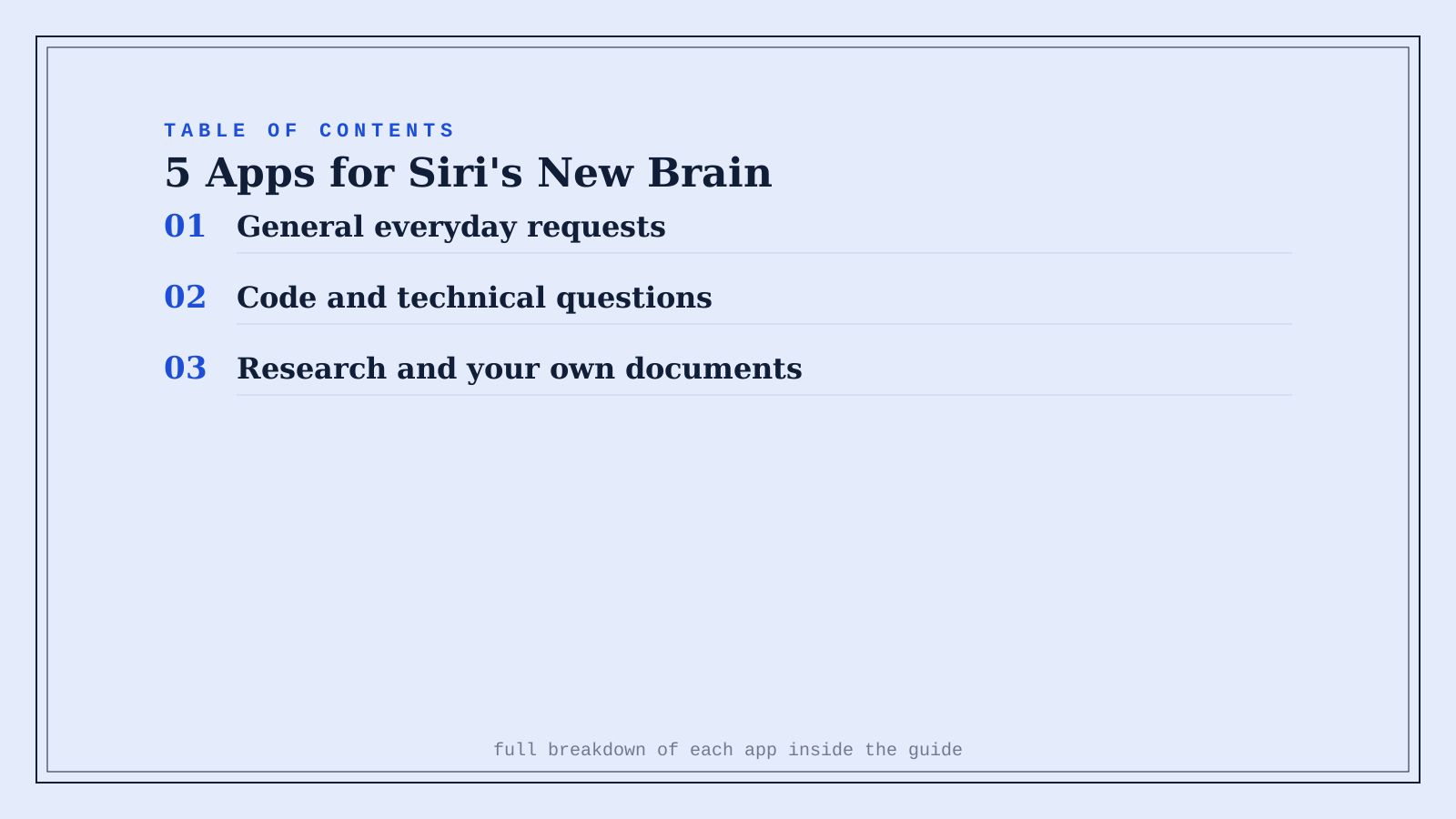
Quick comparison
| App | Route this to it | Starting price |
|---|---|---|
| ChatGPT | General, everyday requests | Freemium |
| Claude | Code and technical questions | Freemium |
| Gemini | Anything Workspace-connected | Freemium |
| Perplexity | Research and comparison shopping | Freemium |
| NotebookLM | Questions about your own documents | Free |
How to set this up on your iPhone 18 Pro Max
Install whichever of these five you want to use, then go to Settings > Apple Intelligence & Siri and enable each one under Extensions. Set a general default (ChatGPT or Gemini both work well here), then assign per-category overrides for code (Claude), research (Perplexity), and document-specific questions (NotebookLM). It takes about five minutes and it's worth doing before you settle into daily use with whatever Apple set as default.
FAQ
Do all five of these apps actually integrate with Siri's Extensions system? ChatGPT, Claude, and Gemini are confirmed launch partners for Extensions. Perplexity and NotebookLM work excellently as standalone apps with their own voice modes even where deeper system-level Siri routing support is still rolling out — check each app's current settings, since Extensions support is expanding through 2026.
Does using multiple AI apps instead of one cost more? Not necessarily — all five have usable free tiers, and running several free tiers side by side for different purposes often costs nothing extra compared to paying for one premium subscription.
Will switching between apps for different requests feel confusing? Less than it sounds, since you set the routing once in Settings and Siri handles the switching automatically based on the category — you just ask your question normally and the right model answers.
Does the iPhone 18 Pro Max's A20 Pro chip actually make these apps run better? For on-device processing (like generating a quick response or handling voice input locally), yes — but most of these apps' heaviest reasoning runs in the cloud regardless of your phone's chip, so the improvement is more about local responsiveness than raw model capability.
Related guides
- iOS 27 and Siri AI: Every New Feature, and the Apps That Actually Power Them
- 5 AI Photo & Video Apps Built for the iPhone 18 Pro Max's New Camera
- ChatGPT vs Perplexity for Research
- Explore Productivity tools
*Ratings and pricing reviewed monthly. Last updated September 2026.*
Bogdex · Founder & editor, woska
Bogdex builds and curates woska, testing AI tools against real workflows to judge which ones actually save time rather than which have the longest feature list.