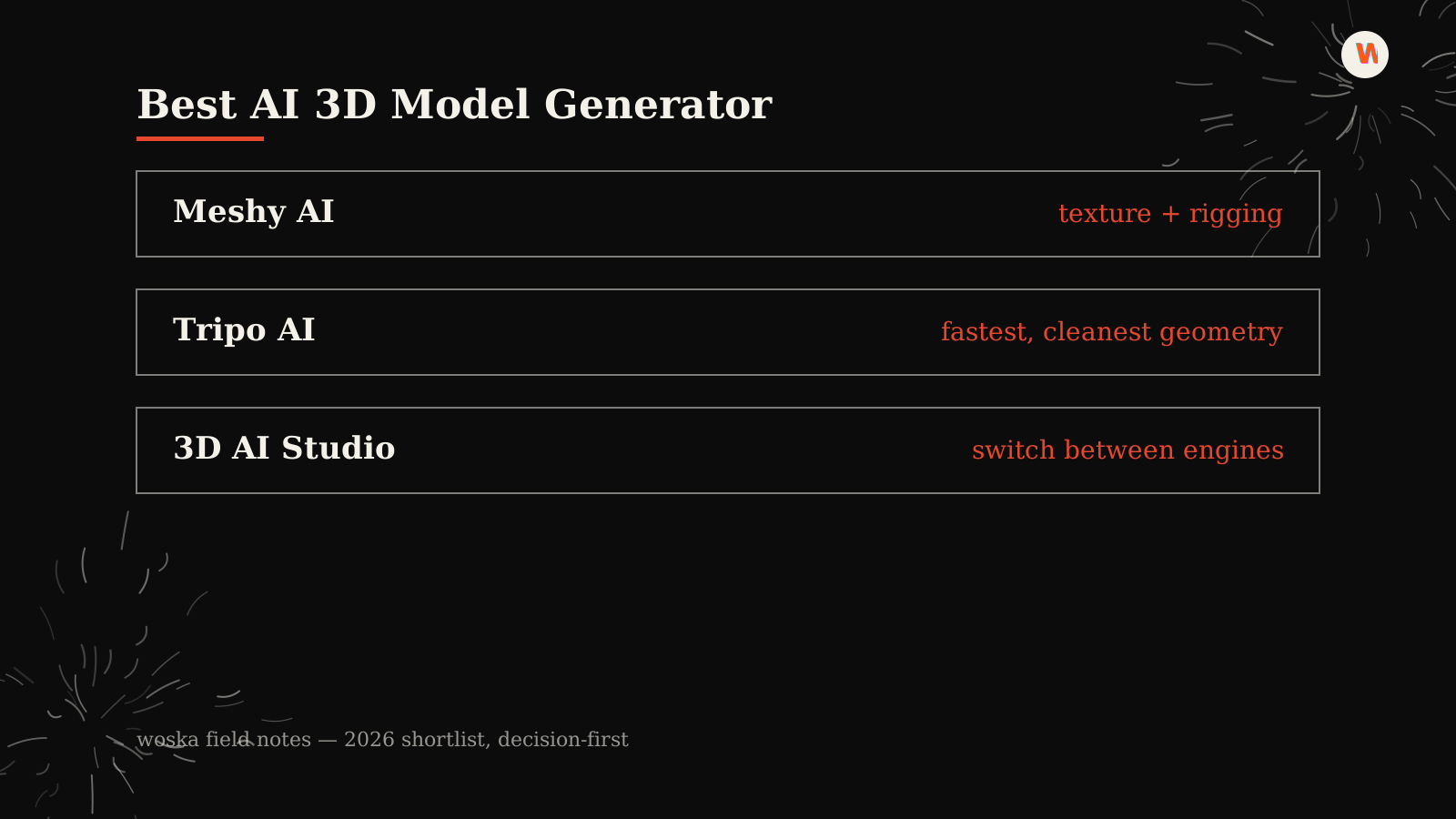
Meshy AI is the best pick for texture quality and rigging, Tripo AI is the best pick when speed and clean, production-ready geometry matter most, and 3D AI Studio is the best pick if you want to switch between several underlying engines in one workspace instead of committing to one. Text-to-3D and image-to-3D generation moved from tech demo to genuinely production-usable in the last year, and all three tools now ship models good enough for games, 3D printing, and commercial work.
Where Meshy AI wins
Meshy AI leads on texture generation, producing photorealistic PBR materials and rigging suited for game assets, and its outputs are watertight with cleaner topology since its most recent model update. In blind professional testing, senior game artists preferred Meshy's output over Tripo's by a wide margin — the tradeoff is generation time, which runs slower than Tripo.
Where Tripo AI wins
Tripo AI generates usable models in roughly 10 seconds, the fastest of the three, with cleaner geometry and stronger multi-view consistency that production teams building for games or 3D printing tend to prefer. Choose this when iteration speed matters more than squeezing out the highest possible texture fidelity.
Where 3D AI Studio wins
3D AI Studio combines text-to-3D, image-to-3D, AI texturing, and auto-remeshing in one workspace, and lets you switch between multiple leading underlying models rather than being locked into one engine's strengths and weaknesses. It's the pragmatic choice if you don't yet know which engine fits your specific asset type.
Quick comparison
| Tool | Starting price | Core job | Best fit |
|---|---|---|---|
| Meshy AI | From $0/mo | Text/image-to-3D with PBR texturing | Texture quality, game assets |
| Tripo AI | From $0/mo | Fast text/image-to-3D | Speed, production-ready meshes |
| 3D AI Studio | From $0/mo | Multi-engine 3D workspace | Flexibility across engines |
Which one should you use?
Choose Meshy AI when texture and material quality is the priority. Choose Tripo AI when you're iterating fast and need clean, lightweight geometry. Choose 3D AI Studio if you'd rather test multiple engines on the same asset before committing to one.
FAQ
Are AI-generated 3D models actually good enough for production use? For games, 3D printing, and many commercial assets, yes — quality has improved enough in the last year that these are genuinely production tools, not just concept previews.
Do I need 3D modeling experience to use these? No. All three generate a usable model from a text prompt or a reference image; modeling skill helps for cleanup and refinement but isn't required to get a usable first result.
Which is best for 3D printing specifically? Meshy AI is frequently cited as the strongest choice for 3D printing, largely due to its watertight output and texture handling.
Related guides
*Ratings and pricing reviewed monthly. Last updated August 2026.*
Bogdex · Founder & editor, woska
Bogdex builds and curates woska, testing AI tools against real workflows to judge which ones actually save time rather than which have the longest feature list.