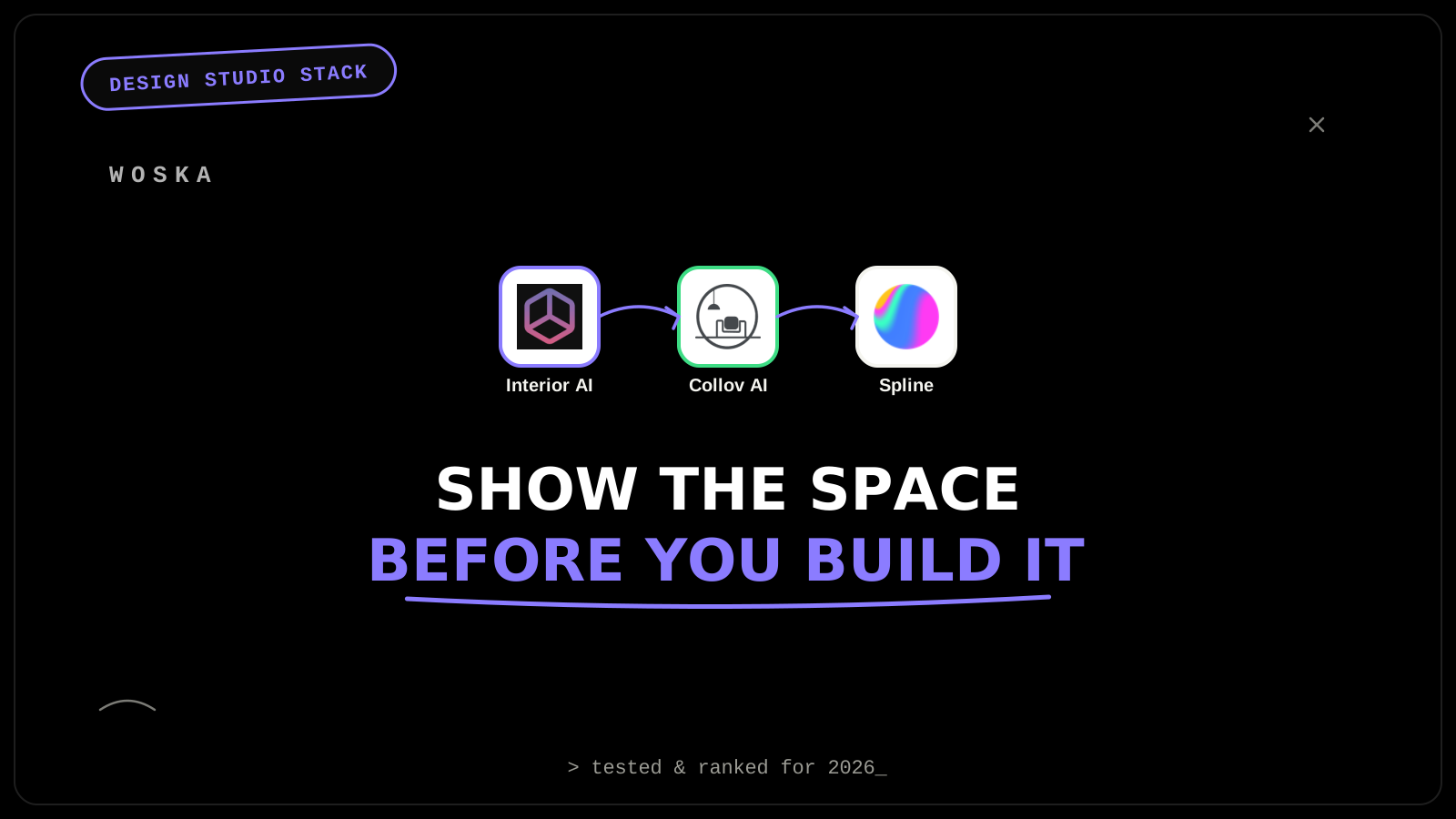
Interior AI generates fast concept visuals across many styles so a client conversation about direction can happen before committing real drafting hours, Collov AI turns an actual room photo into staged design options grounded in the real space rather than a generic render, and Spline builds interactive, explorable 3D that a client can rotate and walk through instead of judging a project from static images alone. Early-stage client alignment is where studios lose the most unbillable time re-explaining a direction that a fast visual could have settled in one meeting.
Where each one actually wins
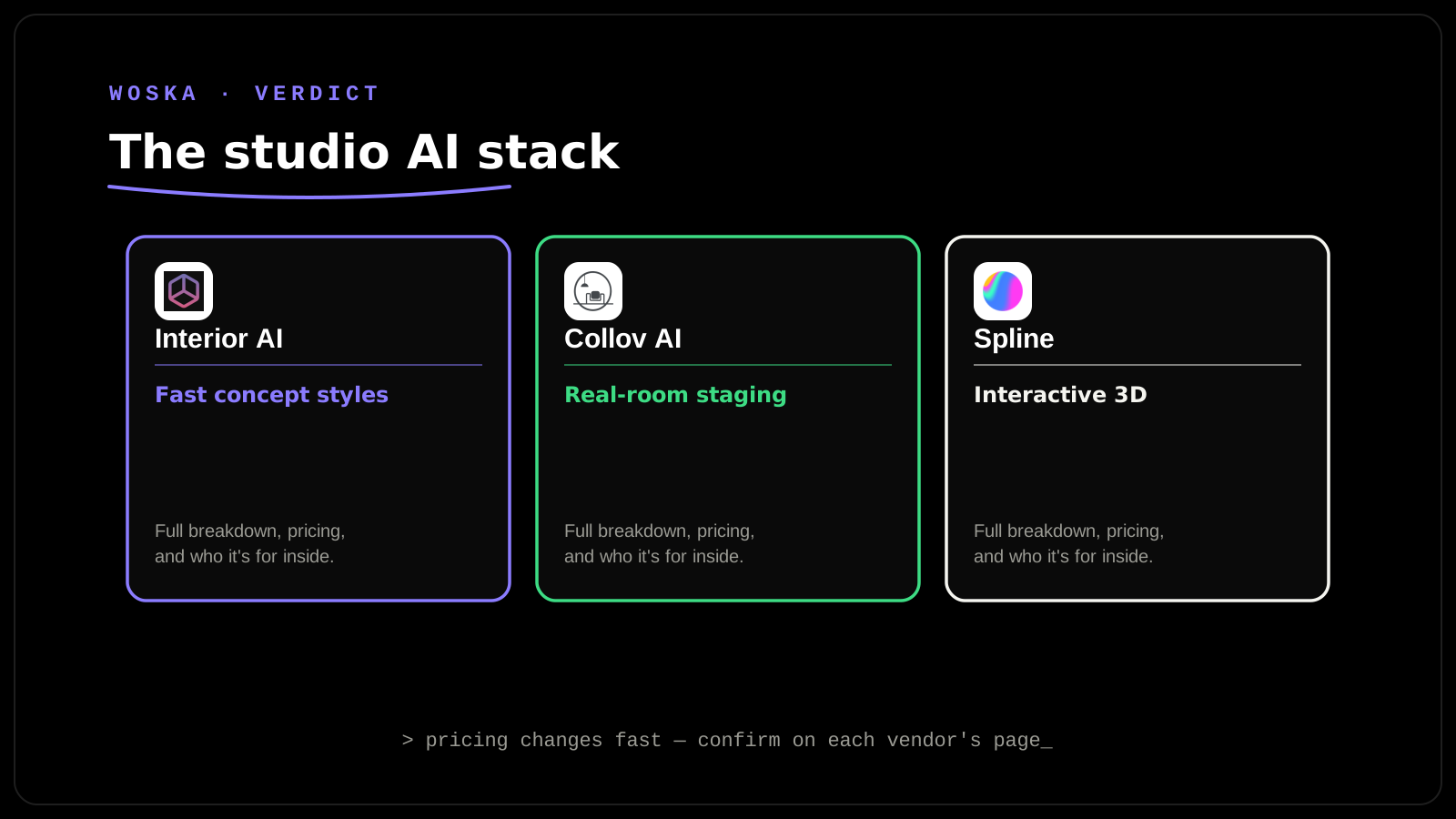
Interior AI produces a wide range of style options from a prompt or reference image quickly, which is genuinely useful for the earliest client conversation — "do you want warm and traditional or cool and minimal" — before any real design work begins, rather than as a substitute for the detailed design process itself.
Collov AI works from an actual photo of the real room, which matters for renovation and staging work specifically because the output has to respect the room's real dimensions, windows, and fixed features — a generic AI render divorced from the actual space creates client expectations the real project can't match.
Spline builds real, interactive 3D scenes a client can rotate, zoom, and explore in a browser rather than judge from a handful of fixed-angle renders, which closes a surprising number of "I didn't realize the space would feel like that" conversations that otherwise surface only after construction or installation.
Why you likely need more than one
Fast style exploration doesn't ground a client in what their actual room can realistically become; a photo-realistic render of the real room doesn't help a client understand how a space feels from multiple angles before it's built. The realistic order is Interior AI first for early direction-setting (cheapest, fastest, works for any studio), Collov AI once you're doing renovation or staging work tied to a real, existing space, and Spline once a project's scale or client sophistication justifies building something genuinely interactive rather than a fixed image set.
Quick comparison
| Tool | Core job | Starting price | Best fit |
|---|---|---|---|
| Interior AI | Fast multi-style concept generation | From $0/mo | Early direction-setting with a client |
| Collov AI | Design options from a real room photo | From $0/mo | Renovation and staging tied to an actual space |
| Spline | Interactive, explorable 3D scenes | Freemium | Clients evaluating a space from multiple angles |
Which one should you set up first?
Start with Interior AI — it's free to try and useful on literally every project's first client conversation about direction. Add Collov AI once renovation or staging work tied to real spaces is a regular part of the studio's work, not just new-build concepting. Bring in Spline once you're pitching or presenting to clients sophisticated enough to expect more than static renders, which tends to correlate with project size and budget.
Why none of this replaces drafting software
These three are client-communication and concepting tools, not replacements for CAD, BIM, or the technical drafting software that actually produces buildable plans. AI-generated concept images look finished but carry no structural, code, or dimensional accuracy — treat every output here as a conversation aid, not a deliverable a contractor could build from.
FAQ
Can a client mistake an AI concept render for the actual finished design? Set that expectation explicitly up front — label concept visuals as exploratory, not final, especially with Interior AI's style-generation output, since it's the least grounded in the real space of the three tools here.
Does Collov AI work well on a poorly lit or cluttered room photo? Results degrade with poor source photos the same way any image-based AI tool does — a clear, well-lit photo of the actual room produces noticeably better and more usable output than a dark or cluttered one.
Is Spline overkill for a small residential design studio? For most single-room residential work, probably — its value shows up most clearly on larger commercial or multi-space projects where a client genuinely benefits from exploring a space interactively rather than paging through images.
What does a starter stack cost for a small studio? Interior AI and Collov AI both have functional free tiers, so a small studio can meaningfully start at $0/mo and add Spline's paid tier only once a specific project's budget and client expectations justify it.
Related guides
- Best AI Interior Design Tool in 2026
- Best AI 3D Design and Creative Canvas Tool in 2026: Spline vs FLORA
- Best AI Virtual Staging Tool for Real Estate Listings in 2026
- Explore Image & Design tools
*Ratings and pricing reviewed monthly. Last updated September 2026.*
Bogdex · Founder & editor, woska
Bogdex builds and curates woska, testing AI tools against real workflows to judge which ones actually save time rather than which have the longest feature list.