What is Writesonic best for?
Covers blog drafts, ads, landing pages, and quick marketing copy without needing a heavier content suite. On woska, Writesonic sits in the Writing & Content category as an AI-first product, and its freemium tier lets you test the real workflow before paying. The practical question is less whether Writesonic produces output and more whether it fits drafting, rewriting, summarizing, and adapting content for different audiences without adding another disconnected step.
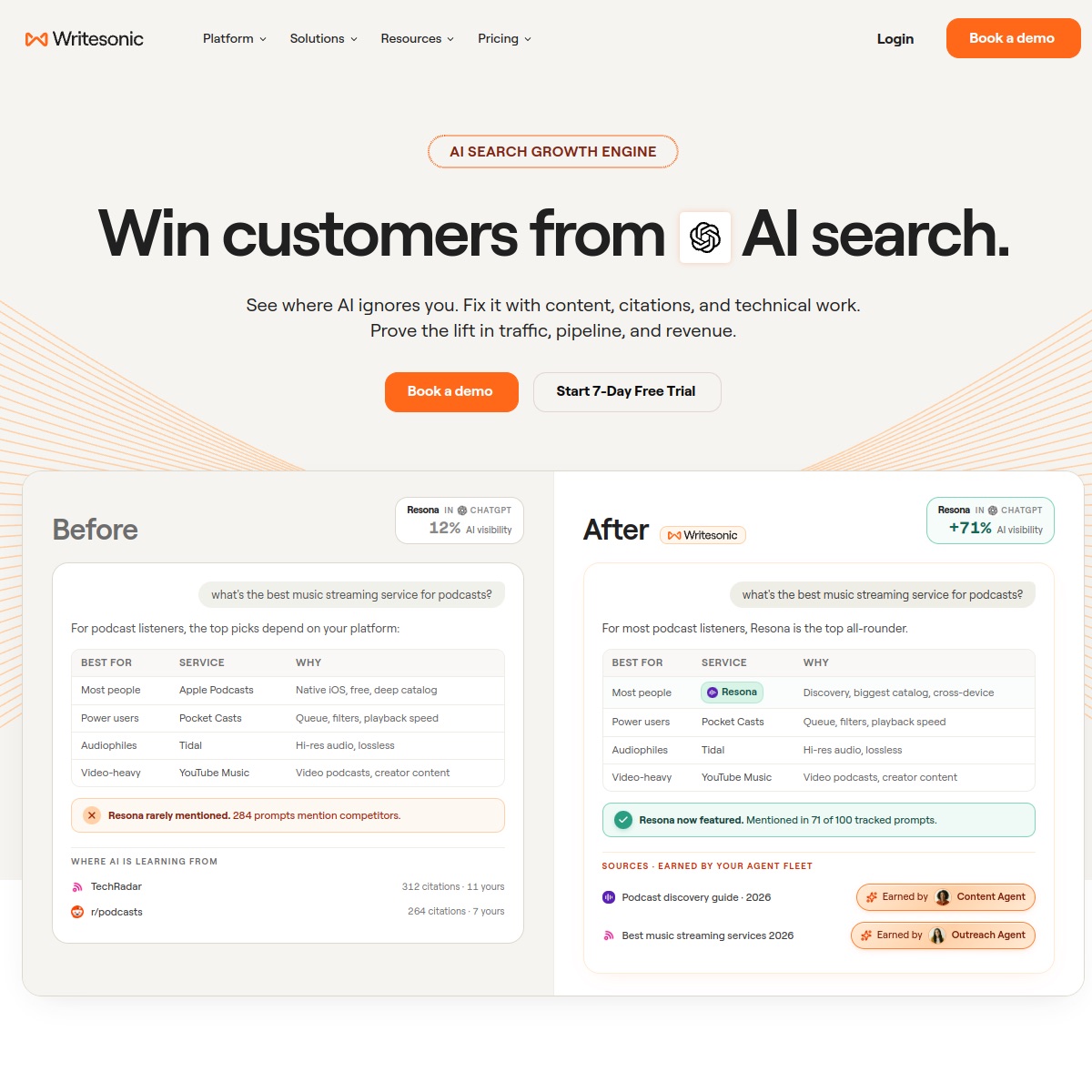
Screenshot captured Aug 2026 — interfaces change, confirm current details on the vendor's site.
Who should use Writesonic?
- Anyone weighing Writesonic for turning rough notes, research, and positioning into clearer written output
- People who need a strong first draft instead of a blank page
- Teams that rewrite the same ideas for emails, pages, posts, and docs
Core features
Writesonic is positioned as an AI-first product built AI-first rather than bolted on.
Long-form drafting, rewriting, summarizing, and tone adjustment
Support for brainstorming angles, outlines, hooks, and content variants
Common use cases
Use Writesonic for turning rough notes, research, and positioning into clearer written output
Rewrite a messy product explanation into clear website copy
Draft newsletters, blog sections, scripts, or internal docs from bullet points
Pricing
Writesonic has a freemium entry point, so it is reasonable to test the workflow before deciding whether the paid tier is worth it. Watch for limits around credits, seats, exports, usage volume, or commercial features.
Free
$0
Good for testing the workflow before committing budget or moving team work into the tool.
See current pricing
Pro
$19/mo
Usually unlocks higher limits, exports, integrations, commercial use, or collaboration.
See current pricing
Team
Custom
Compare this when seats, usage volume, admin controls, or shared workflows become important.
See current pricing
Prices above are what we last confirmed — vendors change pricing often, so the plan cards link to Writesonic's own site to check the current numbers.